Microsoft Copilot in Outlook: What's New? 🚀
Discover the latest updates to Microsoft Copilot in Outlook and enhance your productivity. Get expert training at Your 365 Coach!

Scott Brant
21.6K views • Dec 18, 2025
About this video
👉 Want to get more from Microsoft Copilot in Outlook? Start with expert-led training from Your 365 Coach at https://www.your365coach.co.uk
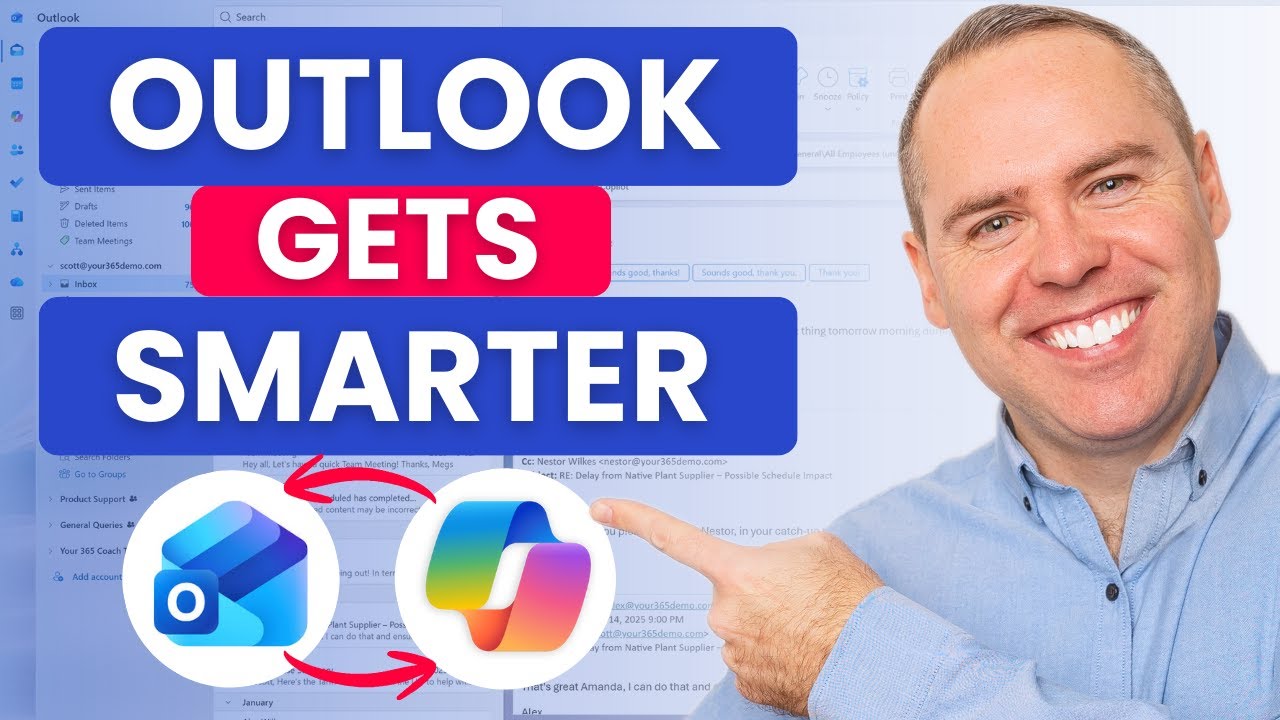
In this follow-up tutorial, we take a deeper look at Microsoft Copilot in Outlook and how it’s becoming a more personal, more powerful assistant for managing email, meetings, and your inbox.
Building on our previous Copilot in Outlook walkthrough, this video focuses on what’s changed, what’s improved, and how you can use Copilot more naturally inside Outlook — from drafting and replying to emails, to searching your inbox, scheduling meetings, and even talking to Copilot using voice.
If email is where most of your working day disappears, this video will help you get time back.
🔍 What You’ll Learn in This Video
✅ How to make Copilot in Outlook more personal to how you work
✅ Drafting emails faster using Copilot directly in Outlook
✅ Searching your inbox using Copilot instead of manual filters
✅ Generating intelligent replies with Copilot
✅ Scheduling meetings and agendas using Copilot
✅ Talking to Copilot in Outlook using Copilot Voice
✅ Summarising your inbox using Copilot Chat
✅ How Copilot fits naturally into your day-to-day Outlook workflow
⭐ Additional Resources
📘 Download our FREE Microsoft 365 Copilot eBook Collection
👉 https://www.your365coach.co.uk/ebook
📬 Join our Weekly Microsoft 365 Newsletter (Coach’s Corner)
👉 https://www.your365coach.co.uk/newsletter
🎓 Learn Microsoft 365 Copilot step-by-step with our full Masterclass
👉 https://www.your365coach.co.uk/your-365-coach-microsoft-365-copilot
📰 Stay Connected
📸 Instagram: https://www.instagram.com/your365coach
🎵 TikTok: https://www.tiktok.com/@your365coach
🔗 LinkedIn: https://www.linkedin.com/company/your-365-coach
👍 If you found this video useful, please give it a LIKE
💬 Comment below: Which Copilot feature in Outlook do you use the most?
🔔 Subscribe to Your 365 Coach for weekly Microsoft 365 tips, tutorials, and real-world guidance
⏱ Video Chapters
00:00 Introduction
01:04 Make Copilot in Outlook More Personal
03:19 Drafting Emails with Copilot in Outlook
04:39 How to Search for Email in Outlook with Copilot
06:04 Replying to Email with Copilot in Outlook
07:56 Scheduling Meetings with Copilot in Outlook
09:51 Talk with Copilot in Outlook Using Copilot Voice
11:39 Summarise Your Inbox with Copilot Using Copilot Chat
13:13 Summarising Copilot in Outlook
#MicrosoftCopilot #CopilotInOutlook #Microsoft365 #OutlookTips #Productivity #AIAtWork #Your365Coach #Microsoft365Copilot
Disclaimer:
The information shared in this video is provided for general guidance only. Features, availability, and behaviour may vary depending on your Microsoft 365 licence, tenant configuration, and regional rollout. Always review your organisation’s policies and permissions before enabling new features.
In this follow-up tutorial, we take a deeper look at Microsoft Copilot in Outlook and how it’s becoming a more personal, more powerful assistant for managing email, meetings, and your inbox.
Building on our previous Copilot in Outlook walkthrough, this video focuses on what’s changed, what’s improved, and how you can use Copilot more naturally inside Outlook — from drafting and replying to emails, to searching your inbox, scheduling meetings, and even talking to Copilot using voice.
If email is where most of your working day disappears, this video will help you get time back.
🔍 What You’ll Learn in This Video
✅ How to make Copilot in Outlook more personal to how you work
✅ Drafting emails faster using Copilot directly in Outlook
✅ Searching your inbox using Copilot instead of manual filters
✅ Generating intelligent replies with Copilot
✅ Scheduling meetings and agendas using Copilot
✅ Talking to Copilot in Outlook using Copilot Voice
✅ Summarising your inbox using Copilot Chat
✅ How Copilot fits naturally into your day-to-day Outlook workflow
⭐ Additional Resources
📘 Download our FREE Microsoft 365 Copilot eBook Collection
👉 https://www.your365coach.co.uk/ebook
📬 Join our Weekly Microsoft 365 Newsletter (Coach’s Corner)
👉 https://www.your365coach.co.uk/newsletter
🎓 Learn Microsoft 365 Copilot step-by-step with our full Masterclass
👉 https://www.your365coach.co.uk/your-365-coach-microsoft-365-copilot
📰 Stay Connected
📸 Instagram: https://www.instagram.com/your365coach
🎵 TikTok: https://www.tiktok.com/@your365coach
🔗 LinkedIn: https://www.linkedin.com/company/your-365-coach
👍 If you found this video useful, please give it a LIKE
💬 Comment below: Which Copilot feature in Outlook do you use the most?
🔔 Subscribe to Your 365 Coach for weekly Microsoft 365 tips, tutorials, and real-world guidance
⏱ Video Chapters
00:00 Introduction
01:04 Make Copilot in Outlook More Personal
03:19 Drafting Emails with Copilot in Outlook
04:39 How to Search for Email in Outlook with Copilot
06:04 Replying to Email with Copilot in Outlook
07:56 Scheduling Meetings with Copilot in Outlook
09:51 Talk with Copilot in Outlook Using Copilot Voice
11:39 Summarise Your Inbox with Copilot Using Copilot Chat
13:13 Summarising Copilot in Outlook
#MicrosoftCopilot #CopilotInOutlook #Microsoft365 #OutlookTips #Productivity #AIAtWork #Your365Coach #Microsoft365Copilot
Disclaimer:
The information shared in this video is provided for general guidance only. Features, availability, and behaviour may vary depending on your Microsoft 365 licence, tenant configuration, and regional rollout. Always review your organisation’s policies and permissions before enabling new features.
Tags and Topics
Browse our collection to discover more content in these categories.
Video Information
Views
21.6K
Likes
488
Duration
14:12
Published
Dec 18, 2025
User Reviews
4.6
(4) Related Trending Topics
LIVE TRENDSRelated trending topics. Click any trend to explore more videos.
No specific trending topics match this video yet.
Explore All Trends