Mastering Slanger's Interactor: The Ultimate Guide to Its Core Features 🚀
Learn how to effectively use Slanger's powerful Interactor system with this comprehensive video tutorial. Discover tips and tricks to maximize its potential for your projects!
ecoaslang
2 views • May 11, 2009
About this video
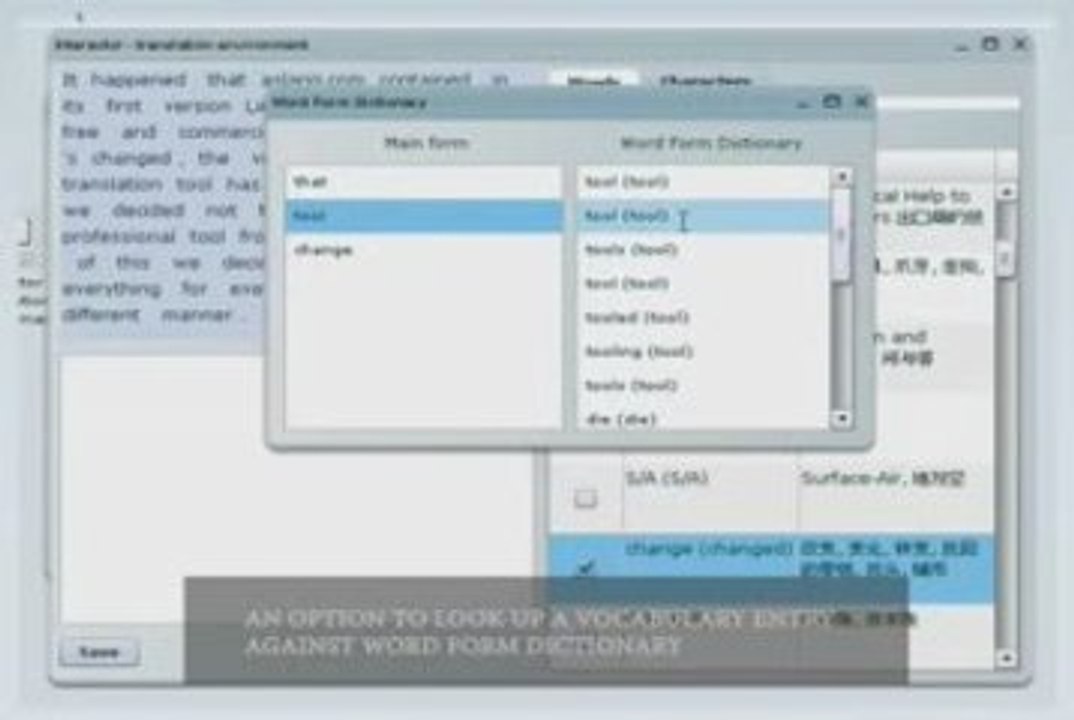
This is the video tutorial on how to use the core of Slanger's system - Interactor. <br />Interactor is a state-of-the-art web-based application that serves best to any kind of translator's needs. <br />The overall step-by-step workflow looks like this: <br /> 1. the user takes his ready source article (plain text file UTF-8 encoded) to translate <br /> 2. loads this article into Interactor <br /> 3. defines a translation direction of his choice to process the source file <br /> 4. starts working with the already processed and ready for translation chunks of text <br /> 5. may check the meanings of found words and characters (the latter is available for Chinese only) in the Interactor's vocabulary Tabs <br /> 6. another option for the translator's convenience is thesauri for Chinese, English and Russian languages <br /> 7. the Interactor's vocabulary Tabs present one-two dictionary entries for the short view sake, and to obtain the full dictionary nests for each entry the user may switch on "All" view panel for the shortlisted words <br /> 8. right below each block of the processed source text the translator may place his job and save it deliberately, any moment, pausing for a coffee break <br /> 9. to access the saved translation one has to open his Filer and download the files safely
Video Information
Views
2
Duration
3:51
Published
May 11, 2009
Related Trending Topics
LIVE TRENDSRelated trending topics. Click any trend to explore more videos.
No specific trending topics match this video yet.
Explore All Trends