Master Text Effects in Adobe Illustrator CC | Urdu-Hindi Tutorial ✨
Learn how to apply stunning text effects using the Text Toolbar in Adobe Illustrator CC. Perfect for logos, designs, and more! Watch the Urdu-Hindi tutorial by UBINK.
UBINK
1 views • Feb 26, 2016
About this video
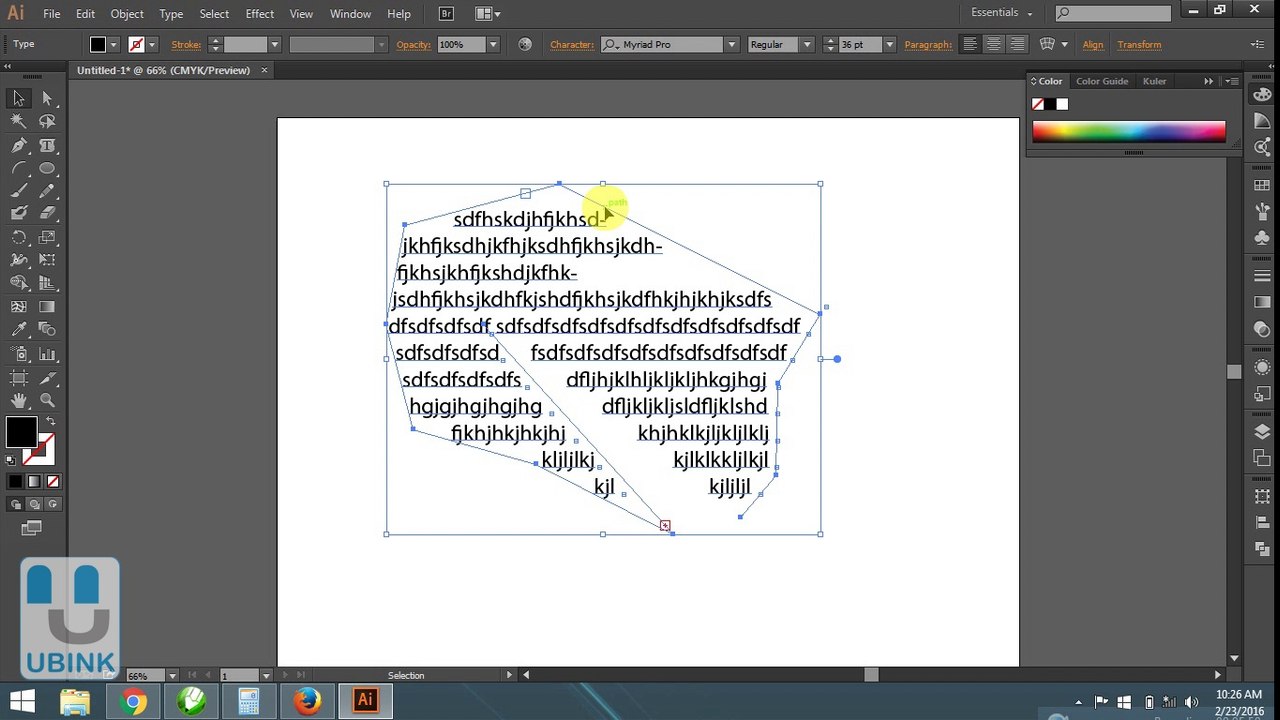
Hello Friends / Asslam O Alaikum ...... <br />Text Type is an essential part of Illustrator; whether you're desktop publishing, designing logos, or using type for image building, you'll be reaching for the Type Tool. This guide comprehensively covers the essentials of what is a huge amount of Illustrator functionality, which is type. <br /> <br />Functions <br /> <br />Type Tool: Click on the artboard to begin a Point Text object, alternatively click and drag, or click on a Closed Path to create an Area Type object. <br /> <br />Area Type Tool: Click on a Closed Path to create an Area Type object, which constrains text within that path. <br /> <br />Type on a Path Tool: Click on a path to constrain text along that path. <br /> <br />Vertical Type Tool: Click on the artboard to begin a Point Text object with vertically flowing text. <br /> <br />Vertical Area Type Tool: Click on a Closed Path to create an Area Type object containing vertically flowing text. <br /> <br />Vertical Type on a Path Tool: Click on a path to constrain vertically flowing text along that path.
Video Information
Views
1
Duration
7:18
Published
Feb 26, 2016
Related Trending Topics
LIVE TRENDSRelated trending topics. Click any trend to explore more videos.
No specific trending topics match this video yet.
Explore All Trends