Master GST Place of Supply with Ship-To Address in Dynamics 365 Business Central 🚚
Learn how to set and manage alternate shipping addresses for accurate GST calculation in Dynamics 365 Business Central. Perfect for ensuring compliance and streamlining tax processes!
Freelancer Madhavi
41 views • Jul 27, 2024
About this video
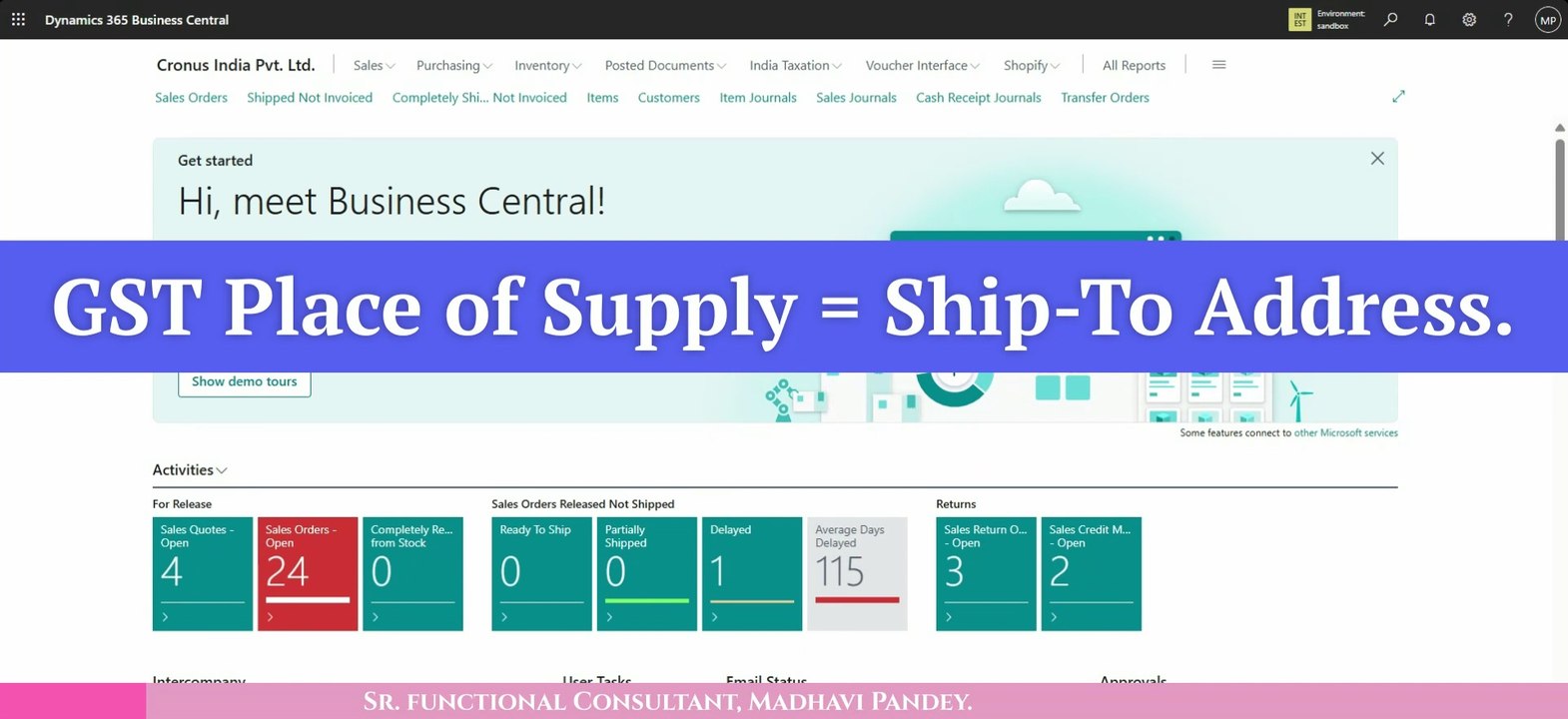
Agenda of the Video▶️: How-To Use Different Ship-To Address Code in Dynamics 365 Business Central. <br />✅This is very useful TAX Calculation Concept, how to Calculate GST, based on Ship-To Address (Dispatch/Sender State Location), based on the Inter-State (2 States) Transaction, between Seller's Shipping and Customer's Receiving Location (Not Billing). <br />✅ Generate Delivery Challan / Goods Dispatch Note / Goods or Sales Shipment Note or Document (GSN/SSV) in Business Central. <br />✅ Challan = Shipped Quantity based Document. <br />-------------- <br />Hint: - <br />(1) GST Place of Supply = Ship-To Address.✅ <br />(2) GST Jurisdiction Type = Inter-State.✅ <br />For, Video Concept understanding, I have written there, GST Jurisdiction Type = Ship-To Address. <br />-------------------------------------------------------------------------- <br />YouTube Shorts: ➡️▶️ https://youtube.com/shorts/Sf5_2OycmwQ?feature=share <br />--------------------------------------------------------------------------- <br />Instagram Reel: ➡️ https://www.instagram.com/reel/C99JaKxS6qD/?igsh=MXVoZDFxeTc0MGFnbA== <br />
Video Information
Views
41
Duration
37:15
Published
Jul 27, 2024
Related Trending Topics
LIVE TRENDSRelated trending topics. Click any trend to explore more videos.
No specific trending topics match this video yet.
Explore All Trends