Master Excel's TRANSPOSE Function: Convert Rows to Columns with Ease 🔁
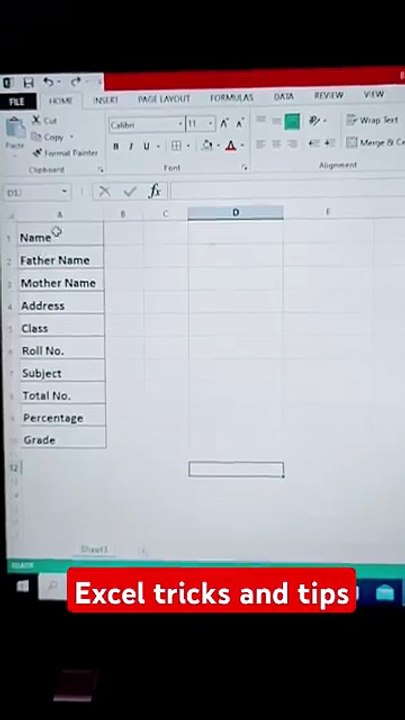
Learn step-by-step how to use the TRANSPOSE function in Excel to quickly switch rows to columns. Perfect for streamlining your data organization and analysis!
Mr. EXCEL HACKS
137 views • Aug 26, 2025
About this video
✅ How to Use TRANSPOSE Function in Excel | Convert Rows to Columns Easily<br /><br />🔁 Excel TRANSPOSE Function Explained | Row to Column Trick!<br /><br />🧠 Transpose in Excel Made Easy | Excel Row to Column Tutorial 2025<br /><br />🔄 Convert Rows to Columns in Excel Using TRANSPOSE | Step-by-Step Guide<br /><br />💡 Excel TRANSPOSE Function | No More Manual Copy-Paste!<br />📌 Learn How to Use the TRANSPOSE Function in Excel Like a Pro!<br />In this step-by-step tutorial, you'll discover how to use Excel's TRANSPOSE function to convert rows into columns (and vice versa) without losing your data structure.<br /><br />Whether you're cleaning large datasets, formatting reports, or just want to save time — this Excel trick will boost your productivity!<br /><br />✅ What You'll Learn:<br /><br />What is the TRANSPOSE function in Excel<br /><br />How to convert rows to columns<br /><br />Static vs. dynamic transpose<br /><br />Common mistakes & how to fix them<br /><br />Real-world example walkthrough<br /><br />📊 Perfect for:<br />Students, Data Analysts, Excel Beginners, Accountants, Professionals<br /><br /> Updated for Excel 2025 | Works with Excel 365, 2019, 2016<br />
Video Information
Views
137
Duration
0:13
Published
Aug 26, 2025
Related Trending Topics
LIVE TRENDSRelated trending topics. Click any trend to explore more videos.
No specific trending topics match this video yet.
Explore All Trends