Master Editing DJI Osmo 360 Footage with DJI Studio App 🎥
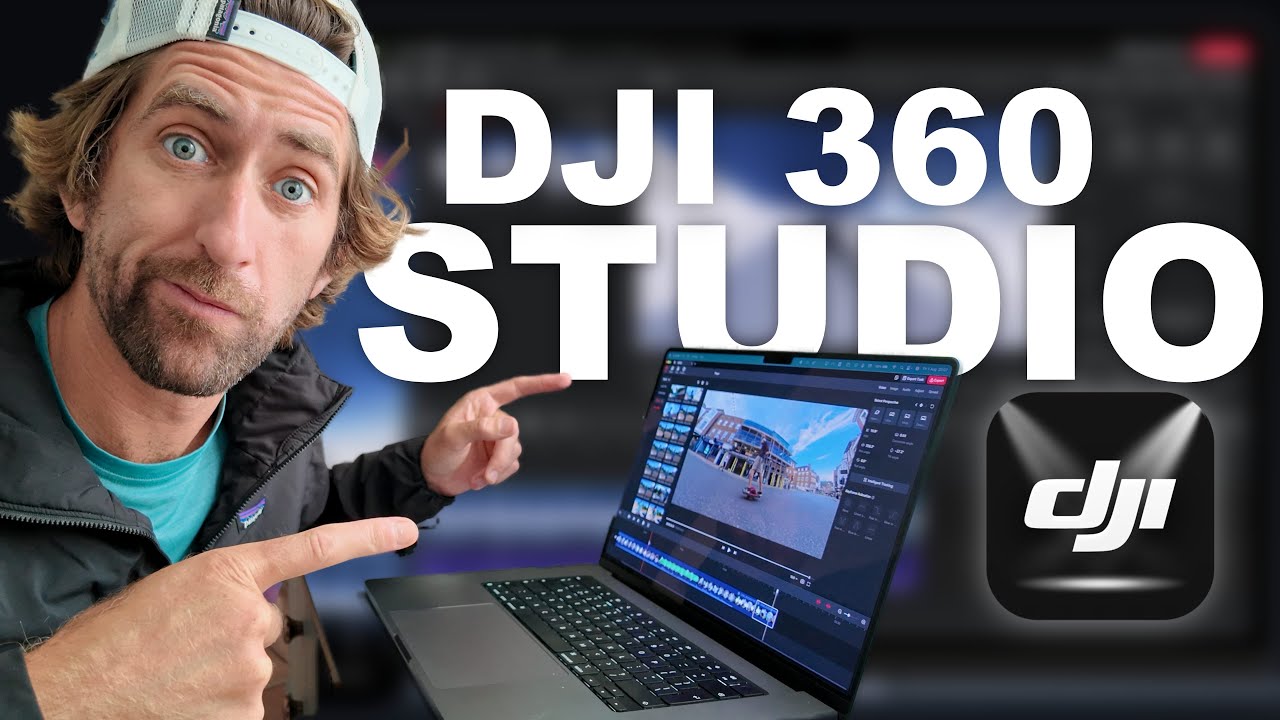
Discover step-by-step how to edit your DJI Osmo 360 videos using the latest DJI Studio Desktop app. Watch my latest 360 video and enhance your editing skills today! ➡️ https://youtu.be/Cihcn0OKMy4
Ryan Osmond
59.2K views • Aug 2, 2025
About this video
Learn how to edit DJI Osmo 360 footage with the NEW DJI Studio Desktop app.
My Last DJI 360 Video - https://youtu.be/Cihcn0OKMy4
Get your X5 HERE: https://www.insta360.com/sal/x5?utm_term=INRT0O3
Osmo 360 - https://click.dji.com/AH-4pMUBX1sEHUySLBbSZA?pm=link
Music : http://www.audiio.com/ryanelliot
(Use Code SAVE70 for 70% off your 1st year)
Support me: www.buymeacoffee.com/ryanosmond
Gear links:
Worlds BEST Tripod for the Pocket 3: https://amzn.to/4jAGebu
DJI Osmo Pocket 3: https://amzn.to/3yzkbzd
DJI Action 5 Pro - https://amzn.to/4ht54s0
Osmo Mobile 7 - https://amzn.to/4kooOzf
iPhone 16 Pro - https://amzn.to/4bxQVb6
Meta Glasses: https://amzn.to/3SI0GeJ
Main Camera: https://amzn.to/4dzmcdp
Mics: https://amzn.to/4fMYNY6
Camera Bag: https://amzn.to/3WF95R1
Computer: https://amzn.to/3yxpkI8
#djistudio #dji360 #djiosmo360 #dji #360camera #360software #workflow #editing #howtoedit
--------
POPULAR VIDEOS:
► https://youtu.be/Cihcn0OKMy4
► https://youtu.be/HnoDtx-LrhY
► https://youtu.be/qKeNbIfdY2A
► https://youtu.be/pDRcQNjVMjo
► https://youtu.be/_rxQgSAlbM4
In this video, I take a deep dive into the DJI studio software I talk you through uploading the footage from the camera and importing it into the software to recomposing it, and using all of the software features from the warp, adding LUTS, reframing animation, and changing the speed as well as exporting. To show a complete post production workflow with the DJI Osmo 360 camera.
Chapters
0:00 Intro
1:06 Offloading footage
1:48 File management
3:22 Previewing footage
3:58 Creating a timeline
4:45 Adding footage to timeline
5:13 Re-framing your shot
5:59 Direction lock
8:02 Tracking a Subject
9:05 Adding D-Log M Lut & Color Grading
10:44 My preferred workflow
12:28 Other features
12:49 Keyboard Shortcuts
13:12 Animation
13:57 Dewarp
14:36 Audio Drift
15:20 Missing Features
15:32 Speed
15:54 Exporting
--------
About Me:
Filmmaker, tech reviewer, and adventure-driven storyteller — I help brands and individuals craft engaging content that connects. From aerial shots to 360 reviews, I bring ideas to life through visuals that inspire.
My Last DJI 360 Video - https://youtu.be/Cihcn0OKMy4
Get your X5 HERE: https://www.insta360.com/sal/x5?utm_term=INRT0O3
Osmo 360 - https://click.dji.com/AH-4pMUBX1sEHUySLBbSZA?pm=link
Music : http://www.audiio.com/ryanelliot
(Use Code SAVE70 for 70% off your 1st year)
Support me: www.buymeacoffee.com/ryanosmond
Gear links:
Worlds BEST Tripod for the Pocket 3: https://amzn.to/4jAGebu
DJI Osmo Pocket 3: https://amzn.to/3yzkbzd
DJI Action 5 Pro - https://amzn.to/4ht54s0
Osmo Mobile 7 - https://amzn.to/4kooOzf
iPhone 16 Pro - https://amzn.to/4bxQVb6
Meta Glasses: https://amzn.to/3SI0GeJ
Main Camera: https://amzn.to/4dzmcdp
Mics: https://amzn.to/4fMYNY6
Camera Bag: https://amzn.to/3WF95R1
Computer: https://amzn.to/3yxpkI8
#djistudio #dji360 #djiosmo360 #dji #360camera #360software #workflow #editing #howtoedit
--------
POPULAR VIDEOS:
► https://youtu.be/Cihcn0OKMy4
► https://youtu.be/HnoDtx-LrhY
► https://youtu.be/qKeNbIfdY2A
► https://youtu.be/pDRcQNjVMjo
► https://youtu.be/_rxQgSAlbM4
In this video, I take a deep dive into the DJI studio software I talk you through uploading the footage from the camera and importing it into the software to recomposing it, and using all of the software features from the warp, adding LUTS, reframing animation, and changing the speed as well as exporting. To show a complete post production workflow with the DJI Osmo 360 camera.
Chapters
0:00 Intro
1:06 Offloading footage
1:48 File management
3:22 Previewing footage
3:58 Creating a timeline
4:45 Adding footage to timeline
5:13 Re-framing your shot
5:59 Direction lock
8:02 Tracking a Subject
9:05 Adding D-Log M Lut & Color Grading
10:44 My preferred workflow
12:28 Other features
12:49 Keyboard Shortcuts
13:12 Animation
13:57 Dewarp
14:36 Audio Drift
15:20 Missing Features
15:32 Speed
15:54 Exporting
--------
About Me:
Filmmaker, tech reviewer, and adventure-driven storyteller — I help brands and individuals craft engaging content that connects. From aerial shots to 360 reviews, I bring ideas to life through visuals that inspire.
Tags and Topics
Browse our collection to discover more content in these categories.
Video Information
Views
59.2K
Likes
1.0K
Duration
17:05
Published
Aug 2, 2025
User Reviews
4.7
(11) Related Trending Topics
LIVE TRENDSRelated trending topics. Click any trend to explore more videos.
Trending Now