Master Camtasia Timeline Editing: Add, Cut, and Organize Clips Effortlessly 🎬
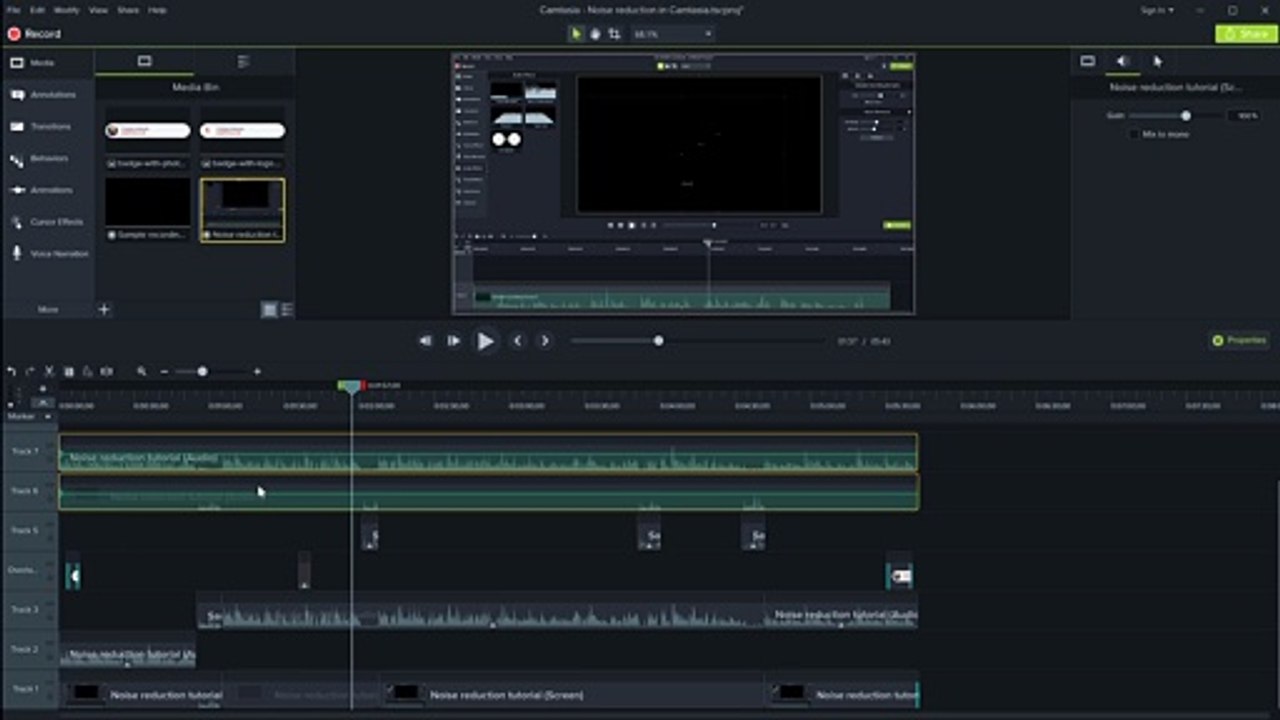
Learn essential Camtasia timeline editing techniques in this step-by-step tutorial. Discover how to add, move, cut, slice, and organize clips for professional-looking videos.
Graphicious
1 views • Sep 7, 2020
About this video
In this tutorial we go through the timeline editing in a Camtasia project: how to add clips, move them around, cut them, slice them, group and ungroup them and a couple shortcuts for navigating the timeline when editing a project. We show how to add tracks, how to expand and collapse groups of clips to make editing complex projects easier.<br /><br />Try Camtasia for free here: <br />https://graphicious.co.uk/camtasia<br /><br />More Camtasia Tutorials:<br />https://www.youtube.com/playlist?list=PL5dqU8ndfeoiU2qBMM9nqhqQj47XXgLLu<br /><br />Graphicious website and blog:<br />https://graphicious.co.uk<br /><br />Graphicious on Facebook:<br />https://www.facebook.com/graphiciousdesign<br /><br />#camtasia #techsmithcamtasia #tutorial
Video Information
Views
1
Duration
14:23
Published
Sep 7, 2020
Related Trending Topics
LIVE TRENDSRelated trending topics. Click any trend to explore more videos.
Trending Now