Master AutoCAD Plot Area Calculation in Seconds with MJ Command! 🚀 | Quick Tips from Civilian Himmu
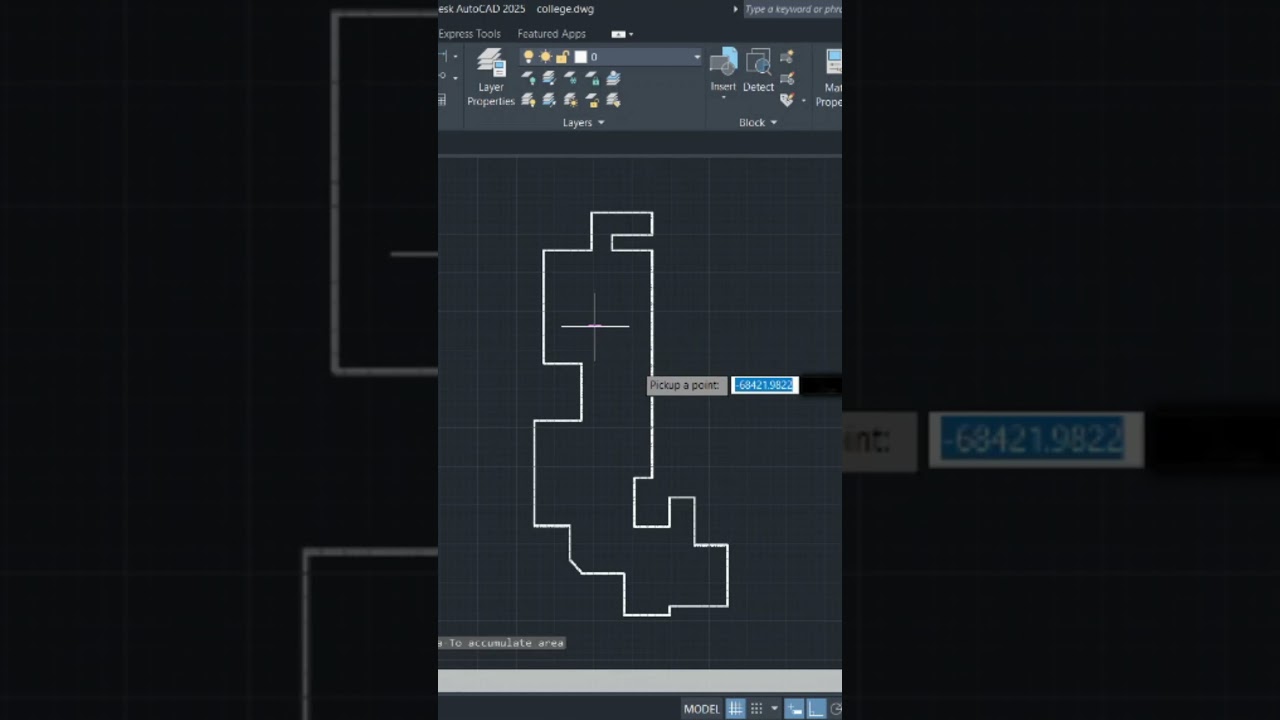
Discover how to effortlessly calculate plot areas in AutoCAD using the YQ Arch plugin's MJ command. Save time and boost your drafting efficiency with this easy tutorial! 💻📐

Civilian Himmu
6.0K views • Apr 18, 2025
About this video
Learn how to automatically calculate the plot area in AutoCAD using the powerful MJ command from YQ Arch plugin! 💻📐
This quick tip will save your time and give accurate area results in just a few clicks!
🔔 Don't forget to Like, Share & Subscribe to Civilian Himmu for more helpful AutoCAD tricks and Civil Engineering content!
📌 Commands used:
MJ (YQ Arch plugin)
🎯 Best for:
Civil engineers, architects, AutoCAD users, students
👉 Follow for more short & useful AutoCAD tutorials.
This quick tip will save your time and give accurate area results in just a few clicks!
🔔 Don't forget to Like, Share & Subscribe to Civilian Himmu for more helpful AutoCAD tricks and Civil Engineering content!
📌 Commands used:
MJ (YQ Arch plugin)
🎯 Best for:
Civil engineers, architects, AutoCAD users, students
👉 Follow for more short & useful AutoCAD tutorials.
Tags and Topics
Browse our collection to discover more content in these categories.
Video Information
Views
6.0K
Likes
53
Duration
0:21
Published
Apr 18, 2025
User Reviews
4.2
(1) Related Trending Topics
LIVE TRENDSRelated trending topics. Click any trend to explore more videos.
Trending Now