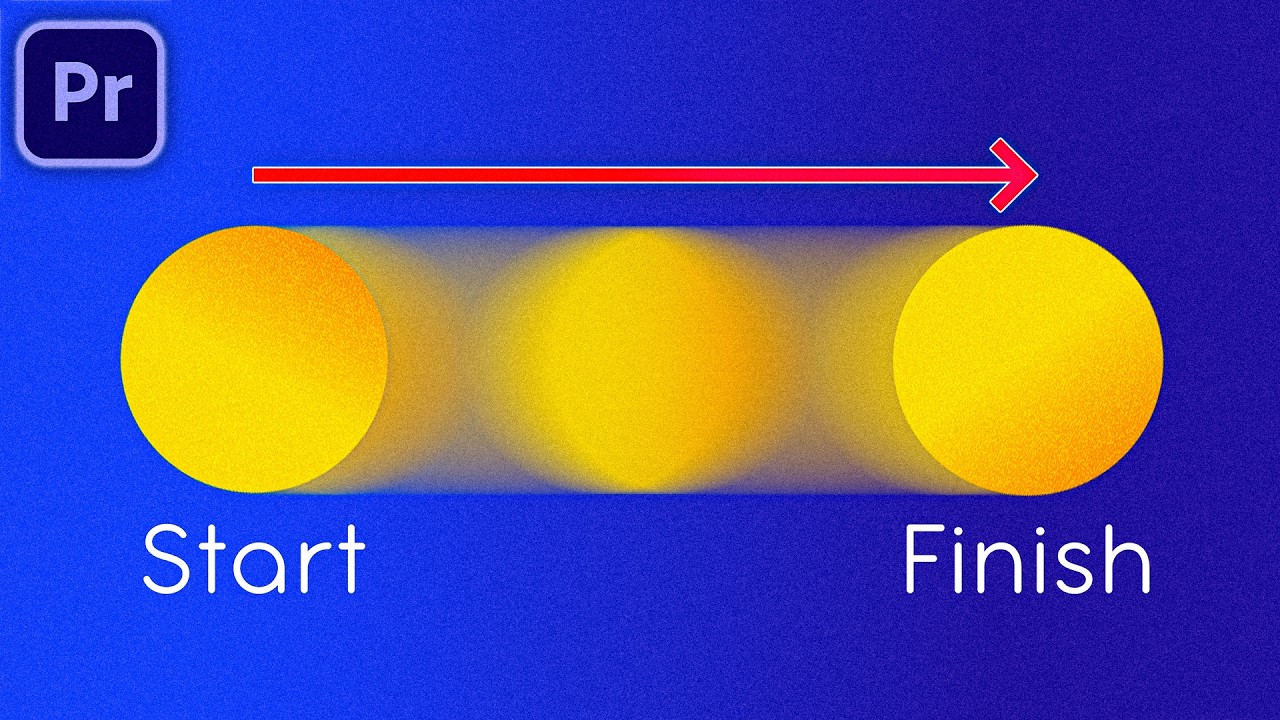
Make Objects Move SMOOTHLY in Premiere Pro (Keyframe Animation Tutorial)
This is how you can make objects move smoothly in premiere pro by using animation keyframes. Mastering keyframes is often the difference between top-tier pro...
Gavin Herman
35.4K views • Oct 28, 2024
About this video
This is how you can make objects move smoothly in premiere pro by using animation keyframes. Mastering keyframes is often the difference between top-tier professional video editors and struggling editors. If you watch and understand this entire video, you'll already be ahead of 97% of video editors.
🌱 Join Video Editor Kickstart → https://discord.gg/kUvjq2pxb7
A New Community of Video Editors, where you can hone your skills and gain access to job opportunities in the future.
✅ Get the FULL Adobe Creative Cloud Here 👉 https://bit.ly/TryAdobeCC
(FREE 7 Day Trial + 65% OFF For Students AND Teachers!)
📂 Download Project Files Here → https://bit.ly/4eOACao
__________________________
▶ SUBSCRIBE: @GavinHerman
Thank you for all your support :)
GAVIN
__________________________
00:00 Smooth Motion in Premiere Pro
00:40 Transform Effect
01:26 Smooth Object Movement
04:20 Adding Realism
04:49 Smooth Object Scaling & Rotation
07:47 Immersive Scenes - Stacking Transform Effects
08:54 Keyboard Shortcut (MUST USE!)
12:40 Combining Movements to Add Interest
13:55 Using Presets to Save Animations for Future Use
__________________________
DISCLAIMER: This video and description contains affiliate links. So when you click on one of the product links, I’ll receive a small commission.
__________________________
#gavinherman #premierepro #videoediting
🌱 Join Video Editor Kickstart → https://discord.gg/kUvjq2pxb7
A New Community of Video Editors, where you can hone your skills and gain access to job opportunities in the future.
✅ Get the FULL Adobe Creative Cloud Here 👉 https://bit.ly/TryAdobeCC
(FREE 7 Day Trial + 65% OFF For Students AND Teachers!)
📂 Download Project Files Here → https://bit.ly/4eOACao
__________________________
▶ SUBSCRIBE: @GavinHerman
Thank you for all your support :)
GAVIN
__________________________
00:00 Smooth Motion in Premiere Pro
00:40 Transform Effect
01:26 Smooth Object Movement
04:20 Adding Realism
04:49 Smooth Object Scaling & Rotation
07:47 Immersive Scenes - Stacking Transform Effects
08:54 Keyboard Shortcut (MUST USE!)
12:40 Combining Movements to Add Interest
13:55 Using Presets to Save Animations for Future Use
__________________________
DISCLAIMER: This video and description contains affiliate links. So when you click on one of the product links, I’ll receive a small commission.
__________________________
#gavinherman #premierepro #videoediting
Tags and Topics
Browse our collection to discover more content in these categories.
Video Information
Views
35.4K
Likes
637
Duration
15:38
Published
Oct 28, 2024
User Reviews
4.7
(7) Related Trending Topics
LIVE TRENDSRelated trending topics. Click any trend to explore more videos.
No specific trending topics match this video yet.
Explore All Trends