Jailbreak ChatGPT for Uncensored Responses with LM Studio & Ollama
Learn how to bypass filters and run a private, uncensored ChatGPT model locally using LM Studio and Ollama. 🚀

StanForce Labs
135.7K views • Oct 24, 2025
About this video
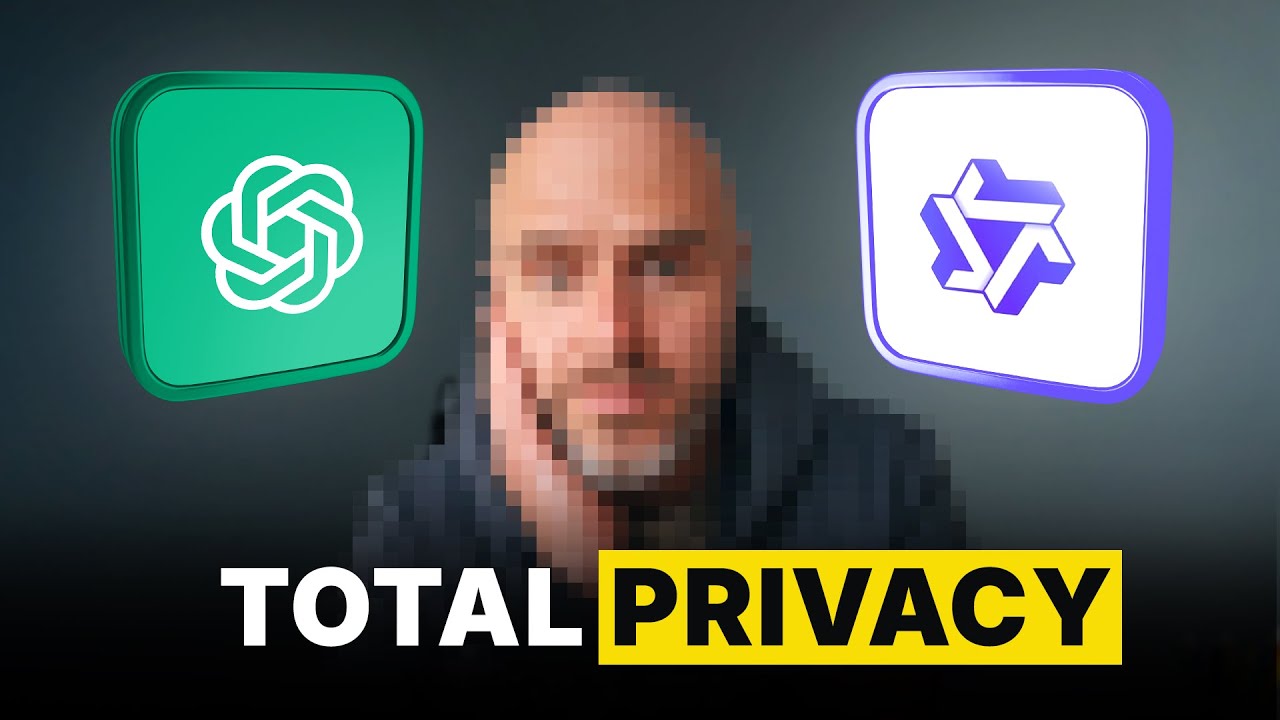
Ever wish ChatGPT would just answer your question — no refusals, no filters, and no data going to the cloud?
In this video, I’ll show you how to jailbreak ChatGPT (safely) by running your own private, uncensored AI model completely offline using LM Studio and Ollama.
You’ll learn:
• How large language models (LLMs) actually work — base models, system prompts, and fine-tuning
• What “jailbreaking” means and how people remove built-in restrictions
• How to download and run open-source models like GPT-OSS and Qwen locally
• How to edit system prompts to create custom personalities (Tony Robbins, RoastBot, etc.)
• Where chat data is stored on your Mac — and how to delete it for true privacy
• The difference between LM Studio and Ollama, and when to use each
🔗 Resources Mentioned
• LM Studio – https://lmstudio.ai
• Ollama – https://ollama.ai
• GPT-OSS 20B Model – https://huggingface.co/placeholder
• Qwen 3 Model – https://huggingface.co/placeholder
⚠️ Disclaimer: All examples shown are for research and educational purposes only. Do not use or distribute jailbroken models for harmful or illegal activity.
If you enjoy deep dives like this, subscribe for more AI tools, jailbreak experiments, and founder-friendly tech breakdowns.
In this video, I’ll show you how to jailbreak ChatGPT (safely) by running your own private, uncensored AI model completely offline using LM Studio and Ollama.
You’ll learn:
• How large language models (LLMs) actually work — base models, system prompts, and fine-tuning
• What “jailbreaking” means and how people remove built-in restrictions
• How to download and run open-source models like GPT-OSS and Qwen locally
• How to edit system prompts to create custom personalities (Tony Robbins, RoastBot, etc.)
• Where chat data is stored on your Mac — and how to delete it for true privacy
• The difference between LM Studio and Ollama, and when to use each
🔗 Resources Mentioned
• LM Studio – https://lmstudio.ai
• Ollama – https://ollama.ai
• GPT-OSS 20B Model – https://huggingface.co/placeholder
• Qwen 3 Model – https://huggingface.co/placeholder
⚠️ Disclaimer: All examples shown are for research and educational purposes only. Do not use or distribute jailbroken models for harmful or illegal activity.
If you enjoy deep dives like this, subscribe for more AI tools, jailbreak experiments, and founder-friendly tech breakdowns.
Tags and Topics
Browse our collection to discover more content in these categories.
Video Information
Views
135.7K
Likes
4.5K
Duration
26:56
Published
Oct 24, 2025
User Reviews
4.7
(27) Related Trending Topics
LIVE TRENDSRelated trending topics. Click any trend to explore more videos.
No specific trending topics match this video yet.
Explore All Trends