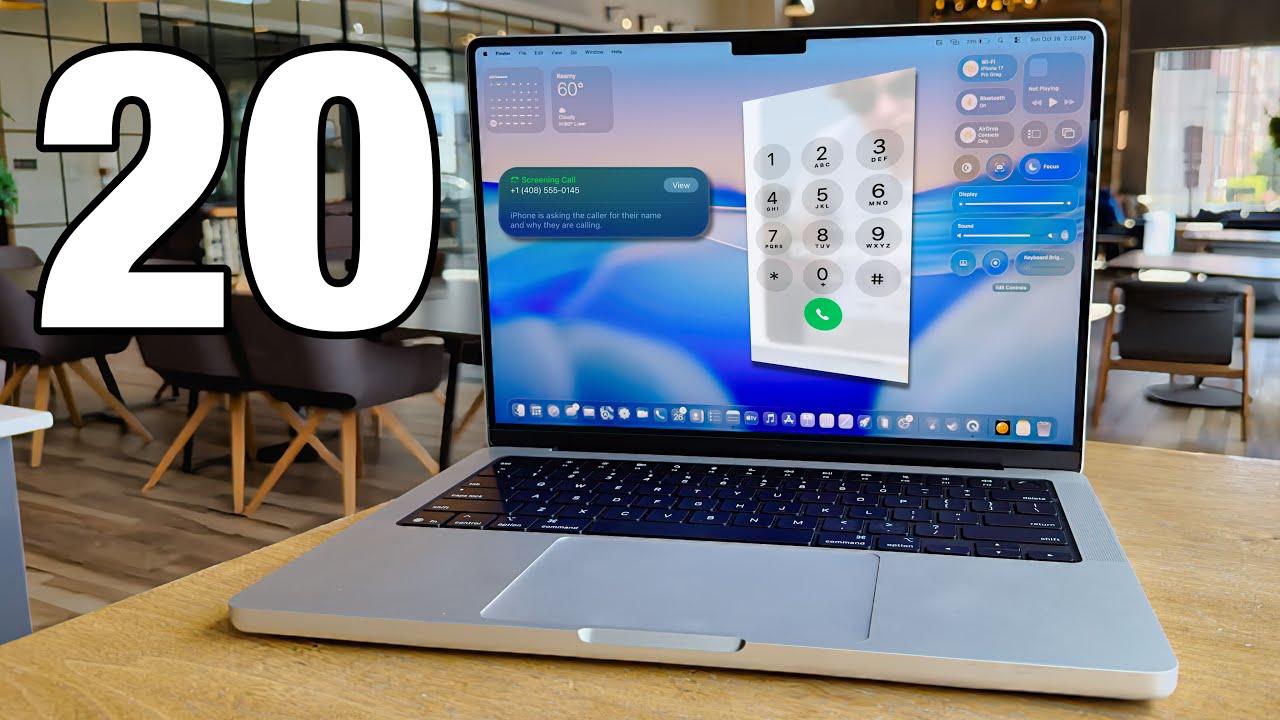
M5 MacBook Pro: 20 Essential Setup & Customization Tips
Discover the top 20 things to do after setting up your M5 MacBook Pro for optimal performance and personalization. ⚡️

GregsGadgets
72.1K views • Oct 26, 2025
About this video
INDUSTRY LEADING 300W Multi-Port Fast Charging Power Bank:⚡️Buy on Anker.com: https://shop.anker.com/JcXxDG
⚡️Buy on Amazon:https://ankerfast.club/oyn73g
Super powerful 300W Multi-Device Fast Charging power bank!
The Anker Prime 100 Creator program is now live! http://www.anker.com/anker-prime-100-creator Cick to submit your photo or video capturing your Prime Moment and vote for favorites to win amazing prizes!
#AnkerPrime#AnkerPrimePowerBank #portablepowerbank
Apple refreshed the M5 MacBook Pro, and I think it might be one of their best laptop deals ever, still if you're just using this out of the box, you're missing out on some really great macOS features, so let me tell you the first 20 things to do on your new M5 MacBook Pro:
Buy M5 MacBook Pro: https://amzn.to/4htZRBm
*Affiliate link above may generate revenue for the channel
0:00 HELLO!
0:50 Customize Mac Icons
2:01 Change Color Theme
2:37 Clock Appearence
2:59 Get More Display Space
3:33 Enable Battery Percentage
3:49 Enable Low Power mode
4:56 This Battery Bank is CRAZY Powerful
6:41 Customize Control Center
7:45 Add Control to menu bar
8:04 Window Management Gestures
8:42 More Window Controls
8:55 Spotlight Search
10:16 Spotlight clipboard
10:50 Application Folder in the dock
12:08 Automatically join cellular hotspot
13:05 Make Phone calls on Mac!
13:45 Change Trackpad settings
14:37 Turn on App Expose
15:30 Turn on hot corners
16:20 Turn on Stacks
17:29 Customize Folder
18:03 Change icon to any photo
⚡️Buy on Amazon:https://ankerfast.club/oyn73g
Super powerful 300W Multi-Device Fast Charging power bank!
The Anker Prime 100 Creator program is now live! http://www.anker.com/anker-prime-100-creator Cick to submit your photo or video capturing your Prime Moment and vote for favorites to win amazing prizes!
#AnkerPrime#AnkerPrimePowerBank #portablepowerbank
Apple refreshed the M5 MacBook Pro, and I think it might be one of their best laptop deals ever, still if you're just using this out of the box, you're missing out on some really great macOS features, so let me tell you the first 20 things to do on your new M5 MacBook Pro:
Buy M5 MacBook Pro: https://amzn.to/4htZRBm
*Affiliate link above may generate revenue for the channel
0:00 HELLO!
0:50 Customize Mac Icons
2:01 Change Color Theme
2:37 Clock Appearence
2:59 Get More Display Space
3:33 Enable Battery Percentage
3:49 Enable Low Power mode
4:56 This Battery Bank is CRAZY Powerful
6:41 Customize Control Center
7:45 Add Control to menu bar
8:04 Window Management Gestures
8:42 More Window Controls
8:55 Spotlight Search
10:16 Spotlight clipboard
10:50 Application Folder in the dock
12:08 Automatically join cellular hotspot
13:05 Make Phone calls on Mac!
13:45 Change Trackpad settings
14:37 Turn on App Expose
15:30 Turn on hot corners
16:20 Turn on Stacks
17:29 Customize Folder
18:03 Change icon to any photo
Tags and Topics
Browse our collection to discover more content in these categories.
Video Information
Views
72.1K
Likes
1.4K
Duration
19:07
Published
Oct 26, 2025
User Reviews
4.7
(14) Related Trending Topics
LIVE TRENDSRelated trending topics. Click any trend to explore more videos.
No specific trending topics match this video yet.
Explore All Trends