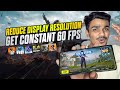
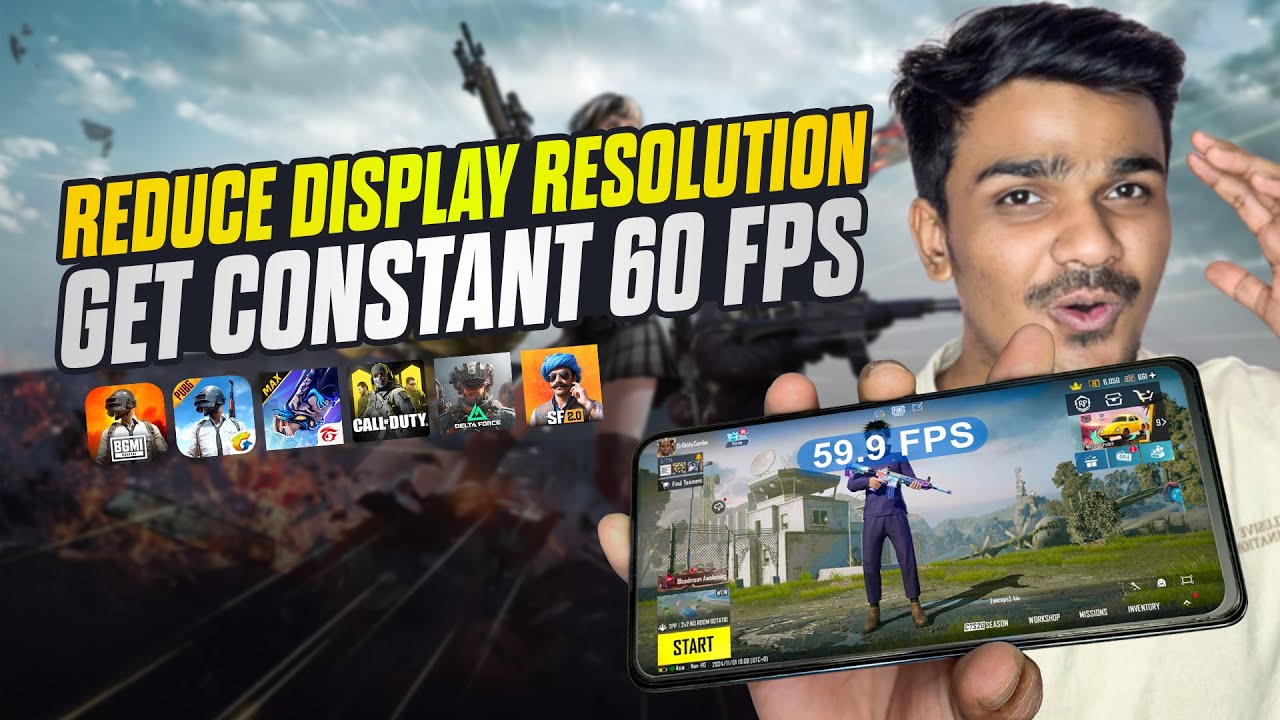
Low End Device? Still Got Constant 60FPS in Any Game
If you’re using a low end device and struggling with lag, frame drops, or unstable gameplay, this video is for you. Brevent : https://play.google.com/store/...
Tech Bot
40.0K views • Dec 19, 2025
About this video
If you’re using a low end device and struggling with lag, frame drops, or unstable gameplay, this video is for you.
Brevent : https://play.google.com/store/apps/details?id=me.piebridge.brevent&hl=en_IN
Purr APK : https://drive.google.com/file/d/1DG6IT7VlFXgmGV2aEMaUhkewUwx0cyn9/view?usp=sharing
In this complete beginner-friendly guide, I’ll show you step by step how to reduce display resolution properly and turn your low end device into a competitive ready gaming phone.
After applying these settings, you can expect constant 60FPS in any game, smoother gameplay, and better overall performance — without root, without custom ROM, and without buying a new phone.
🔥 What You’ll Learn:
✅Why low end devices struggle in games
✅How display resolution affects FPS
✅The safest way to reduce resolution
✅How to achieve constant 60FPS
✅Best settings for any game
✅Common mistakes you must avoid
00:00 Intro
01:15 Run Brevent App
03:07 Run Brevent App Without Wireless Debugging
04:19 Change Display Resolution
05:44 Result
06:34 Reset Display Resolution
06:52 Outro
💡 Join our community:
Stay updated with exclusive content, tips, and discussions. Don't forget to Like, Share, and Subscribe to support the channel and never miss an update! Hit the 🔔 bell icon to stay notified.
🌐 Follow me on social media:
📸 Instagram: https://www.instagram.com/techbot_official1/
🐦 Telegram Channel: https://t.me/techbotyoutube
📱 Telegram Discussion: https://t.me/techbotdiscussion
📩 Business inquiries and collaborations:
Email me at: [techbotofficiall@gmail.com](mailto:techbotofficiall@gmail.com)
💬 Got questions, suggestions, or video ideas? Drop them in the comments below or reach out to me on my social platforms!
Thank you for being a part of our growing tech family! 🙌
Brevent : https://play.google.com/store/apps/details?id=me.piebridge.brevent&hl=en_IN
Purr APK : https://drive.google.com/file/d/1DG6IT7VlFXgmGV2aEMaUhkewUwx0cyn9/view?usp=sharing
In this complete beginner-friendly guide, I’ll show you step by step how to reduce display resolution properly and turn your low end device into a competitive ready gaming phone.
After applying these settings, you can expect constant 60FPS in any game, smoother gameplay, and better overall performance — without root, without custom ROM, and without buying a new phone.
🔥 What You’ll Learn:
✅Why low end devices struggle in games
✅How display resolution affects FPS
✅The safest way to reduce resolution
✅How to achieve constant 60FPS
✅Best settings for any game
✅Common mistakes you must avoid
00:00 Intro
01:15 Run Brevent App
03:07 Run Brevent App Without Wireless Debugging
04:19 Change Display Resolution
05:44 Result
06:34 Reset Display Resolution
06:52 Outro
💡 Join our community:
Stay updated with exclusive content, tips, and discussions. Don't forget to Like, Share, and Subscribe to support the channel and never miss an update! Hit the 🔔 bell icon to stay notified.
🌐 Follow me on social media:
📸 Instagram: https://www.instagram.com/techbot_official1/
🐦 Telegram Channel: https://t.me/techbotyoutube
📱 Telegram Discussion: https://t.me/techbotdiscussion
📩 Business inquiries and collaborations:
Email me at: [techbotofficiall@gmail.com](mailto:techbotofficiall@gmail.com)
💬 Got questions, suggestions, or video ideas? Drop them in the comments below or reach out to me on my social platforms!
Thank you for being a part of our growing tech family! 🙌
Tags and Topics
Browse our collection to discover more content in these categories.
Video Information
Views
40.0K
Likes
1.6K
Duration
8:01
Published
Dec 19, 2025
User Reviews
4.7
(8) Related Trending Topics
LIVE TRENDSRelated trending topics. Click any trend to explore more videos.
No specific trending topics match this video yet.
Explore All Trends