Love2D Game State Management Tutorial 🎮
Learn how to organize your Love2D game code with this beginner-friendly guide to game state management. Level up your development skills!

Codynn
2.2K views • Sep 15, 2025
About this video
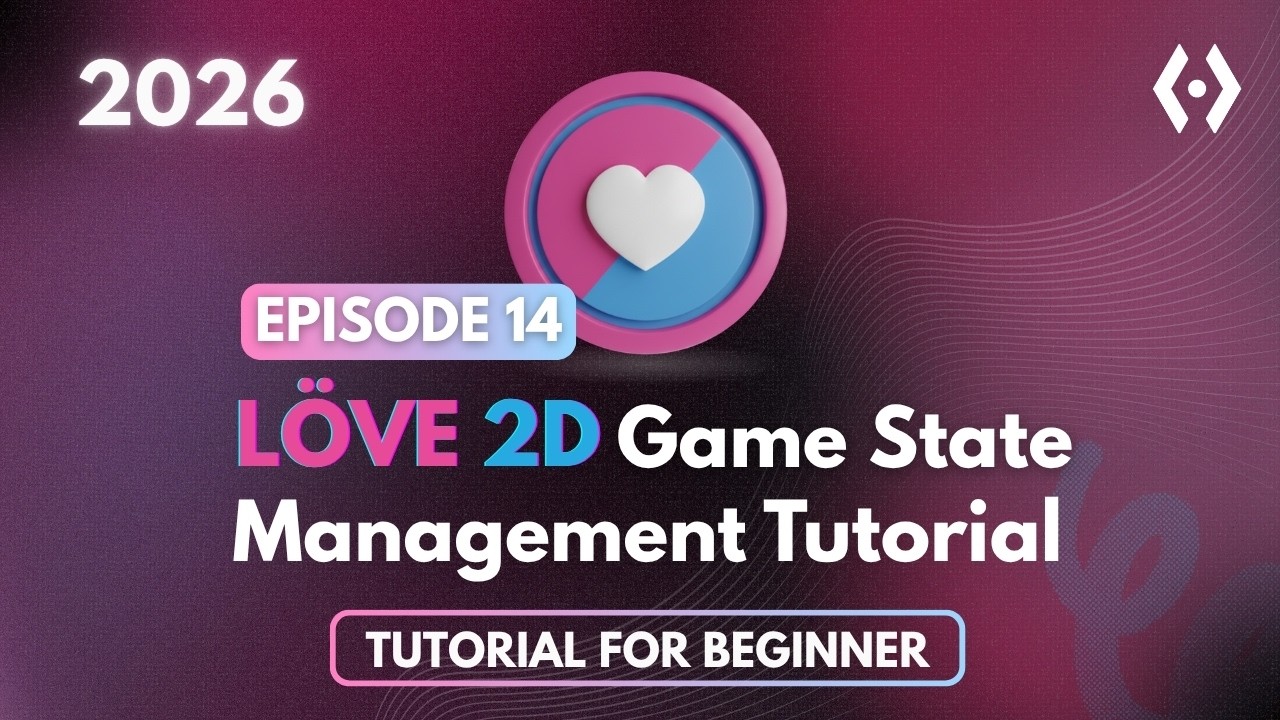
Level up your game development skills by mastering State Management in Love2D! In this beginner-friendly tutorial, we show you how to organize your code to separate different game modes like the Menu, Active Gameplay, and the Game Over screen.
Stop cluttering your love.draw and love.update functions! We’ll walk through creating a gameState variable to control what the player sees and how the game logic behaves at any given moment. Plus, we'll build a functional timer-based game loop to simulate transitions between these states.
Key concepts you will learn:
- What game states are and why they are essential
- Setting up a gameState variable in love.load
- Using if-else logic inside love.draw to switch screens
- Handling keyboard input (return for enter, r for restart)
- Creating a countdown timer using delta time (dt)
- Using math.ceil for clean UI display
Timestamps:
00:00 – Intro to State Management
01:22 – Setting Up Variables
02:37 – Drawing the Menu Screen
06:05 – Creating the Play Screen
07:13 – Designing Game Over Screen
09:46 – Handling Key Presses
11:45 – Logic and Timer Transitions
By the end of this video, you'll have a professional structure for your next 2D indie game!
#Love2D #GameDev #Lua #StateManagement #IndieDev #GamedevTutorial #CodingForBeginners
Stop cluttering your love.draw and love.update functions! We’ll walk through creating a gameState variable to control what the player sees and how the game logic behaves at any given moment. Plus, we'll build a functional timer-based game loop to simulate transitions between these states.
Key concepts you will learn:
- What game states are and why they are essential
- Setting up a gameState variable in love.load
- Using if-else logic inside love.draw to switch screens
- Handling keyboard input (return for enter, r for restart)
- Creating a countdown timer using delta time (dt)
- Using math.ceil for clean UI display
Timestamps:
00:00 – Intro to State Management
01:22 – Setting Up Variables
02:37 – Drawing the Menu Screen
06:05 – Creating the Play Screen
07:13 – Designing Game Over Screen
09:46 – Handling Key Presses
11:45 – Logic and Timer Transitions
By the end of this video, you'll have a professional structure for your next 2D indie game!
#Love2D #GameDev #Lua #StateManagement #IndieDev #GamedevTutorial #CodingForBeginners
Tags and Topics
Browse our collection to discover more content in these categories.
Video Information
Views
2.2K
Likes
59
Duration
16:43
Published
Sep 15, 2025
User Reviews
4.5
(2) Related Trending Topics
LIVE TRENDSRelated trending topics. Click any trend to explore more videos.
Trending Now