Apply Lines Chroma Icon Pack on Android 📱
Learn how to easily apply the Lines Chroma icon pack on your Android device with this quick guide.

Nate Wren
3.7K views • May 3, 2021
About this video
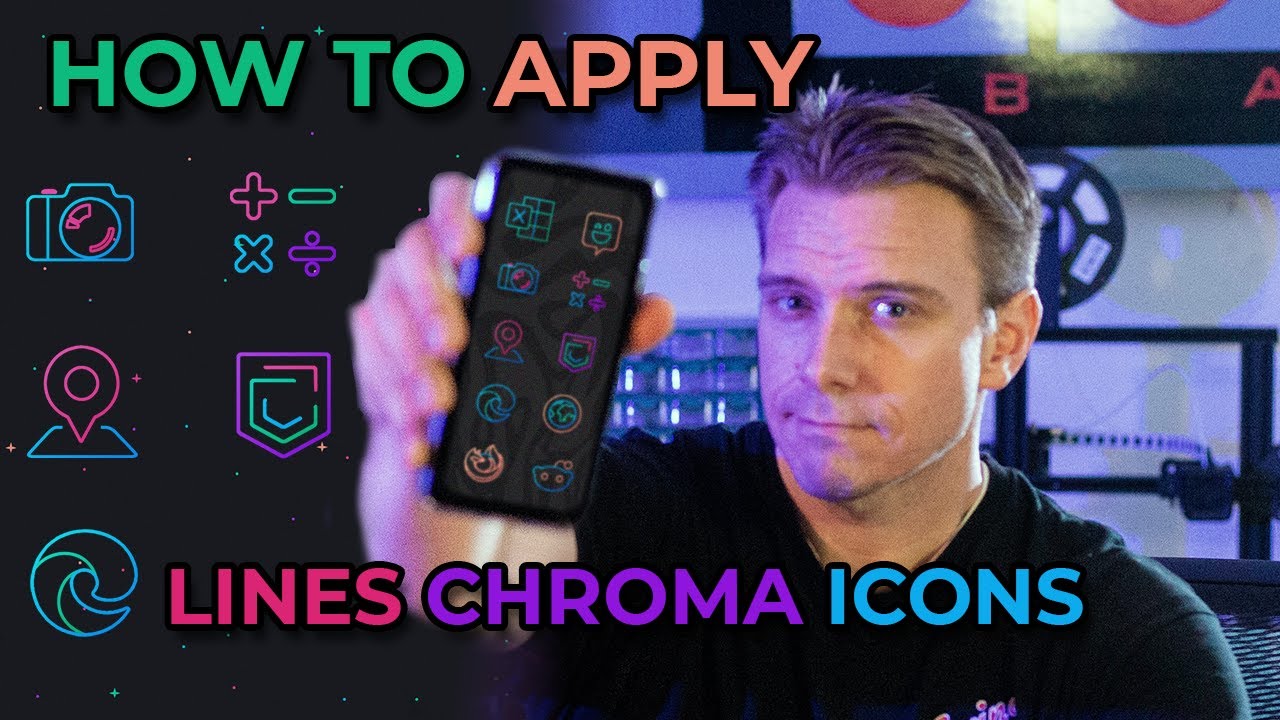
I'm showcasing the Lines Chroma - Icon Pack in this video and also giving a quick how-to on applying icon packs in Android.
Lines Chroma - Icon Pack has over 5,000 icons in the pro version as well as widgets & wallpapers. You can find out more at the play store:
https://play.google.com/store/apps/details?id=com.natewren.lineschroma
Icon Pack Tutorial
The steps to install an icon pack in android are simple.
Step 1: Download an Icon Pack.
Step 2: If your launcher doesn't support icon packs, download one that does. I recommend Nova Launcher: https://play.google.com/store/apps/details?id=com.teslacoilsw.launcher
Step 3: Apply the icons. You can apply the icon pack in your launcher settings. To get to the launcher settings, long-press an empty area of your home screen and select "settings."
You can also manually apply icons in most launchers by long-pressing the icon you'd like to change, selecting the "edit" icon, then selecting the icon image.
There's a more in-depth text tutorial on my site here:
https://natewren.com/quick-guide-android-icon-packs/
If you have any questions, you can reach me at
https://natewren.com/contact
Instagram: https://www.instagram.com/natewrendesign/
Twitter: https://twitter.com/natewren
Share your home screen setups at https://old.reddit.com/r/androidthemes/
Or, tag your social posts with #homescreen or #iconpack
Also, just tweet them at me, because I'd love to see them!
Check out all my icon packs here:
https://play.google.com/store/apps/dev?id=6399517168361664751
00:00 Intro
00:08 Lines Chroma Icons
00:52 Step 1 Get an Icon Pack
01:00 Step 2 Get a Launcher
02:03 Applying Icons
03:47 Share Your Stuff
04:09 My Other Apps
Lines Chroma - Icon Pack has over 5,000 icons in the pro version as well as widgets & wallpapers. You can find out more at the play store:
https://play.google.com/store/apps/details?id=com.natewren.lineschroma
Icon Pack Tutorial
The steps to install an icon pack in android are simple.
Step 1: Download an Icon Pack.
Step 2: If your launcher doesn't support icon packs, download one that does. I recommend Nova Launcher: https://play.google.com/store/apps/details?id=com.teslacoilsw.launcher
Step 3: Apply the icons. You can apply the icon pack in your launcher settings. To get to the launcher settings, long-press an empty area of your home screen and select "settings."
You can also manually apply icons in most launchers by long-pressing the icon you'd like to change, selecting the "edit" icon, then selecting the icon image.
There's a more in-depth text tutorial on my site here:
https://natewren.com/quick-guide-android-icon-packs/
If you have any questions, you can reach me at
https://natewren.com/contact
Instagram: https://www.instagram.com/natewrendesign/
Twitter: https://twitter.com/natewren
Share your home screen setups at https://old.reddit.com/r/androidthemes/
Or, tag your social posts with #homescreen or #iconpack
Also, just tweet them at me, because I'd love to see them!
Check out all my icon packs here:
https://play.google.com/store/apps/dev?id=6399517168361664751
00:00 Intro
00:08 Lines Chroma Icons
00:52 Step 1 Get an Icon Pack
01:00 Step 2 Get a Launcher
02:03 Applying Icons
03:47 Share Your Stuff
04:09 My Other Apps
Video Information
Views
3.7K
Likes
17
Duration
4:36
Published
May 3, 2021
User Reviews
4.0
(3) Related Trending Topics
LIVE TRENDSRelated trending topics. Click any trend to explore more videos.
No specific trending topics match this video yet.
Explore All Trends