Unity 2D Game Development for Beginners 🎮
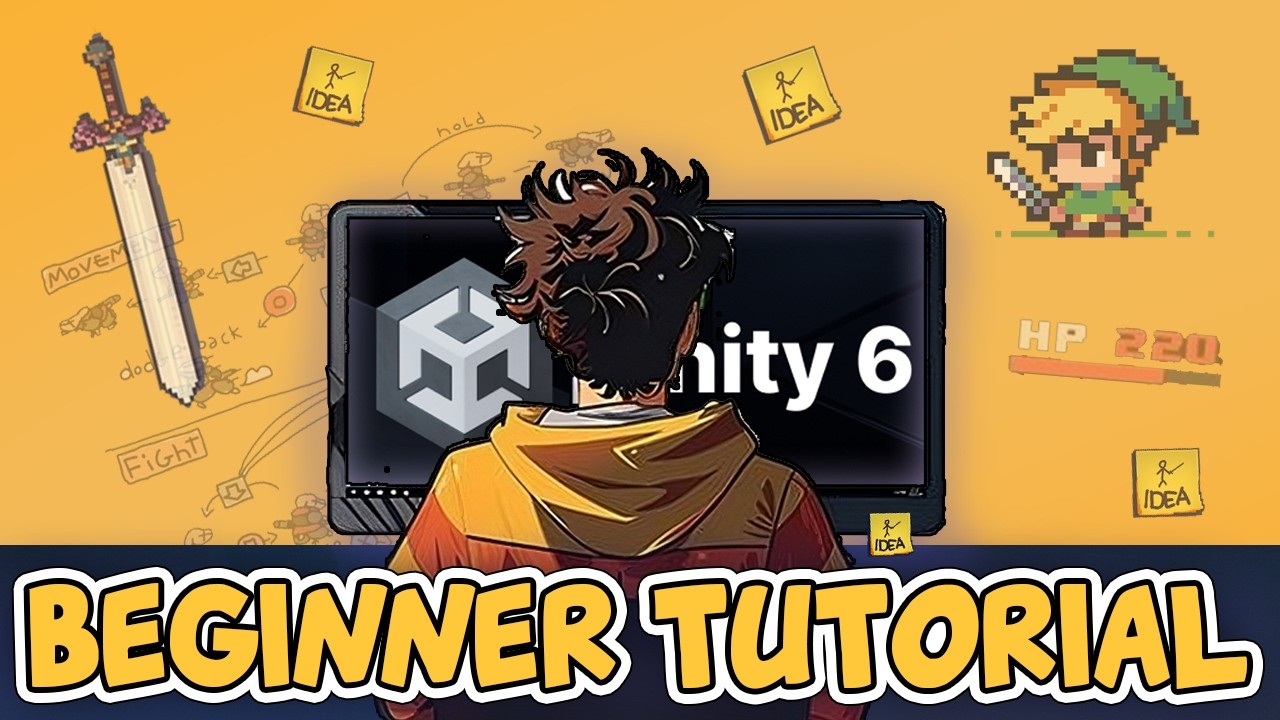
Learn Unity and C# by creating a 2D game where you defend a girl from enemies. Full course with timecodes included.

AlexDev
102.3K views • Jul 16, 2025
About this video
Learn Unity 6 and C# by making a 2D game where you fight off enemies to protect a little girl. Timecodes below -👇
► Complete RPG course - https://unityalexdev.com/rpg
► Complete courses for beginners at - https://unityalexdev.com/#courses
► I've opened a Discord server, join us!✊ - http://unityalexdev.com/discord
Important links:
► RPG Course Trailer - https://youtu.be/V1e1dymuSzo
► How to add ON HIT FLASH - https://youtu.be/oJEq4sPxHhU
► Cooldown & Timers - https://youtu.be/N4SFyoLBOS4
► Lerp explained in 3 min - https://youtu.be/kAKPOVBAFtI
► Where to get UI - https://youtu.be/SUQewK5lef8
►Escape Tutorial Hell With These Simple Steps - https://youtu.be/bS7_4f_MIM8
► Assets - https://www.figma.com/board/HZlUgilPjWcMyAjww6Yfta/unityalexdev.com?node-id=21314-1219&t=OeJMDaPOWZ6L1jgS-4
TIMECODES :
00:00 Intro
00:45 Install Unity
09:55 Heads Up (Not a Promo)
11:10 Windows & Tools
20:30 Components in Unity
34:25 Basics of C#
34:29 C# Basics
46:05 Unity's Execution order
54:25 Functions
1:03:05 Movement
1:17:55 Jump
1:30:59 Animator
1:44:26 Animation transitions
1:53:28 Character flip
2:01:05 Collision detection
2:14:25 Jump/Fall & Blend Tree
2:28:55 Attack animation
2:47:12 Attack logic
3:02:59 Timers & Cooldowns
3:19:25 OOP - Inheritance
3:33:03 OOP - Polymorphism
3:40:55 OOP - Encapsulation
3:49:20 Quick Note from Me
3:51:27 Enemy Setup & Movement
4:18:15 Enemy's Attack
4:29:31 Damage & Death
4:34:39 Damage feedback
4:41:58 Background
4:53:30 Target to protect
5:06:06 Clean up & Refactoring
5:22:15 In Game UI
5:38:55 Game Over UI
5:46:38 Enemy Respawner
5:58:47 What's next?
► Complete RPG course - https://unityalexdev.com/rpg
► Complete courses for beginners at - https://unityalexdev.com/#courses
► I've opened a Discord server, join us!✊ - http://unityalexdev.com/discord
Important links:
► RPG Course Trailer - https://youtu.be/V1e1dymuSzo
► How to add ON HIT FLASH - https://youtu.be/oJEq4sPxHhU
► Cooldown & Timers - https://youtu.be/N4SFyoLBOS4
► Lerp explained in 3 min - https://youtu.be/kAKPOVBAFtI
► Where to get UI - https://youtu.be/SUQewK5lef8
►Escape Tutorial Hell With These Simple Steps - https://youtu.be/bS7_4f_MIM8
► Assets - https://www.figma.com/board/HZlUgilPjWcMyAjww6Yfta/unityalexdev.com?node-id=21314-1219&t=OeJMDaPOWZ6L1jgS-4
TIMECODES :
00:00 Intro
00:45 Install Unity
09:55 Heads Up (Not a Promo)
11:10 Windows & Tools
20:30 Components in Unity
34:25 Basics of C#
34:29 C# Basics
46:05 Unity's Execution order
54:25 Functions
1:03:05 Movement
1:17:55 Jump
1:30:59 Animator
1:44:26 Animation transitions
1:53:28 Character flip
2:01:05 Collision detection
2:14:25 Jump/Fall & Blend Tree
2:28:55 Attack animation
2:47:12 Attack logic
3:02:59 Timers & Cooldowns
3:19:25 OOP - Inheritance
3:33:03 OOP - Polymorphism
3:40:55 OOP - Encapsulation
3:49:20 Quick Note from Me
3:51:27 Enemy Setup & Movement
4:18:15 Enemy's Attack
4:29:31 Damage & Death
4:34:39 Damage feedback
4:41:58 Background
4:53:30 Target to protect
5:06:06 Clean up & Refactoring
5:22:15 In Game UI
5:38:55 Game Over UI
5:46:38 Enemy Respawner
5:58:47 What's next?
Tags and Topics
Browse our collection to discover more content in these categories.
Video Information
Views
102.3K
Likes
3.8K
Duration
05:59:38
Published
Jul 16, 2025
User Reviews
4.7
(20) Related Trending Topics
LIVE TRENDSRelated trending topics. Click any trend to explore more videos.
No specific trending topics match this video yet.
Explore All Trends