Learn How to Brighten Specific Areas of Your Photos Easily ✨
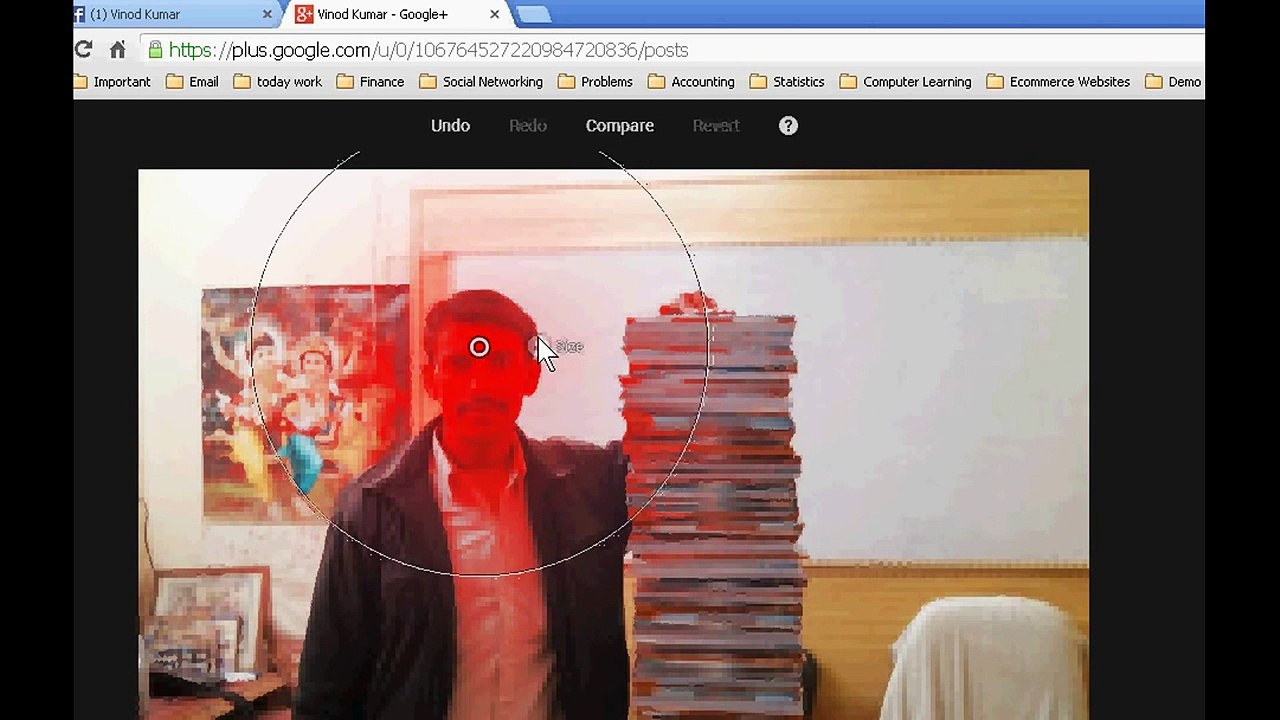
Discover the simple steps to adjust the brightness of specific parts of your photos using Google+ audit photography tools. Perfect for enhancing your images with precision!
Svtuition
12 views • Feb 19, 2016
About this video
There is adjust selective tool in Google+ audit photography option. With this, you can adjust brightness of any part of a photo. <br /> <br />Subscribe to Svtuition's YouTube Channel - http://bit.ly/HNBFbV <br /> <br />Svtuition uploads the highest quality how-to videos daily! Be sure to check out our playlists for guides that interest you: http://bit.ly/1fwrUum <br /> <br /> <br />Svtuition empowers people with engaging, useful how-to information wherever, whenever they need to know how. Emphasizing high-quality instructional videos, Svtuition brings you experts who provide accurate information in easy-to-follow tutorials on everything from maths, economics, accounting, finance, business, computer software, health, driving, carpentry, , goldsmith, and much, much more.
Video Information
Views
12
Duration
1:53
Published
Feb 19, 2016
Related Trending Topics
LIVE TRENDSRelated trending topics. Click any trend to explore more videos.
No specific trending topics match this video yet.
Explore All Trends