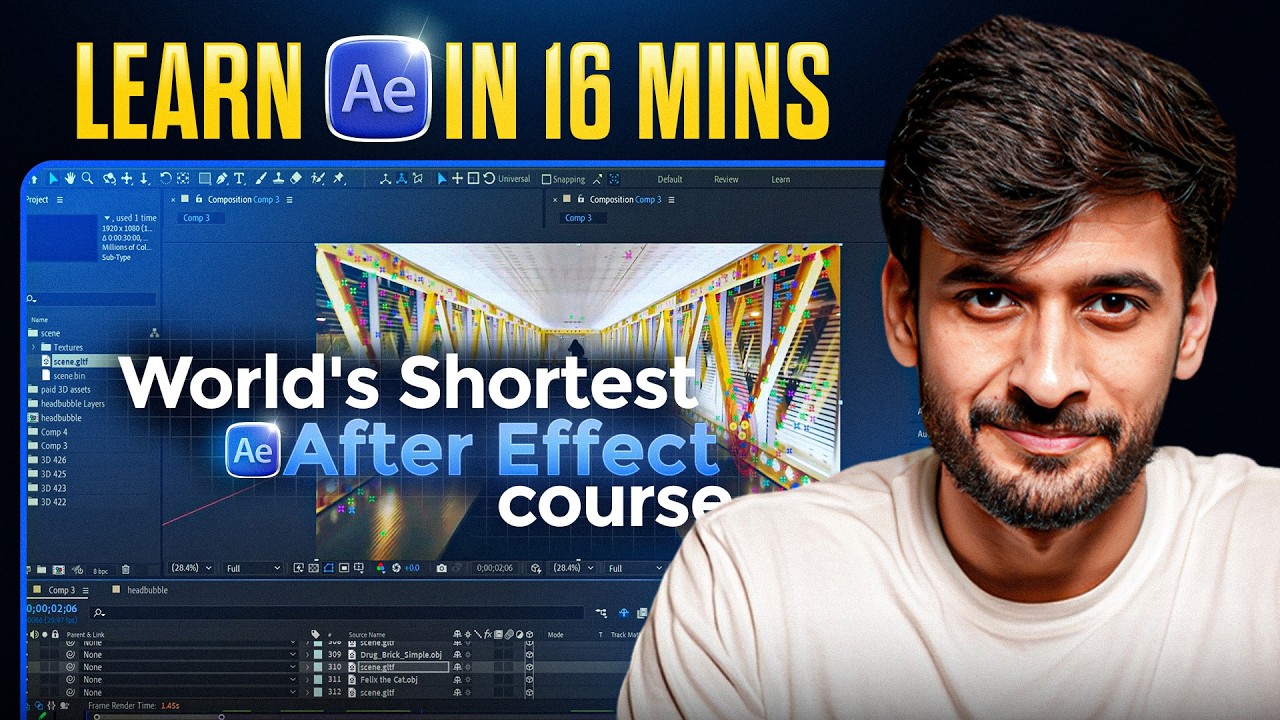
Learn After Effects in 16 Minutes | Full Tutorial
Master After Effects quickly with this 16-minute complete tutorial. Perfect for beginners! 🎬
Aasil Khan
168.2K views • Feb 27, 2026
About this video
🎵 Try Epidemic Sound (50% of on first 2 months):
https://share.epidemicsound.com/uvn09o
──────────────────────────────
🖥️ MY SETUP:
MacBook: https://amzn.to/4ckHoX3
Windows Laptop: https://amzn.to/3QNeSVp
Camera: https://amzn.to/4tS5vSF
Light: https://amzn.to/4cRhiuP
Mic: https://amzn.to/3Oq9DKK
Headphones: https://amzn.to/4ct6aCZ
Earphones: https://amzn.to/4sJcHQb
Watch: https://amzn.to/4sLjAAq
Chair: https://amzn.to/42la4ZT
──────────────────────────────
📱 FOLLOW ME:
Instagram: https://www.instagram.com/aasil_khan_/
Twitter/X: https://x.com/AasilKhan14
LinkedIn: https://www.linkedin.com/in/aasil-khan-732978180/
──────────────────────────────
📞 BOOK A 1:1 WITH ME:
https://topmate.io/aasil_khan
If After Effects has ever felt confusing or overwhelming, this video is for you.
In just 16 minutes, we build an animated scene from scratch and cover everything you need to get started — clearly and step-by-step.
By the end of this tutorial, you’ll understand:
How layers work in After Effects
How animation and keyframes work
How to make motion smooth using Easy Ease & Graph Editor
How to use text animation and presets
How parenting and null objects work
How 3D layers and cameras add depth
And how to properly render and export your video
This is a complete beginner guide to Adobe After Effects covering animation, motion graphics, visual effects, compositing, and workflow basics.
If you want to start learning motion design, video editing, or animation in 2026, this is the perfect starting point.
📌 Topics Covered
Workspace & Panels
Creating Compositions
Understanding Layers
Timeline Basics
Essential Keyboard Shortcuts
Keyframes & Graph Editor
Motion Blur
Text Animation & Range Selector
Effects & Presets
Precompose
3D Layers & Camera
Parenting & Null Objects
Rendering & Export
After Effects is like Photoshop… but for video.
Once you understand the fundamentals, everything becomes simple.
If this helped you, make sure to subscribe for more tutorials on After Effects, Premiere Pro, motion graphics, and freelancing.
https://share.epidemicsound.com/uvn09o
──────────────────────────────
🖥️ MY SETUP:
MacBook: https://amzn.to/4ckHoX3
Windows Laptop: https://amzn.to/3QNeSVp
Camera: https://amzn.to/4tS5vSF
Light: https://amzn.to/4cRhiuP
Mic: https://amzn.to/3Oq9DKK
Headphones: https://amzn.to/4ct6aCZ
Earphones: https://amzn.to/4sJcHQb
Watch: https://amzn.to/4sLjAAq
Chair: https://amzn.to/42la4ZT
──────────────────────────────
📱 FOLLOW ME:
Instagram: https://www.instagram.com/aasil_khan_/
Twitter/X: https://x.com/AasilKhan14
LinkedIn: https://www.linkedin.com/in/aasil-khan-732978180/
──────────────────────────────
📞 BOOK A 1:1 WITH ME:
https://topmate.io/aasil_khan
If After Effects has ever felt confusing or overwhelming, this video is for you.
In just 16 minutes, we build an animated scene from scratch and cover everything you need to get started — clearly and step-by-step.
By the end of this tutorial, you’ll understand:
How layers work in After Effects
How animation and keyframes work
How to make motion smooth using Easy Ease & Graph Editor
How to use text animation and presets
How parenting and null objects work
How 3D layers and cameras add depth
And how to properly render and export your video
This is a complete beginner guide to Adobe After Effects covering animation, motion graphics, visual effects, compositing, and workflow basics.
If you want to start learning motion design, video editing, or animation in 2026, this is the perfect starting point.
📌 Topics Covered
Workspace & Panels
Creating Compositions
Understanding Layers
Timeline Basics
Essential Keyboard Shortcuts
Keyframes & Graph Editor
Motion Blur
Text Animation & Range Selector
Effects & Presets
Precompose
3D Layers & Camera
Parenting & Null Objects
Rendering & Export
After Effects is like Photoshop… but for video.
Once you understand the fundamentals, everything becomes simple.
If this helped you, make sure to subscribe for more tutorials on After Effects, Premiere Pro, motion graphics, and freelancing.
Video Information
Views
168.2K
Likes
7.1K
Duration
16:39
Published
Feb 27, 2026
User Reviews
4.7
(33) Related Trending Topics
LIVE TRENDSRelated trending topics. Click any trend to explore more videos.
Trending Now