Learn After Effects: Beginner Motion Design Workshop 🎨
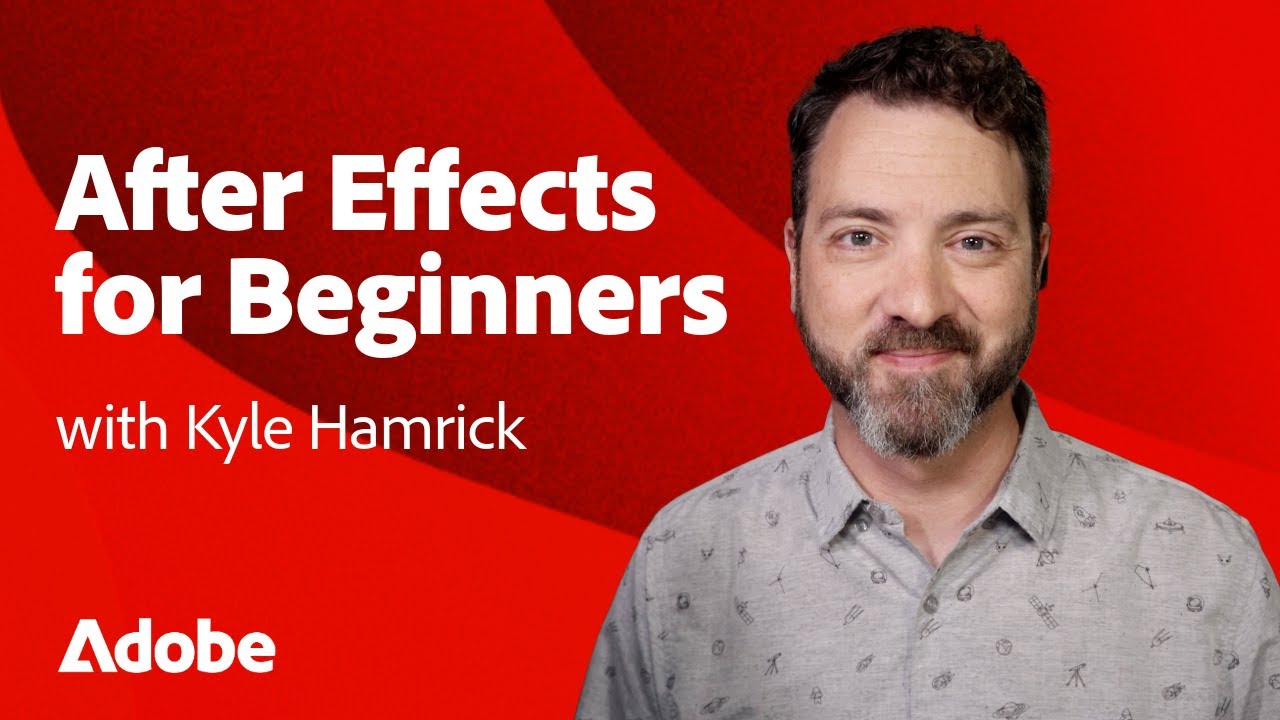
Join Kyle Hamrick's beginner-friendly After Effects workshop to master motion design and video editing skills.

Adobe Video
87.7K views • Feb 20, 2025
About this video
Ready to dive into the world of After Effects? This beginner-friendly workshop, led by motion designer Kyle Hamrick, walks you through everything you need to know to start creating stunning animations and motion graphics!
📁 Download the Project Files & PDF Guide here: https://adobe.ly/4k4bkII
Over the next few hours, you'll learn the essential tools, techniques, and workflow tips that professionals use every day. Whether you're looking to animate text, create smooth transitions, or master keyframing, this workshop is the perfect introduction to After Effects.
Add some motion to your skillset today!
Chapter 1: Getting Started
00:00:00 – Welcome
00:02:24 – After Effects UI & Basics
00:13:56 – Creating Keyframes
00:16:30 – Working with the Downloaded Project Files
00:17:11 – Example: First Animation
00:30:08 – Example: Add Video Layers to Your Design
00:44:16 – Tips: Video Formats & Specs
00:46:10 – Tips: Frame Rates
Chapter 2: Animation & Design
00:47:39 – Tips: Designing for Animation
00:50:59 – Example: Logo Animation
01:01:47 – Example: Animated Ad Part 1
01:09:29 – Tips: Previewing
01:12:38 – Example: Animated Ad Part 2
Chapter 3: Advanced Techniques
01:40:15 – Adding Masks & Applying Effects
01:45:53 – Adjustment Layers
01:47:13 – Track Mattes
01:48:48 – Using Effects for Design
01:50:56 – Exporting a Still Image
01:51:25 – Creating a Texture with Effects
01:56:01 – Shape Layers Overview
02:01:44 – Example: Shape Animation
02:23:22 – Creating & Animating Text
Chapter 4: Motion & 3D Animation
02:31:51 – Motion Concepts
02:36:29 – Motion Paths
02:39:42 – Easing & The Graph Editor
02:44:34 – Example: Make It Mooove Again
02:49:31 – 3D Objects
02:51:46 – Example: Product Promo
03:09:37 – Adding 3D Objects
03:16:57 – Environment Lighting
For more training: https://adobe.ly/4gRd9Ww
Subscribe to Adobe Video & Motion: https://adobe.ly/3uoastj
Learn more about Adobe Video: https://adobe.ly/3RRZAfc
About Adobe Video & Motion:
Adobe Video and Motion is a one-stop feed for all your creative video needs. Find content and tutorials from tools such as Premiere Pro, After Effects, Premiere Rush, Character Animator, Audition and more! Adobe® Video & Motion tools provide comprehensive video editing, motion design, VFX, sound, & animation for beginners to professionals.
Connect with Adobe Video:
Twitter: https://Twitter.com/adobevideo
Facebook: https://facebook.com/adobevideo
Instagram: https://instagram.com/adobevideo
TikTok: https://www.tiktok.com/@adobevideo
#Adobe #AdobeVideo #AdobeYouTube
📁 Download the Project Files & PDF Guide here: https://adobe.ly/4k4bkII
Over the next few hours, you'll learn the essential tools, techniques, and workflow tips that professionals use every day. Whether you're looking to animate text, create smooth transitions, or master keyframing, this workshop is the perfect introduction to After Effects.
Add some motion to your skillset today!
Chapter 1: Getting Started
00:00:00 – Welcome
00:02:24 – After Effects UI & Basics
00:13:56 – Creating Keyframes
00:16:30 – Working with the Downloaded Project Files
00:17:11 – Example: First Animation
00:30:08 – Example: Add Video Layers to Your Design
00:44:16 – Tips: Video Formats & Specs
00:46:10 – Tips: Frame Rates
Chapter 2: Animation & Design
00:47:39 – Tips: Designing for Animation
00:50:59 – Example: Logo Animation
01:01:47 – Example: Animated Ad Part 1
01:09:29 – Tips: Previewing
01:12:38 – Example: Animated Ad Part 2
Chapter 3: Advanced Techniques
01:40:15 – Adding Masks & Applying Effects
01:45:53 – Adjustment Layers
01:47:13 – Track Mattes
01:48:48 – Using Effects for Design
01:50:56 – Exporting a Still Image
01:51:25 – Creating a Texture with Effects
01:56:01 – Shape Layers Overview
02:01:44 – Example: Shape Animation
02:23:22 – Creating & Animating Text
Chapter 4: Motion & 3D Animation
02:31:51 – Motion Concepts
02:36:29 – Motion Paths
02:39:42 – Easing & The Graph Editor
02:44:34 – Example: Make It Mooove Again
02:49:31 – 3D Objects
02:51:46 – Example: Product Promo
03:09:37 – Adding 3D Objects
03:16:57 – Environment Lighting
For more training: https://adobe.ly/4gRd9Ww
Subscribe to Adobe Video & Motion: https://adobe.ly/3uoastj
Learn more about Adobe Video: https://adobe.ly/3RRZAfc
About Adobe Video & Motion:
Adobe Video and Motion is a one-stop feed for all your creative video needs. Find content and tutorials from tools such as Premiere Pro, After Effects, Premiere Rush, Character Animator, Audition and more! Adobe® Video & Motion tools provide comprehensive video editing, motion design, VFX, sound, & animation for beginners to professionals.
Connect with Adobe Video:
Twitter: https://Twitter.com/adobevideo
Facebook: https://facebook.com/adobevideo
Instagram: https://instagram.com/adobevideo
TikTok: https://www.tiktok.com/@adobevideo
#Adobe #AdobeVideo #AdobeYouTube
Tags and Topics
Browse our collection to discover more content in these categories.
Video Information
Views
87.7K
Likes
2.7K
Duration
03:20:08
Published
Feb 20, 2025
User Reviews
4.7
(17) Related Trending Topics
LIVE TRENDSRelated trending topics. Click any trend to explore more videos.
No specific trending topics match this video yet.
Explore All Trends