CapCut Captions Masterclass: 90% Learn in 10 Min 📱
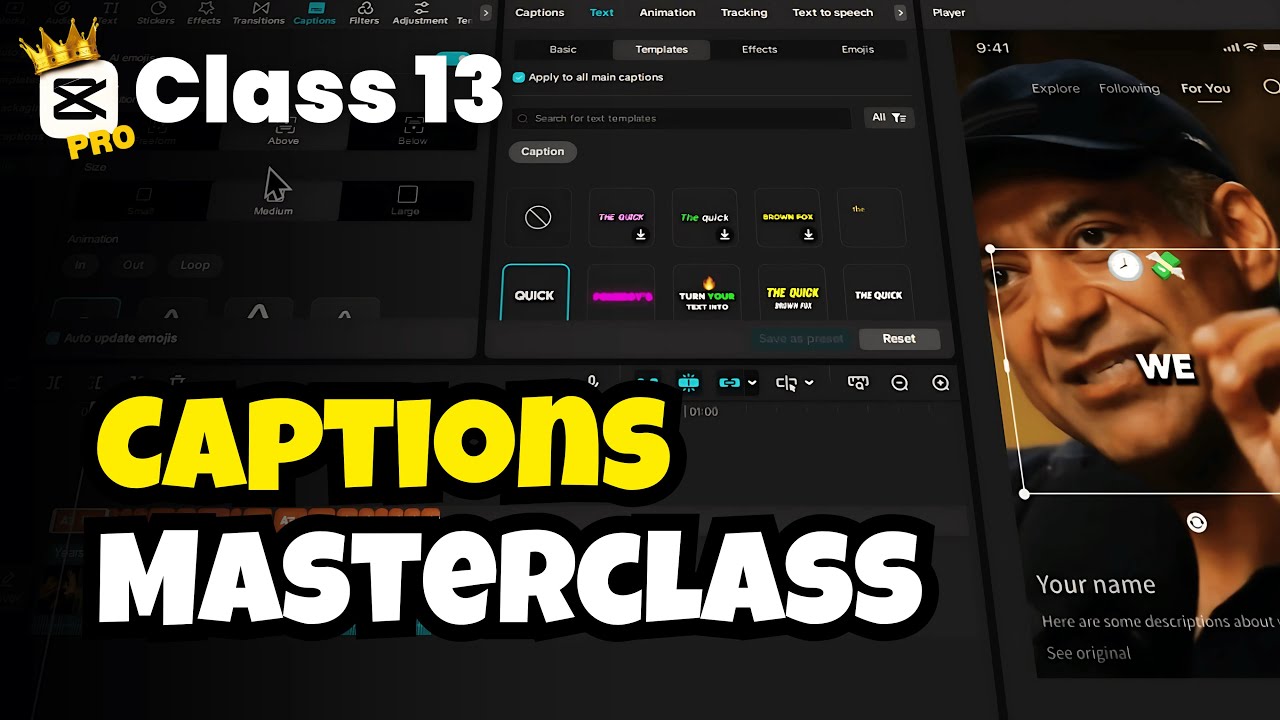
Quickly master CapCut captions in under 10 minutes. Perfect for beginners to become pro with this comprehensive tutorial. No more wasted hours!

Creative Suite Tutorials
25.1K views • Jun 9, 2025
About this video
Stop wasting hours on confusing videos. This is the only CapCut captions tutorial you need to go from beginner to pro in under 10 minutes. We will cover 90% of the features you'll ever use, with no fluff and a focus on the pro-level tricks that make your videos stand out.
🔗 Activate CapCut Pro: https://bit.ly/samcapcutpro
This CapCut masterclass is designed for content creators, social media managers, YouTubers, and TikTokers who want to create high-engagement, professional-looking videos.
You will learn:
► One-Click Auto-Captions (and Bilingual Captions)
► Pro-Level Styling with Templates & Custom Fonts
► Eye-Catching Animations & Glow Effects
► Using AI to Add Emojis & Highlight Keywords
► Importing Your Own Caption Files (SRT, LRC)
► Pro Trick: Using Compound Clips & Blend Modes for See-Through Text
Video Chapters:
[00:00:00] Mastering CapCut Captions
[00:00:16] Getting Started with CapCut
[00:00:35] Exploring the Captions Workspace
[00:00:54] Auto Captions & AI Features
[00:01:42] Auto Lyrics for Songs
[00:02:02] Caption Templates & Customization
[00:02:38] Advanced AI Packaging
[00:02:57] Importing Existing Captions
[00:03:08] Adding AI Emojis
[00:03:32] Autogenerating and Styling Captions
[00:04:12] Editing Captions
[00:05:04] Advanced Text Effects
[00:05:47] AI Emojis
[00:07:05] Editing and Pacing Captions
[00:07:28] Highlighting Keywords
[00:08:56] Pro-Level Technique
[00:09:45] Conclusion & Next Steps
#CapCut #VideoEditing #Captions #CapCutTutorial
Follow Us On:
https://www.instagram.com/creativesuitetutorials/
https://www.facebook.com/people/Creative-Suite-Tutorials/61564179575362/
🔗 Activate CapCut Pro: https://bit.ly/samcapcutpro
This CapCut masterclass is designed for content creators, social media managers, YouTubers, and TikTokers who want to create high-engagement, professional-looking videos.
You will learn:
► One-Click Auto-Captions (and Bilingual Captions)
► Pro-Level Styling with Templates & Custom Fonts
► Eye-Catching Animations & Glow Effects
► Using AI to Add Emojis & Highlight Keywords
► Importing Your Own Caption Files (SRT, LRC)
► Pro Trick: Using Compound Clips & Blend Modes for See-Through Text
Video Chapters:
[00:00:00] Mastering CapCut Captions
[00:00:16] Getting Started with CapCut
[00:00:35] Exploring the Captions Workspace
[00:00:54] Auto Captions & AI Features
[00:01:42] Auto Lyrics for Songs
[00:02:02] Caption Templates & Customization
[00:02:38] Advanced AI Packaging
[00:02:57] Importing Existing Captions
[00:03:08] Adding AI Emojis
[00:03:32] Autogenerating and Styling Captions
[00:04:12] Editing Captions
[00:05:04] Advanced Text Effects
[00:05:47] AI Emojis
[00:07:05] Editing and Pacing Captions
[00:07:28] Highlighting Keywords
[00:08:56] Pro-Level Technique
[00:09:45] Conclusion & Next Steps
#CapCut #VideoEditing #Captions #CapCutTutorial
Follow Us On:
https://www.instagram.com/creativesuitetutorials/
https://www.facebook.com/people/Creative-Suite-Tutorials/61564179575362/
Tags and Topics
Browse our collection to discover more content in these categories.
Video Information
Views
25.1K
Likes
697
Duration
10:21
Published
Jun 9, 2025
User Reviews
4.6
(5) Related Trending Topics
LIVE TRENDSRelated trending topics. Click any trend to explore more videos.
No specific trending topics match this video yet.
Explore All Trends