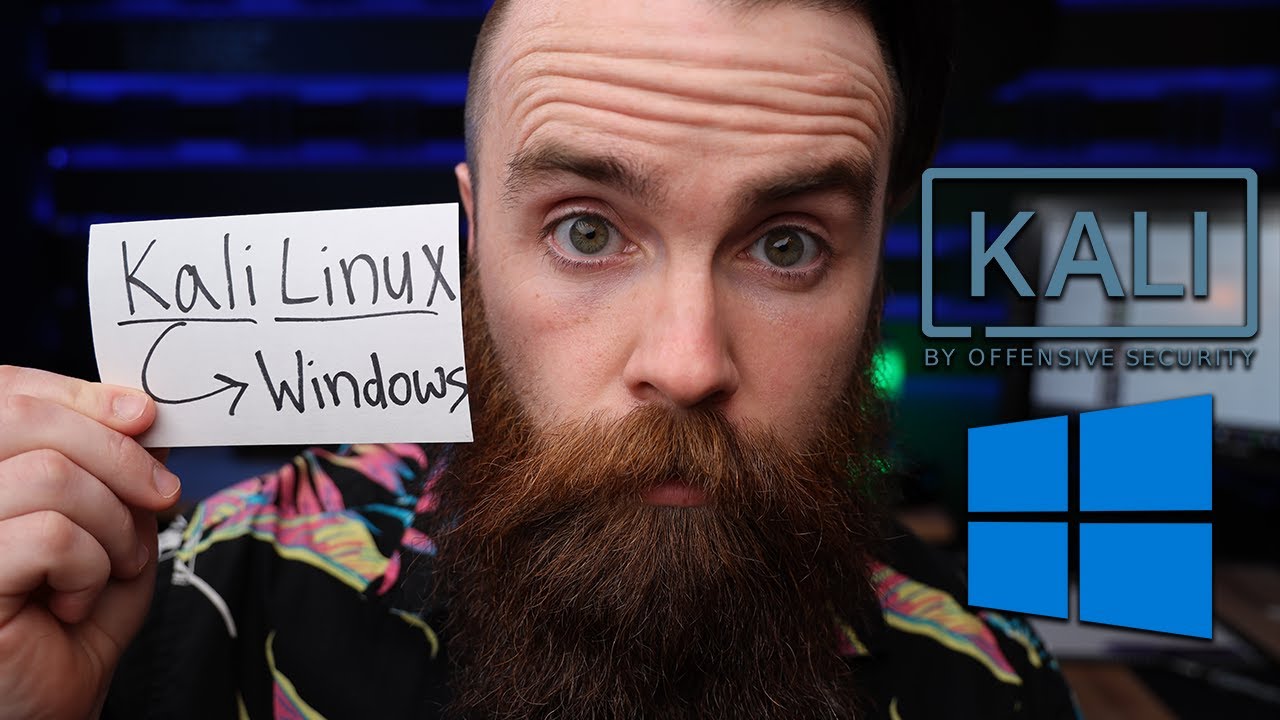
Kali Linux on Windows in 5 Minutes with WSL 2 GUI
Learn how to install Kali Linux on Windows 10 in under 5 minutes using WSL 2 with a full tutorial, including GUI setup. Support NetworkChuck: https://bit.ly/join...

NetworkChuck
3.0M views • Jul 1, 2020
About this video
Install Kali Linux on Windows 10 in under 5 minutes (full tutorial) using WSL 2. (Windows Subsystem for Linux 2)
➡️Support NetworkChuck: https://bit.ly/join_networkchuck
☕or buy me a coffee: https://ko-fi.com/networkchuck ☕
Checkout @davidbombal 's WSL2 playlist: https://bit.ly/2NOFcem
(affiliate links below)
🔥🔥BOSON SUMMER SALE 25% OFF EVERYTHING🔥🔥
-CCNA Lab: https://bit.ly/bosonccna2020 (Boson NetSim)
-CCNA Practice Exam: https://bit.ly/bosonexsimccna (Boson ExSim)
-CCNP Lab: https://bit.ly/encornetsim (Boson NetSim)
-CCNP Practice Exam: https://bit.ly/encorexsim (Boson ExSim)
🔦🔦🔦COMMANDS:🔦🔦🔦
1. INSTALL WSL 2
RUN POWERSHELL as administrator
⚙️ Enable-WindowsOptionalFeature -Online -FeatureName Microsoft-Windows-Subsystem-Linux
RESTART
⚙️ dism.exe /online /enable-feature /featurename:VirtualMachinePlatform /all /norestart
⚙️ dism.exe /online /enable-feature /featurename:Microsoft-Windows-Subsystem-Linux /all /norestart
RESTART
Download Linux Kernel: https://aka.ms/wsl2kernel
SET DEFAULT TO WSL 2
⚙️ wsl --set-default-version 2
CHECK VERSION
⚙️ wsl --list --verbose
2. INSTALL GUI
⚙️ sudo apt update && sudo apt upgrade -y
⚙️ sudo apt install kali-desktop-xfce -y
XRDP
⚙️ sudo apt install xrdp -y
⚙️ sudo service xrdp start
🔥 Get your CCNA 🔥
My CCNA training on CBT Nuggets: http://bit.ly/netautoccna
FULL CCNA course: http://bit.ly/2BJazQG ( @David Bombal )
CCNA Lab: https://bit.ly/bosonccna2020 (Boson NetSim)
Practice Exam: https://bit.ly/bosonexsimccna (Boson ExSim)
🔥Learn Python🔥
Codecademy: http://bit.ly/2Me22NH
🔥Learn Microsoft Azure🔥
AZ-900: http://bit.ly/az900cbt
AZ-104: http://bit.ly/az103cbt
(GEAR I USE...STUFF I RECOMMEND)
Amazon Affiliate Store: https://www.amazon.com/shop/networkchuck
Buy a Raspberry Pi: https://geni.us/aBeqAL
#wsl2 #kalilinux
➡️Support NetworkChuck: https://bit.ly/join_networkchuck
☕or buy me a coffee: https://ko-fi.com/networkchuck ☕
Checkout @davidbombal 's WSL2 playlist: https://bit.ly/2NOFcem
(affiliate links below)
🔥🔥BOSON SUMMER SALE 25% OFF EVERYTHING🔥🔥
-CCNA Lab: https://bit.ly/bosonccna2020 (Boson NetSim)
-CCNA Practice Exam: https://bit.ly/bosonexsimccna (Boson ExSim)
-CCNP Lab: https://bit.ly/encornetsim (Boson NetSim)
-CCNP Practice Exam: https://bit.ly/encorexsim (Boson ExSim)
🔦🔦🔦COMMANDS:🔦🔦🔦
1. INSTALL WSL 2
RUN POWERSHELL as administrator
⚙️ Enable-WindowsOptionalFeature -Online -FeatureName Microsoft-Windows-Subsystem-Linux
RESTART
⚙️ dism.exe /online /enable-feature /featurename:VirtualMachinePlatform /all /norestart
⚙️ dism.exe /online /enable-feature /featurename:Microsoft-Windows-Subsystem-Linux /all /norestart
RESTART
Download Linux Kernel: https://aka.ms/wsl2kernel
SET DEFAULT TO WSL 2
⚙️ wsl --set-default-version 2
CHECK VERSION
⚙️ wsl --list --verbose
2. INSTALL GUI
⚙️ sudo apt update && sudo apt upgrade -y
⚙️ sudo apt install kali-desktop-xfce -y
XRDP
⚙️ sudo apt install xrdp -y
⚙️ sudo service xrdp start
🔥 Get your CCNA 🔥
My CCNA training on CBT Nuggets: http://bit.ly/netautoccna
FULL CCNA course: http://bit.ly/2BJazQG ( @David Bombal )
CCNA Lab: https://bit.ly/bosonccna2020 (Boson NetSim)
Practice Exam: https://bit.ly/bosonexsimccna (Boson ExSim)
🔥Learn Python🔥
Codecademy: http://bit.ly/2Me22NH
🔥Learn Microsoft Azure🔥
AZ-900: http://bit.ly/az900cbt
AZ-104: http://bit.ly/az103cbt
(GEAR I USE...STUFF I RECOMMEND)
Amazon Affiliate Store: https://www.amazon.com/shop/networkchuck
Buy a Raspberry Pi: https://geni.us/aBeqAL
#wsl2 #kalilinux
Tags and Topics
Browse our collection to discover more content in these categories.
Video Information
Views
3.0M
Likes
72.3K
Duration
5:00
Published
Jul 1, 2020
User Reviews
4.8
(600) Related Trending Topics
LIVE TRENDSRelated trending topics. Click any trend to explore more videos.