Install JavaFX Scene Builder for IDEs 🛠️
Learn how to install Scene Builder for JavaFX in Eclipse and IntelliJ with step-by-step guides and download links.

Bro Code
144.1K views • Dec 21, 2020
About this video
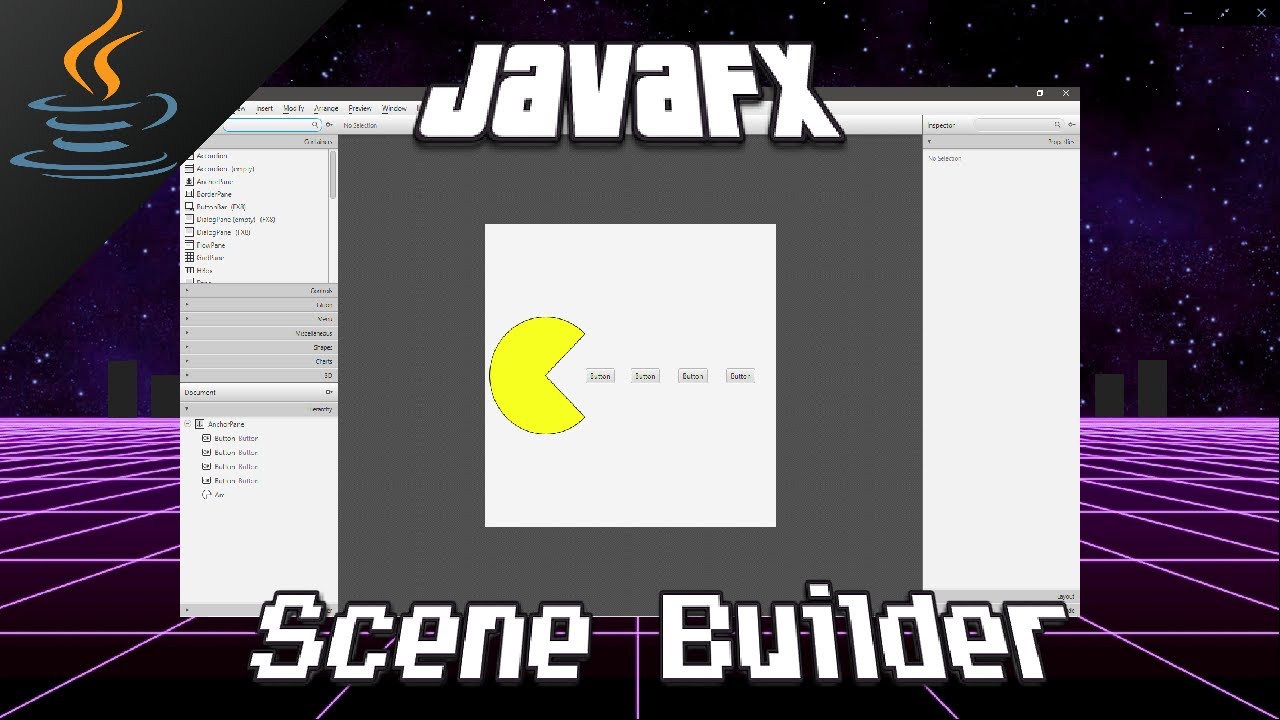
JavaFX how to install Scene Builder Eclipse & IntelliJ
Download: 00:00:21
Eclipse: 00:01:50
IntelliJ: 00:06:27
https://gluonhq.com/products/scene-builder/#download
---------------------------------------
Download Scene Builder
---------------------------------------
1. google: javafx scene builder
2. gluonhq.com
3. download for your machine
Remember the location of SceneBuilder.exe
----------------------------------------------------------------------
C - Program Files - Scene Builder - SceneBuilder.exe
--------------------------------------------------------------
To configure Eclipse with scene builder
--------------------------------------------------------------
1. Create a new FXML file
----------------------------------------
Right click on your project folder - New - Others - JavaFX - JavafXML document - next - Name: Main
2. Link Scene Builder.exe
---------------------------------------
Window Tab - Preferences - JavaFX - browse for scene builder.exe
3. Open Scene Builder
-----------------------------------
right click on FXML file - open with scene builder
4. Working with Scene Builder
-----------------------------------------------
Add whichever nodes you want to Scene Builder and save
File - Save As
5. Within start() add the following
-----------------------------------------------------
Parent root = FXMLLoader.load(getClass().getResource("Main.fxml"))
add any necessary imports
("Main.fxml" may need to be changed to "/Main.fxml")
--------------------------------------------------------------
To configure IntelliJ with scene builder
--------------------------------------------------------------
1. Link Scene Builder to IntelliJ
-------------------------------------------------
File - Settings - Languages and Frameworks - JavaFx
2. Open Scene Builder
-----------------------------------
To open scene builder right click your fxml file
Go to Scene Builder
3. Working with Scene Builder
-----------------------------------------------
Add whichever nodes you want to Scene Builder and save
File - Save As
4. Within start() method, make sure you have this line
-------------------------------------------------------------------------------------
Parent root = FXMLLoader.load(getClass().getResource("sample.fxml"))
#JavaFX #Scene #Builder
Bro Code merch store 👟 :
===========================================================
https://teespring.com/stores/bro-code-5
===========================================================
music credits 🎵 :
===========================================================
Up In My Jam (All Of A Sudden) by - Kubbi https://soundcloud.com/kubbi
Creative Commons — Attribution-ShareAlike 3.0 Unported— CC BY-SA 3.0
Free Download / Stream: http://bit.ly/2JnDfCE
Music promoted by Audio Library https://youtu.be/tDexBj46oNI
===========================================================
Download: 00:00:21
Eclipse: 00:01:50
IntelliJ: 00:06:27
https://gluonhq.com/products/scene-builder/#download
---------------------------------------
Download Scene Builder
---------------------------------------
1. google: javafx scene builder
2. gluonhq.com
3. download for your machine
Remember the location of SceneBuilder.exe
----------------------------------------------------------------------
C - Program Files - Scene Builder - SceneBuilder.exe
--------------------------------------------------------------
To configure Eclipse with scene builder
--------------------------------------------------------------
1. Create a new FXML file
----------------------------------------
Right click on your project folder - New - Others - JavaFX - JavafXML document - next - Name: Main
2. Link Scene Builder.exe
---------------------------------------
Window Tab - Preferences - JavaFX - browse for scene builder.exe
3. Open Scene Builder
-----------------------------------
right click on FXML file - open with scene builder
4. Working with Scene Builder
-----------------------------------------------
Add whichever nodes you want to Scene Builder and save
File - Save As
5. Within start() add the following
-----------------------------------------------------
Parent root = FXMLLoader.load(getClass().getResource("Main.fxml"))
add any necessary imports
("Main.fxml" may need to be changed to "/Main.fxml")
--------------------------------------------------------------
To configure IntelliJ with scene builder
--------------------------------------------------------------
1. Link Scene Builder to IntelliJ
-------------------------------------------------
File - Settings - Languages and Frameworks - JavaFx
2. Open Scene Builder
-----------------------------------
To open scene builder right click your fxml file
Go to Scene Builder
3. Working with Scene Builder
-----------------------------------------------
Add whichever nodes you want to Scene Builder and save
File - Save As
4. Within start() method, make sure you have this line
-------------------------------------------------------------------------------------
Parent root = FXMLLoader.load(getClass().getResource("sample.fxml"))
#JavaFX #Scene #Builder
Bro Code merch store 👟 :
===========================================================
https://teespring.com/stores/bro-code-5
===========================================================
music credits 🎵 :
===========================================================
Up In My Jam (All Of A Sudden) by - Kubbi https://soundcloud.com/kubbi
Creative Commons — Attribution-ShareAlike 3.0 Unported— CC BY-SA 3.0
Free Download / Stream: http://bit.ly/2JnDfCE
Music promoted by Audio Library https://youtu.be/tDexBj46oNI
===========================================================
Tags and Topics
Browse our collection to discover more content in these categories.
Video Information
Views
144.1K
Likes
2.8K
Duration
10:14
Published
Dec 21, 2020
User Reviews
4.7
(28) Related Trending Topics
LIVE TRENDSRelated trending topics. Click any trend to explore more videos.
No specific trending topics match this video yet.
Explore All Trends