iPhone Tip: Switch Back to JPG for Photos
Learn how to change your iPhone camera settings from HEIC to JPG format for better compatibility with websites and sharing.

Ians Tech
385.6K views • Nov 25, 2020
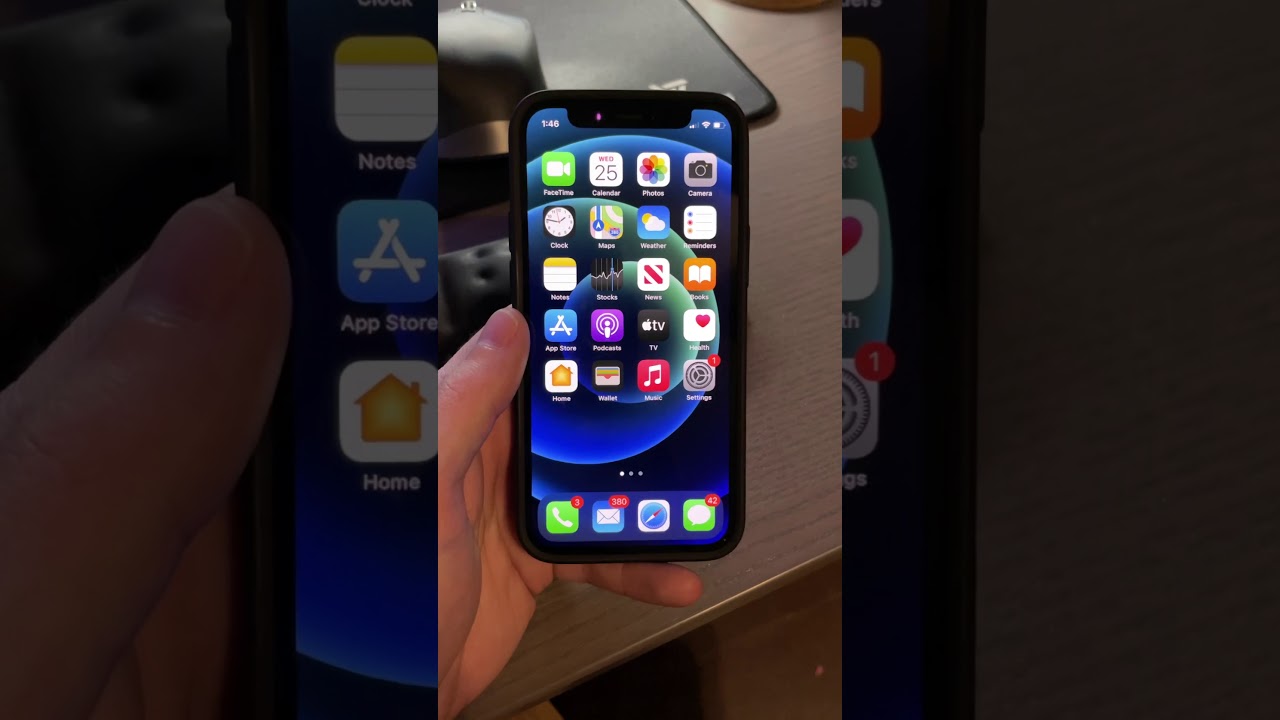
About this video
iOS now takes photos in HEIC format vs. JPG. While the format is great it’s not compatible with every website.
Go to settings, camera, format and choose most compatible to reduce issues with compatibility.
#shorts #iphone #tips
Go to settings, camera, format and choose most compatible to reduce issues with compatibility.
#shorts #iphone #tips
Video Information
Views
385.6K
Likes
4.2K
Duration
0:24
Published
Nov 25, 2020
User Reviews
4.5
(77) Related Trending Topics
LIVE TRENDSRelated trending topics. Click any trend to explore more videos.
No specific trending topics match this video yet.
Explore All Trends