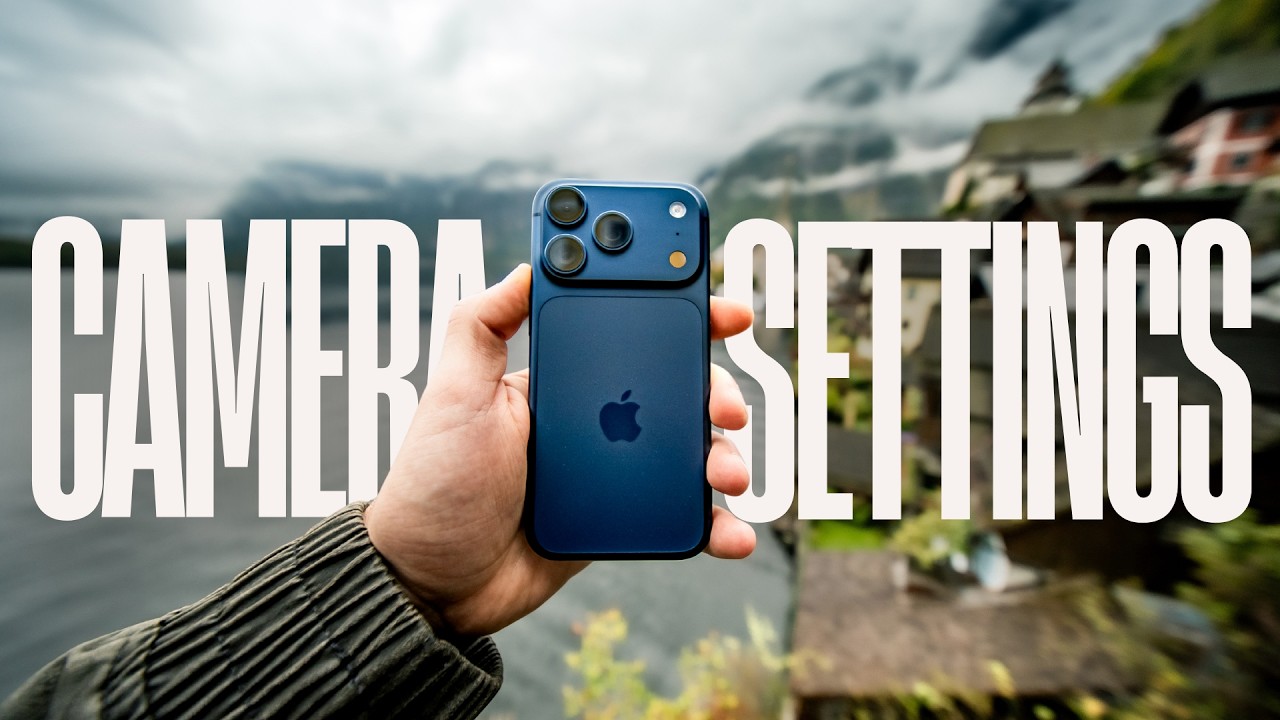
iPhone 17 Pro/Max Camera Settings for Best Photos 📸
Discover top camera settings for stunning photos on the iPhone 17 Pro/Max. Sponsored by ANKER, featuring the new 25W Wireless Charger.

Steven Divish
66.8K views • Dec 25, 2025
About this video
I show my Best iPhone 17 Pro/Max Camera Settings For Photos.
This video is sponsored by ANKER.
Get Your World's First 25W Wireless Charger with Active Cooling System and Built‑In Display Here:
⚡️Buy on Anker.com:https://shop.anker.com/yBhg34
⚡️Buy Anker Prime Wireless Charging Station on Amazon:https://ankerfast.club/4iul4z
Other Gear I Used in This video:
Freewell x StevenDivish Anamorphic Lens - http://bit.ly/4hgBHu7
iPhone 17 Pro Max Case - http://bit.ly/49cwalY
Tripod - http://bit.ly/4hdnn5e
Camera - https://amzn.to/4iWDuVU
All my Gear → https://amzn.to/4eFI6wD
I teach my secret to getting amazing cinematic photos from your iPhone 17 Pro/Max. Just practical settings I actually use to get better colors, better contrast, and more natural-looking photos straight out of the camera.
We go step by step through resolution options, HEIF vs Apple RAW, ProRAW and JPEG-XL, composition settings, macro and night mode behavior, and how I use the 35mm Fusion camera on the iPhone 17 Pro/Max.
I also show how I edit iPhone photos directly on the phone using without any apps and also in Lightroom Mobile, including low-light fixes, subject masking, undertones, and contrast adjustments to avoid that typical “smartphone” look.
At the end, you’ll see real before-and-after examples, so you can clearly see what these settings actually change.
Thank you for subscribing to the channel and helping me to reach 200.000 Subscribers!
Timecodes:
00:00 - iPhone 17 Pro/Max Camera Settings, How to Take Great Photos
00:29 - iPhone 17 Pro Camera Settings High Efficiency and Most Compatible Explained
01:37 - Resolution, ProRAW, Jpeg-XL Lossy
02:26 - Video Capture
02:42 - Preserve Settings, Macro, Night Mode
03:40 - Composition Settings
04:32 - 35mm Fusion Camera on iPhone 17 Pro/Max
05:44 - Most Important Camera Settings
06:21 - RAW or HEIF Photos on iPhone 17 Pro/Max? (When and how to use it)
07:25 My Fast Wireless Charger for iPhone 17 Pro/Max from Anker
09:17 - Night Mode.
09:54 - Best Colors and How I Avoid Phone Look
10:47 - Before and After the Settings
11:05 - How to Improve iPhone Photos with Undertones
12:00 - How To Adjust Contrast, Colors and Avoid Phone Look
12:55 - Before and After
13:17 - How to edit iPhone 17 Pro/Max Photos in Lightroom
14:07 - Editing and Improving Low Light Photos
16:19 - Masking the Subjects in Lightroom on iPhone 17 Pro
17:17 - 200.000 Subscribers! Thank you!
#iphone17promax #iphone17pro #shotoniphone #AnkerPrime #AnkerPrimeWirelessChargingStation
This video is sponsored by ANKER.
Get Your World's First 25W Wireless Charger with Active Cooling System and Built‑In Display Here:
⚡️Buy on Anker.com:https://shop.anker.com/yBhg34
⚡️Buy Anker Prime Wireless Charging Station on Amazon:https://ankerfast.club/4iul4z
Other Gear I Used in This video:
Freewell x StevenDivish Anamorphic Lens - http://bit.ly/4hgBHu7
iPhone 17 Pro Max Case - http://bit.ly/49cwalY
Tripod - http://bit.ly/4hdnn5e
Camera - https://amzn.to/4iWDuVU
All my Gear → https://amzn.to/4eFI6wD
I teach my secret to getting amazing cinematic photos from your iPhone 17 Pro/Max. Just practical settings I actually use to get better colors, better contrast, and more natural-looking photos straight out of the camera.
We go step by step through resolution options, HEIF vs Apple RAW, ProRAW and JPEG-XL, composition settings, macro and night mode behavior, and how I use the 35mm Fusion camera on the iPhone 17 Pro/Max.
I also show how I edit iPhone photos directly on the phone using without any apps and also in Lightroom Mobile, including low-light fixes, subject masking, undertones, and contrast adjustments to avoid that typical “smartphone” look.
At the end, you’ll see real before-and-after examples, so you can clearly see what these settings actually change.
Thank you for subscribing to the channel and helping me to reach 200.000 Subscribers!
Timecodes:
00:00 - iPhone 17 Pro/Max Camera Settings, How to Take Great Photos
00:29 - iPhone 17 Pro Camera Settings High Efficiency and Most Compatible Explained
01:37 - Resolution, ProRAW, Jpeg-XL Lossy
02:26 - Video Capture
02:42 - Preserve Settings, Macro, Night Mode
03:40 - Composition Settings
04:32 - 35mm Fusion Camera on iPhone 17 Pro/Max
05:44 - Most Important Camera Settings
06:21 - RAW or HEIF Photos on iPhone 17 Pro/Max? (When and how to use it)
07:25 My Fast Wireless Charger for iPhone 17 Pro/Max from Anker
09:17 - Night Mode.
09:54 - Best Colors and How I Avoid Phone Look
10:47 - Before and After the Settings
11:05 - How to Improve iPhone Photos with Undertones
12:00 - How To Adjust Contrast, Colors and Avoid Phone Look
12:55 - Before and After
13:17 - How to edit iPhone 17 Pro/Max Photos in Lightroom
14:07 - Editing and Improving Low Light Photos
16:19 - Masking the Subjects in Lightroom on iPhone 17 Pro
17:17 - 200.000 Subscribers! Thank you!
#iphone17promax #iphone17pro #shotoniphone #AnkerPrime #AnkerPrimeWirelessChargingStation
Tags and Topics
Browse our collection to discover more content in these categories.
Video Information
Views
66.8K
Likes
2.3K
Duration
18:24
Published
Dec 25, 2025
User Reviews
4.7
(13) Related Trending Topics
LIVE TRENDSRelated trending topics. Click any trend to explore more videos.
No specific trending topics match this video yet.
Explore All Trends