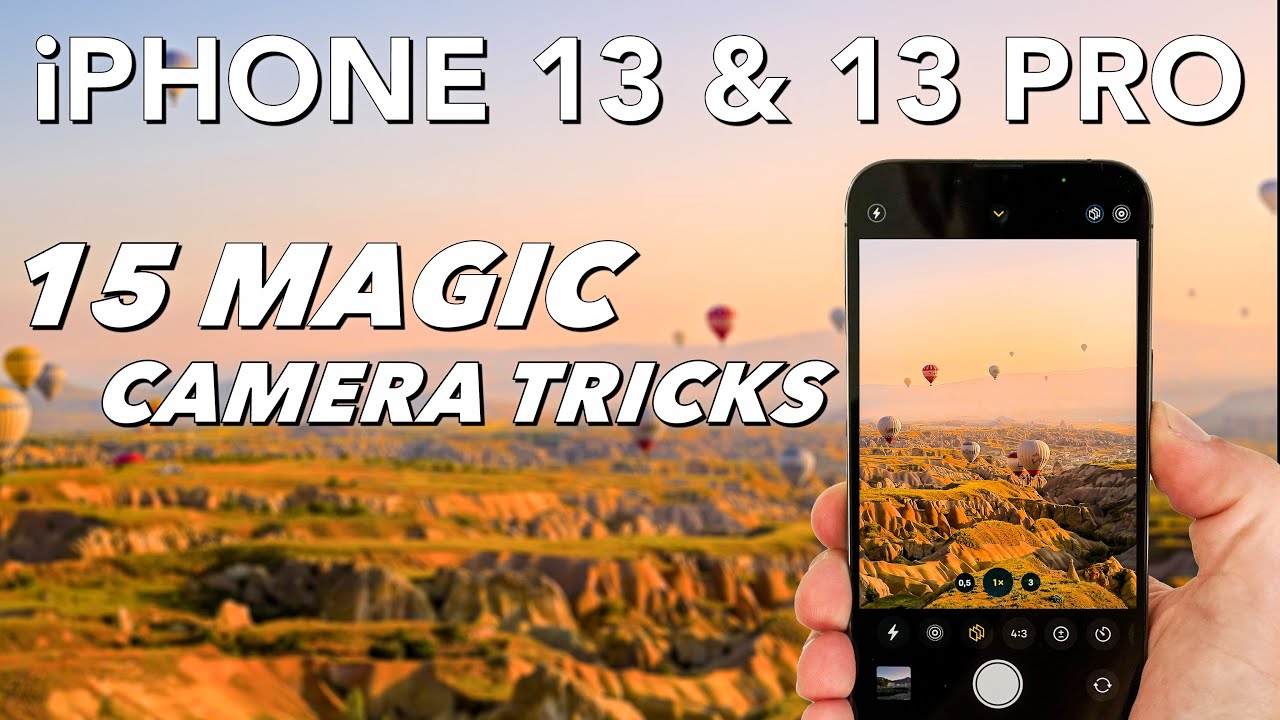
iPhone 13 & 13 Pro (Max): 15 AMAZING Camera Tricks!
I will show you 15 hidden but very useful Camera Tips & Tricks for the iPhone 13 & 13 Pro (Max & Mini) iPhone 13 & 13 Pro (Max) PHOTO settings tutorial: htt...

MountMedia
455.1K views • Jan 7, 2022
About this video
I will show you 15 hidden but very useful Camera Tips & Tricks for the iPhone 13 & 13 Pro (Max & Mini)
iPhone 13 & 13 Pro (Max) PHOTO settings tutorial: https://youtu.be/1oLWSRN6QdI
iPhone 13 & 13 Pro (Max) VIDEO settings tutorial: https://youtu.be/RFoyZB89Uhw
iPHONE 13: https://amzn.to/2ZvS1DR
iPHONE 13 PRO: https://amzn.to/3BlNock
iPHONE 13 PRO MAX: https://amzn.to/2ZtjbLd
MUSIC IN THIS VIDEO: https://audiio.com/partner?oid=1&affid=606
USE THE CODE "PRO70" TO GET 70% OFF!
- iPHONE ACCESSORIES -
Mini Tripod: https://amzn.to/3gOlUTN
Mini Tripod (Pro Version): https://amzn.to/37jDNXC
Smartphone Gimbal: https://amzn.to/3oSHPfr
Wireless Charger: https://amzn.to/3EriodH
Screen Protector: https://amzn.to/3hMUNul
- MY CAMERA GEAR -
My main camera: https://amzn.to/3kmRJqp
My main lens: https://amzn.to/2WN8cIl
My favorite lens: https://amzn.to/3fUDV1w
The lens I use for YouTube: https://amzn.to/2Qi6d9b
Best SD-Card to shoot 4K video: https://amzn.to/2QVOPd7
My microphone: https://amzn.to/3T6DULb
- SUPPORT -
If you like my work and want to help to support this channel you can use the link below and buy me a coffee. Thanks!
▶︎ https://www.ko-fi.com/mountmedia
- FOLLOW ME -
Youtube: https://bit.ly/2nbhRt8
Instagram: https://www.instagram.com/werner.plank/
- CONTACT ME -
MountMedia.Studio@gmail.com
DISCLAIMER: This description contains Amazon affiliate links. If you purchase something through one of the product links, I’ll receive a small commission, but it does not cost you anything. The price remains the same for you. This helps to support the channel and allows me to continue creating videos like this. Thanks for the support!
#iPhone13Pro #Camera #Tricks
0:00 iPhone 13 & 13 Pro Camera Tricks
0:12 How to control your iPhone with Siri / Voice Commands
1:04 How to use the camera with shortcuts
2:48 How to take a photo with Siri / Voice Commands
3:16 The hidden features of the shutter button
4:00 How to create a gif from a burst
5:15 How to convert a Live Photo to a video
5:28 How to take the perfect portrait with the help of Live Photo
5:57 Hot to create a long exposure effect with Live Photo
6:46 How to use the drag & drop feature with Photos
7:14 How to view a photo taken in the wrong orientation
7:34 How to create a blurred background without the portrait mode
8:20 How to modify the shallow depth of field in portrait mode / cinematic video
8:48 How to do a manual focus pull
9:01 How to start the camera in the last used mode
9:23 How to improve the image quality of your videos
10:38 How to make your selfies look correctly
11:09 How to shoot a Hyperlapse
iPhone 13 & 13 Pro (Max) PHOTO settings tutorial: https://youtu.be/1oLWSRN6QdI
iPhone 13 & 13 Pro (Max) VIDEO settings tutorial: https://youtu.be/RFoyZB89Uhw
iPHONE 13: https://amzn.to/2ZvS1DR
iPHONE 13 PRO: https://amzn.to/3BlNock
iPHONE 13 PRO MAX: https://amzn.to/2ZtjbLd
MUSIC IN THIS VIDEO: https://audiio.com/partner?oid=1&affid=606
USE THE CODE "PRO70" TO GET 70% OFF!
- iPHONE ACCESSORIES -
Mini Tripod: https://amzn.to/3gOlUTN
Mini Tripod (Pro Version): https://amzn.to/37jDNXC
Smartphone Gimbal: https://amzn.to/3oSHPfr
Wireless Charger: https://amzn.to/3EriodH
Screen Protector: https://amzn.to/3hMUNul
- MY CAMERA GEAR -
My main camera: https://amzn.to/3kmRJqp
My main lens: https://amzn.to/2WN8cIl
My favorite lens: https://amzn.to/3fUDV1w
The lens I use for YouTube: https://amzn.to/2Qi6d9b
Best SD-Card to shoot 4K video: https://amzn.to/2QVOPd7
My microphone: https://amzn.to/3T6DULb
- SUPPORT -
If you like my work and want to help to support this channel you can use the link below and buy me a coffee. Thanks!
▶︎ https://www.ko-fi.com/mountmedia
- FOLLOW ME -
Youtube: https://bit.ly/2nbhRt8
Instagram: https://www.instagram.com/werner.plank/
- CONTACT ME -
MountMedia.Studio@gmail.com
DISCLAIMER: This description contains Amazon affiliate links. If you purchase something through one of the product links, I’ll receive a small commission, but it does not cost you anything. The price remains the same for you. This helps to support the channel and allows me to continue creating videos like this. Thanks for the support!
#iPhone13Pro #Camera #Tricks
0:00 iPhone 13 & 13 Pro Camera Tricks
0:12 How to control your iPhone with Siri / Voice Commands
1:04 How to use the camera with shortcuts
2:48 How to take a photo with Siri / Voice Commands
3:16 The hidden features of the shutter button
4:00 How to create a gif from a burst
5:15 How to convert a Live Photo to a video
5:28 How to take the perfect portrait with the help of Live Photo
5:57 Hot to create a long exposure effect with Live Photo
6:46 How to use the drag & drop feature with Photos
7:14 How to view a photo taken in the wrong orientation
7:34 How to create a blurred background without the portrait mode
8:20 How to modify the shallow depth of field in portrait mode / cinematic video
8:48 How to do a manual focus pull
9:01 How to start the camera in the last used mode
9:23 How to improve the image quality of your videos
10:38 How to make your selfies look correctly
11:09 How to shoot a Hyperlapse
Tags and Topics
Browse our collection to discover more content in these categories.
Video Information
Views
455.1K
Likes
7.3K
Duration
11:50
Published
Jan 7, 2022
User Reviews
4.8
(91) Related Trending Topics
LIVE TRENDSRelated trending topics. Click any trend to explore more videos.
No specific trending topics match this video yet.
Explore All Trends