iOS 26 vs 18.7: Which Update Is Better? 📱
Compare iOS 26 and 18.7 to decide whether to upgrade or stay with the stable version. Use ReiBoot for easy updates or downgrades!

TenorshareOfficial
84.3K views • Sep 16, 2025
About this video
Upgrade or Downgrade iOS Easily with ReiBoot!👉: https://bit.ly/4nwo77B
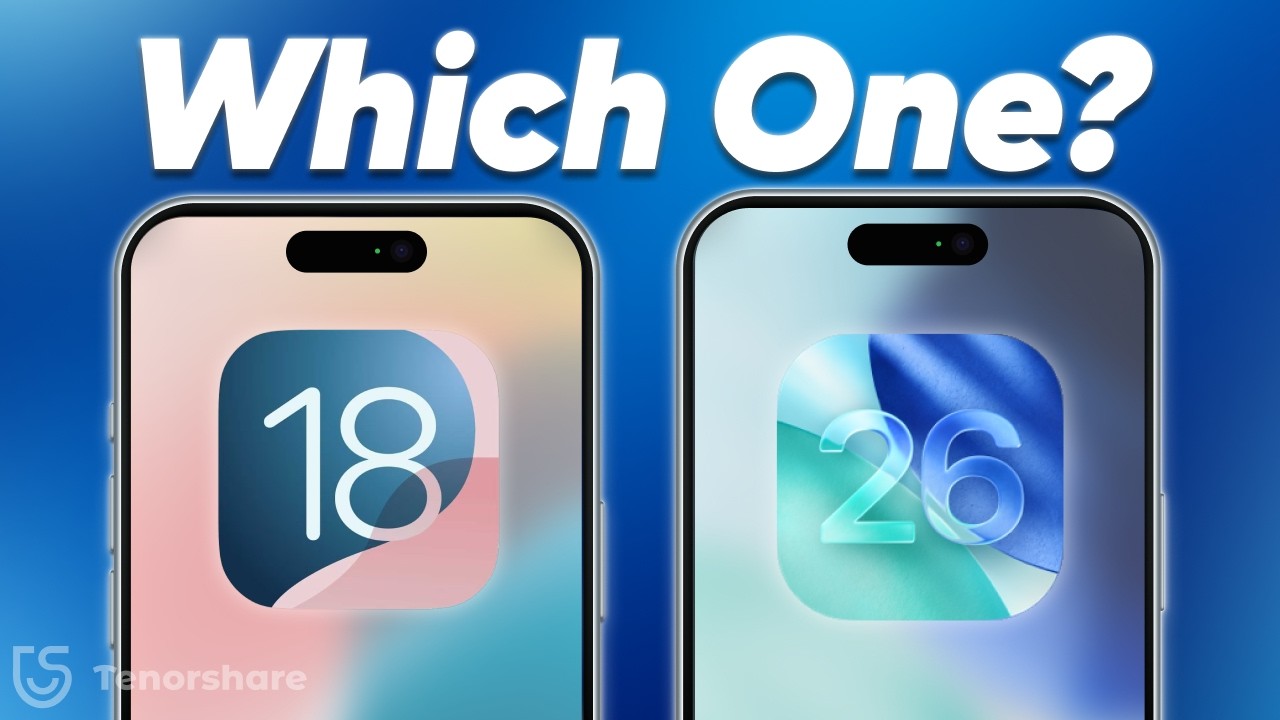
[iOS 26 vs iOS 18.7] Should you update or stick with the stable version? In this video, we compare Apple’s flashy new iOS 26 against the reliable iOS 18.7 so you can decide what’s best for your iPhone.
⏱TIMESTAMP:
00:00 Introduction
00:40 Why iOS 18.7 is Stable
00:56 Which iPhones Should Use iOS 18.7
01:29 Which iPhones Can Run iOS 26 Smoothly
02:06 One-Click Upgrade/Downgrade with ReiBoot
💡Text guide here:
Should I Update to iOS 26?丨iOS 26 Known Bugs & Issues👉:https://www.tenorshare.com/downgrade-ios.html
iOS 26 vs iOS 18.7 – Which One Should You Choose?
iOS 18.7 (Best for Older iPhones)
1.Focuses on stability and smooth performance.
2.Longer battery life and reduced overheating.
3.Recommended for iPhone 11–14 models.
iOS 26 (Best for Newer iPhones)
1.Liquid Glass UI with futuristic visuals.
2.AI-powered features like real-time FaceTime translation.
3.Requires iPhone 15 Pro or newer for full functionality.
ReiBoot for Easy Upgrade/Downgrade
1.Connect iPhone to your computer.
2.Open ReiBoot and choose Upgrade/Downgrade.
3.One click to switch between iOS 18.7 and iOS 26.
🤨Understanding Key Terms and Resources
●Liquid Glass UI: A translucent design style in iOS 26 that adds blur and flow effects to menus and lock screens.
●iOS 18.7: A stability-focused iOS update designed to improve performance and extend battery life on older devices.
●iOS 26 AI Features: Advanced tools like live translation, live captions, and smart suggestions, exclusive to iPhone 15 Pro or newer.
●ReiBoot: A professional iOS system repair tool that supports one-click upgrades, downgrades, and system fixes without data loss.
👇You might also want to know:
How to Turn Off / Disable Liquid Glass on iOS 26 : https://youtu.be/yKBCXRE9Yqo
iPhone Battery Draining Fast After Update iOS 26?: https://youtu.be/osEHT248fBY
How to Download & Install macOS 26 Tahoe:https://youtu.be/dg_92exrb34
#tenorshare #reiBoot #ios26 #ios18
🔔 Subscribe Here (it's FREE!): https://bit.ly/30eZwvG
----------Social Media-------------
Facebook: https://www.facebook.com/TenorshareOfficial/
Twitter: https://twitter.com/Tenorshare_Inc
Pinterest: https://www.pinterest.com/Tenorshare
Instagram: https://www.instagram.com/tenorsharesoftware
TikTok: https://www.tiktok.com/@tenorshare_tech_tips
Tenorshare Official Website: https://www.tenorshare.com
Tenorshare AI Youtube: https://www.youtube.com/@TenorshareAI
Tenorshare AI PDF: https://ai.tenorshare.com/
Get more freebies on Discord: https://discord.com/invite/qDFjcjsDXe
[iOS 26 vs iOS 18.7] Should you update or stick with the stable version? In this video, we compare Apple’s flashy new iOS 26 against the reliable iOS 18.7 so you can decide what’s best for your iPhone.
⏱TIMESTAMP:
00:00 Introduction
00:40 Why iOS 18.7 is Stable
00:56 Which iPhones Should Use iOS 18.7
01:29 Which iPhones Can Run iOS 26 Smoothly
02:06 One-Click Upgrade/Downgrade with ReiBoot
💡Text guide here:
Should I Update to iOS 26?丨iOS 26 Known Bugs & Issues👉:https://www.tenorshare.com/downgrade-ios.html
iOS 26 vs iOS 18.7 – Which One Should You Choose?
iOS 18.7 (Best for Older iPhones)
1.Focuses on stability and smooth performance.
2.Longer battery life and reduced overheating.
3.Recommended for iPhone 11–14 models.
iOS 26 (Best for Newer iPhones)
1.Liquid Glass UI with futuristic visuals.
2.AI-powered features like real-time FaceTime translation.
3.Requires iPhone 15 Pro or newer for full functionality.
ReiBoot for Easy Upgrade/Downgrade
1.Connect iPhone to your computer.
2.Open ReiBoot and choose Upgrade/Downgrade.
3.One click to switch between iOS 18.7 and iOS 26.
🤨Understanding Key Terms and Resources
●Liquid Glass UI: A translucent design style in iOS 26 that adds blur and flow effects to menus and lock screens.
●iOS 18.7: A stability-focused iOS update designed to improve performance and extend battery life on older devices.
●iOS 26 AI Features: Advanced tools like live translation, live captions, and smart suggestions, exclusive to iPhone 15 Pro or newer.
●ReiBoot: A professional iOS system repair tool that supports one-click upgrades, downgrades, and system fixes without data loss.
👇You might also want to know:
How to Turn Off / Disable Liquid Glass on iOS 26 : https://youtu.be/yKBCXRE9Yqo
iPhone Battery Draining Fast After Update iOS 26?: https://youtu.be/osEHT248fBY
How to Download & Install macOS 26 Tahoe:https://youtu.be/dg_92exrb34
#tenorshare #reiBoot #ios26 #ios18
🔔 Subscribe Here (it's FREE!): https://bit.ly/30eZwvG
----------Social Media-------------
Facebook: https://www.facebook.com/TenorshareOfficial/
Twitter: https://twitter.com/Tenorshare_Inc
Pinterest: https://www.pinterest.com/Tenorshare
Instagram: https://www.instagram.com/tenorsharesoftware
TikTok: https://www.tiktok.com/@tenorshare_tech_tips
Tenorshare Official Website: https://www.tenorshare.com
Tenorshare AI Youtube: https://www.youtube.com/@TenorshareAI
Tenorshare AI PDF: https://ai.tenorshare.com/
Get more freebies on Discord: https://discord.com/invite/qDFjcjsDXe
Video Information
Views
84.3K
Likes
491
Duration
2:46
Published
Sep 16, 2025
User Reviews
4.2
(16) Related Trending Topics
LIVE TRENDSRelated trending topics. Click any trend to explore more videos.
No specific trending topics match this video yet.
Explore All Trends