InVideo AI Tutorial for Beginners 🎬
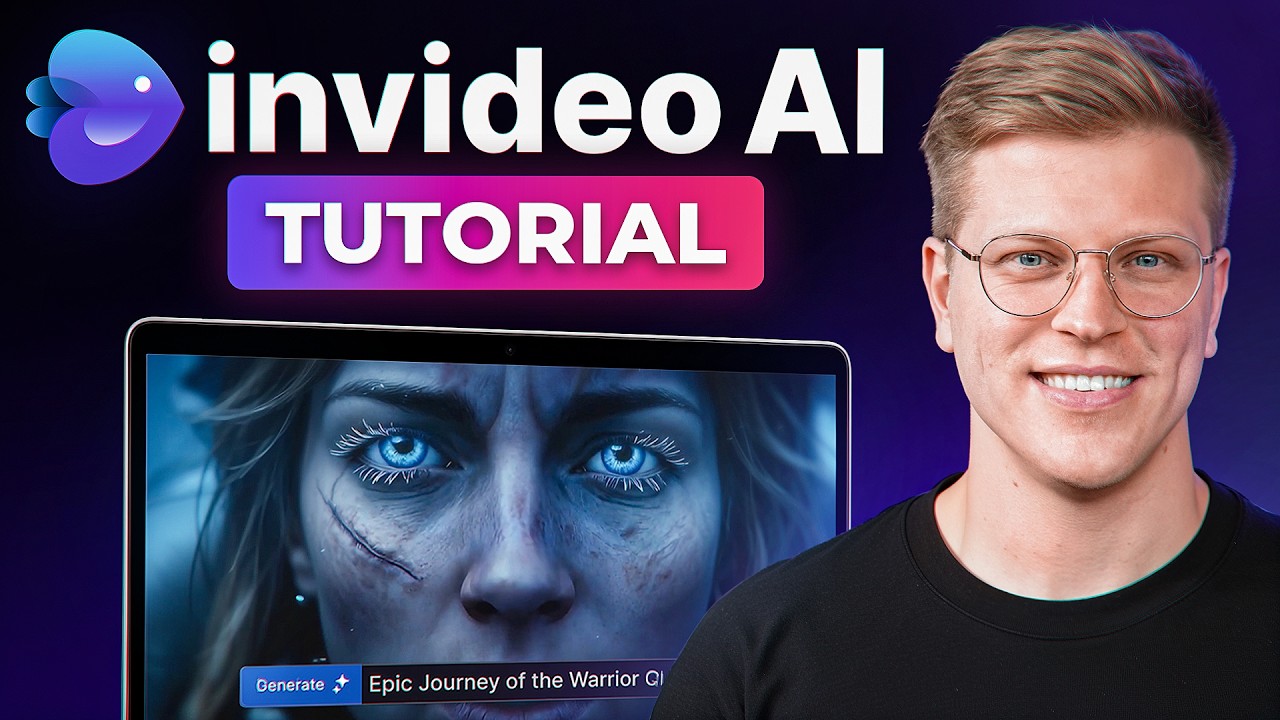
Learn how to create videos quickly with InVideo AI in this step-by-step beginner tutorial, covering scripts, voiceovers, footage, and edits.
George Vlasyev
1.4K views • Jul 30, 2025
About this video
A full YouTube video — topic, script, voiceover, footage, and edits — can be produced in minutes with InVideo AI, and this tutorial shows the entire process from a blank account.
👉 InVideo AI: https://invideo.sjv.io/aODADM (Try InVideo for Free here)
In this video, George Vlasyev breaks down InVideo AI from scratch — covering account setup, plan selection, model choice, prompting, voice cloning, video generation, footage and script editing, language dubbing, and timeline export.
🔥 Additional Resources & Freebies:
🎁 Free Affiliate Marketing Starter Kit: https://georgevlasyev.com/affiliate
🎓 Join The Academy: https://georgevlasyev.com/academy
⚒️ My Full Tech Stack: https://georgevlasyev.com/tools
🌐 My Website: https://georgevlasyev.com
🕒 Timestamps:
00:00 Intro
00:43 Signing Up and Managing Settings
02:00 Picking a Plan or Trying It for Free
03:02 Choosing Models & Selecting a Template
03:54 Prompting
04:45 Voice Cloning
05:47 Video Generation
06:47 Making Edits and Language Dubbing
08:43 Timeline Editing
09:30 Outro
💡 About The Video:
InVideo AI turns a text prompt into a finished video — footage, voiceover, music, captions, and all — without a production team. This tutorial walks through the full workflow on the free plan using stock assets. A few settings worth knowing before you start: enable Beta Features in account settings to unlock everything InVideo offers, and switch Default Export Visibility from public to private if you don't want anonymous users accessing your creations. On plans — the Plus plan includes credits and iStock points but no generative video time, meaning it can only pull stock footage. Generative AI video requires a higher tier and uses significantly more credits and render time.
The prompting section covers how to write a prompt that gives the AI enough direction without overloading it, and the voice cloning walkthrough covers uploading a one-minute voice recording, completing the consent verification step, and attaching the cloned voice to the prompt before generating. After generation, the video covers the audience, pace, and creative strategy options before render, then the edit workflow — rewriting specific sections via the AI chat, manually editing the script sentence by sentence, swapping stock footage from the media panel, and changing the voiceover language. The tutorial closes with timeline editing, where each layer of the video — watermark, voiceover, footage, and music — is visible and adjustable before final export at 1080p.
📲 Connect With Me:
- Follow on Insta: https://instagram.com/georgevlasyev
- Business Inquiries: george@vlasyev.com
LEGAL DISCLAIMER: Some of the links in this description are affiliate links. If you click and make a purchase, I may receive a small commission at no extra cost to you. I only recommend tools I personally use to grow my business and the George Vlasyev brand.
#GeorgeVlasyev #InVideoAI #AIVideo
👉 InVideo AI: https://invideo.sjv.io/aODADM (Try InVideo for Free here)
In this video, George Vlasyev breaks down InVideo AI from scratch — covering account setup, plan selection, model choice, prompting, voice cloning, video generation, footage and script editing, language dubbing, and timeline export.
🔥 Additional Resources & Freebies:
🎁 Free Affiliate Marketing Starter Kit: https://georgevlasyev.com/affiliate
🎓 Join The Academy: https://georgevlasyev.com/academy
⚒️ My Full Tech Stack: https://georgevlasyev.com/tools
🌐 My Website: https://georgevlasyev.com
🕒 Timestamps:
00:00 Intro
00:43 Signing Up and Managing Settings
02:00 Picking a Plan or Trying It for Free
03:02 Choosing Models & Selecting a Template
03:54 Prompting
04:45 Voice Cloning
05:47 Video Generation
06:47 Making Edits and Language Dubbing
08:43 Timeline Editing
09:30 Outro
💡 About The Video:
InVideo AI turns a text prompt into a finished video — footage, voiceover, music, captions, and all — without a production team. This tutorial walks through the full workflow on the free plan using stock assets. A few settings worth knowing before you start: enable Beta Features in account settings to unlock everything InVideo offers, and switch Default Export Visibility from public to private if you don't want anonymous users accessing your creations. On plans — the Plus plan includes credits and iStock points but no generative video time, meaning it can only pull stock footage. Generative AI video requires a higher tier and uses significantly more credits and render time.
The prompting section covers how to write a prompt that gives the AI enough direction without overloading it, and the voice cloning walkthrough covers uploading a one-minute voice recording, completing the consent verification step, and attaching the cloned voice to the prompt before generating. After generation, the video covers the audience, pace, and creative strategy options before render, then the edit workflow — rewriting specific sections via the AI chat, manually editing the script sentence by sentence, swapping stock footage from the media panel, and changing the voiceover language. The tutorial closes with timeline editing, where each layer of the video — watermark, voiceover, footage, and music — is visible and adjustable before final export at 1080p.
📲 Connect With Me:
- Follow on Insta: https://instagram.com/georgevlasyev
- Business Inquiries: george@vlasyev.com
LEGAL DISCLAIMER: Some of the links in this description are affiliate links. If you click and make a purchase, I may receive a small commission at no extra cost to you. I only recommend tools I personally use to grow my business and the George Vlasyev brand.
#GeorgeVlasyev #InVideoAI #AIVideo
Tags and Topics
Browse our collection to discover more content in these categories.
Video Information
Views
1.4K
Likes
267
Duration
9:42
Published
Jul 30, 2025
User Reviews
4.5
(1) Related Trending Topics
LIVE TRENDSRelated trending topics. Click any trend to explore more videos.
No specific trending topics match this video yet.
Explore All Trends