Xcode 16 Basics: Simplified Introduction 🚀
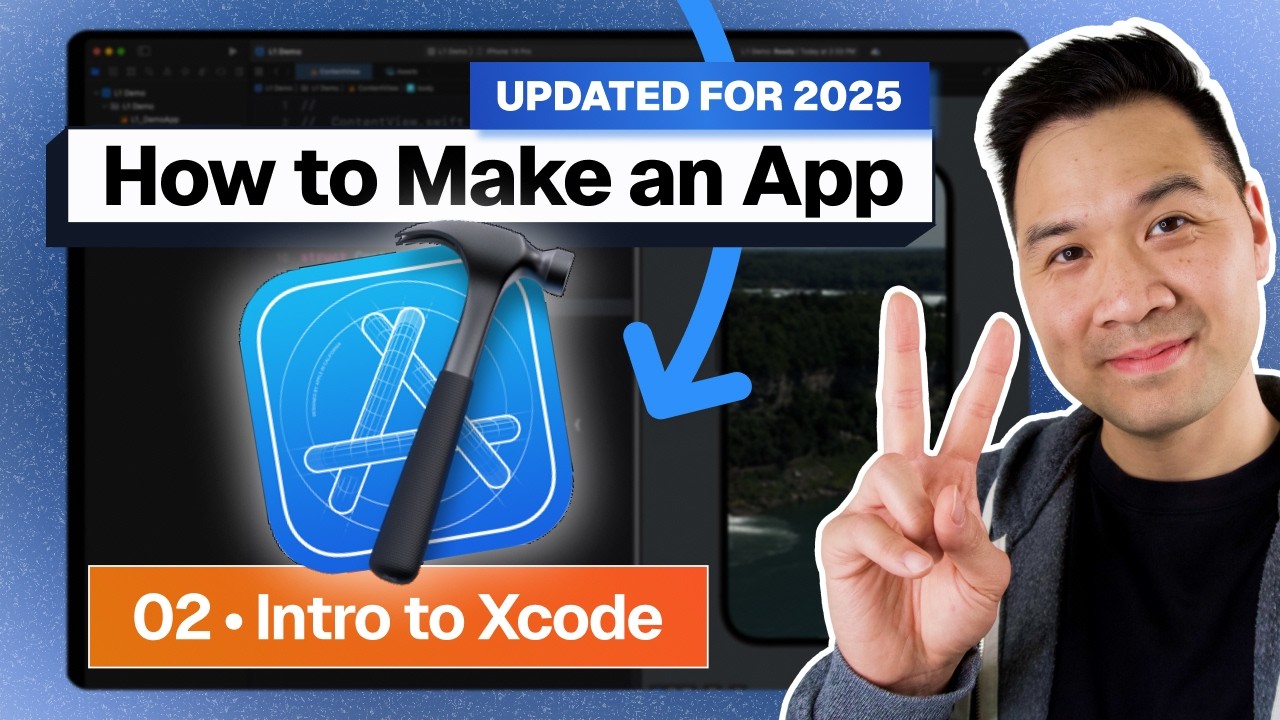
Learn the 4 key areas of Xcode 16 and how to navigate your projects easily with this simple tutorial.

CodeWithChris
46.5K views • Nov 14, 2024
About this video
Xcode looks complicated but it’s not really! Let me simplify it for you in this Xcode tutorial.
Learn the 4 major areas of Xcode, how to navigate your project files and how to launch your app for testing. We’ll end the lesson with some of my favorite tips on navigating around in Xcode.
👋 Our "Launch Your First App" program will help you build up your iOS skills to publish your very own feature rich app even if you’re a beginner starting from scratch. https://cwc.to/youtubeoffer
Download the project and resources:
https://learn.codewithchris.com/courses/start?utm_source=youtube&utm_medium=video&utm_campaign=8day2025&utm_content=lesson2
Timestamps
00:00 Intro
00:25 Downloading and Installing Xcode
00:36 Details on Starting a New Project
05:24 Areas of Xcode
06:12 The File Navigator
06:52 The Editor Area
07:44 The Utility Area
09:05 The Xcode Toolbar
11:14 What is an Xcode Project?
13:53 The iOS Simulator
14:26 The Preview
15:57 Helpful Xcode Tips
17:58 The Developer Documentation
18:57 Outro
This video series will teach a beginner with no programming experience how to make iPhone apps. I'm creating these videos with the assumption that the student has no prior knowledge and is starting from scratch.
About CodeWithChris:
Hi I’m Chris! I’m dedicated to teaching fundamentals about how to make an app. This is important if you’re trying to land an iOS job, be a freelancer, increase or start a business with an app idea. On this channel and my website, you'll find a ton of free resources and tutorials to aid you on your journey to learn iOS development. Many people have learned to code and build apps on their own!
Student Success Stories
https://codewithchris.com/category/success-stories/
#CodeWithChris #Xcode #iosappdevelopment
Learn the 4 major areas of Xcode, how to navigate your project files and how to launch your app for testing. We’ll end the lesson with some of my favorite tips on navigating around in Xcode.
👋 Our "Launch Your First App" program will help you build up your iOS skills to publish your very own feature rich app even if you’re a beginner starting from scratch. https://cwc.to/youtubeoffer
Download the project and resources:
https://learn.codewithchris.com/courses/start?utm_source=youtube&utm_medium=video&utm_campaign=8day2025&utm_content=lesson2
Timestamps
00:00 Intro
00:25 Downloading and Installing Xcode
00:36 Details on Starting a New Project
05:24 Areas of Xcode
06:12 The File Navigator
06:52 The Editor Area
07:44 The Utility Area
09:05 The Xcode Toolbar
11:14 What is an Xcode Project?
13:53 The iOS Simulator
14:26 The Preview
15:57 Helpful Xcode Tips
17:58 The Developer Documentation
18:57 Outro
This video series will teach a beginner with no programming experience how to make iPhone apps. I'm creating these videos with the assumption that the student has no prior knowledge and is starting from scratch.
About CodeWithChris:
Hi I’m Chris! I’m dedicated to teaching fundamentals about how to make an app. This is important if you’re trying to land an iOS job, be a freelancer, increase or start a business with an app idea. On this channel and my website, you'll find a ton of free resources and tutorials to aid you on your journey to learn iOS development. Many people have learned to code and build apps on their own!
Student Success Stories
https://codewithchris.com/category/success-stories/
#CodeWithChris #Xcode #iosappdevelopment
Tags and Topics
Browse our collection to discover more content in these categories.
Video Information
Views
46.5K
Likes
779
Duration
19:20
Published
Nov 14, 2024
User Reviews
4.7
(9) Related Trending Topics
LIVE TRENDSRelated trending topics. Click any trend to explore more videos.
No specific trending topics match this video yet.
Explore All Trends