Installing Audacity 2.4.2 on macOS Big Sur in 2021
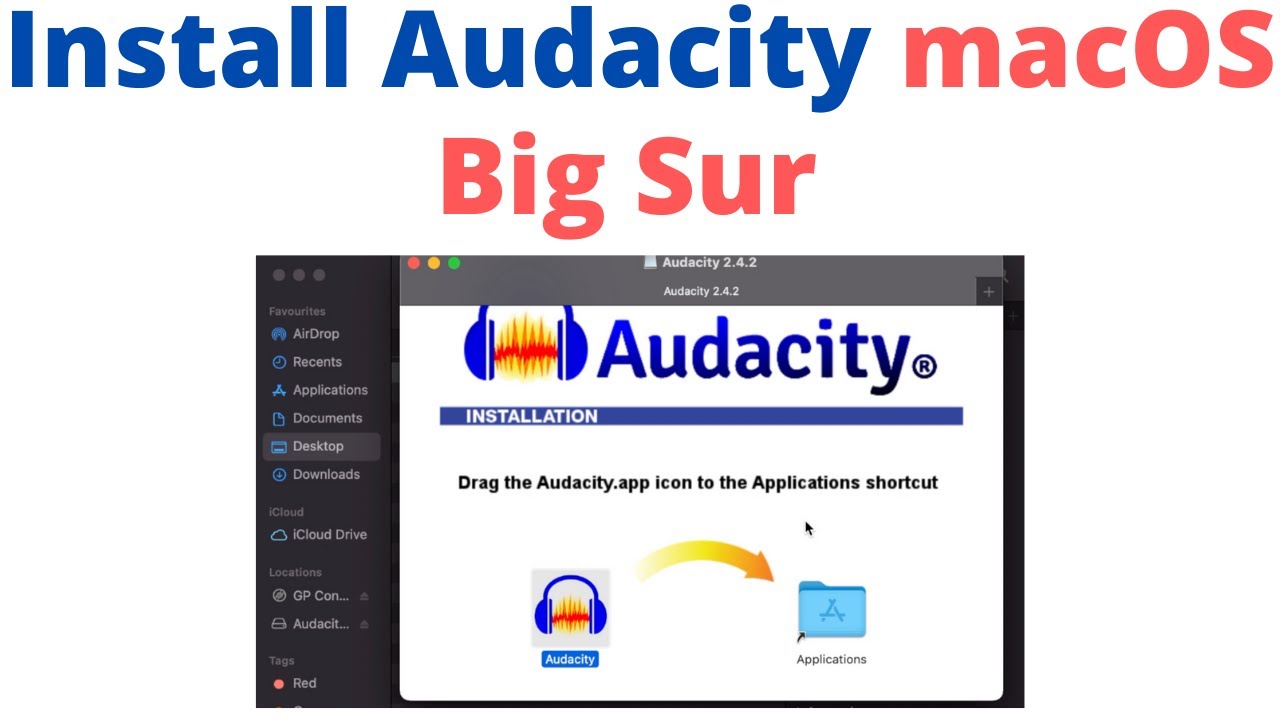
Step-by-step guide to install Audacity 2.4.2 on macOS Big Sur, including the latest link for Audacity 3.0.2 installation and complete setup instructions.

Master Editor
2.1K views • Nov 30, 2020
About this video
Latest link to install Audacity 3.0.2 on macOS Big Sur: https://youtu.be/ksz12jepIUU
Complete instructions on how to set up Audacity 2.4.2 on macOS Big Sur the latest macOS. Audacity works fine on macOS Big Sur without any issue.
Audacity is completely free audio editing software. You can download it from here https://www.audacityteam.org/
My Patreon support link: https://www.patreon.com/master_editor
For Business inquiries: biz.master.editor@gmail.com
My Microphone: https://amzn.to/3x5YBfE (Affiliate link)
My Audio Interface: https://amzn.to/2YA7baf (Affiliate link)
My XLR Microphone: https://amzn.to/3DXcb8O (Affiliate link)
As an Amazon Associate, I earn from qualifying purchases.
Noise cancellation software Krisp Download Link (1 month PRO free): https://ref.krisp.ai/u/u8e573ab2c
Free thumbnail editor (click, drag and drop): https://www.canva.com/join/ltn-jdn-zhl
Background Music:
Carefree Melody by Twin Musicom is licensed under a Creative Commons Attribution 4.0 license. https://creativecommons.org/licenses/by/4.0/
Source: http://www.twinmusicom.org/song/302/carefree-melody
Artist: http://www.twinmusicom.org
Complete instructions on how to set up Audacity 2.4.2 on macOS Big Sur the latest macOS. Audacity works fine on macOS Big Sur without any issue.
Audacity is completely free audio editing software. You can download it from here https://www.audacityteam.org/
My Patreon support link: https://www.patreon.com/master_editor
For Business inquiries: biz.master.editor@gmail.com
My Microphone: https://amzn.to/3x5YBfE (Affiliate link)
My Audio Interface: https://amzn.to/2YA7baf (Affiliate link)
My XLR Microphone: https://amzn.to/3DXcb8O (Affiliate link)
As an Amazon Associate, I earn from qualifying purchases.
Noise cancellation software Krisp Download Link (1 month PRO free): https://ref.krisp.ai/u/u8e573ab2c
Free thumbnail editor (click, drag and drop): https://www.canva.com/join/ltn-jdn-zhl
Background Music:
Carefree Melody by Twin Musicom is licensed under a Creative Commons Attribution 4.0 license. https://creativecommons.org/licenses/by/4.0/
Source: http://www.twinmusicom.org/song/302/carefree-melody
Artist: http://www.twinmusicom.org
Video Information
Views
2.1K
Likes
18
Duration
2:19
Published
Nov 30, 2020
User Reviews
4.2
(2) Related Trending Topics
LIVE TRENDSRelated trending topics. Click any trend to explore more videos.
No specific trending topics match this video yet.
Explore All Trends