Quick Guide: Install Arduino IDE & ESP32-S3 Support 🛠️
Learn how to install Arduino IDE 2.x and add support for Lonely Binary ESP32-S3 in under 2 minutes for easy programming.

Lonely Binary
11.1K views • Aug 4, 2025
About this video
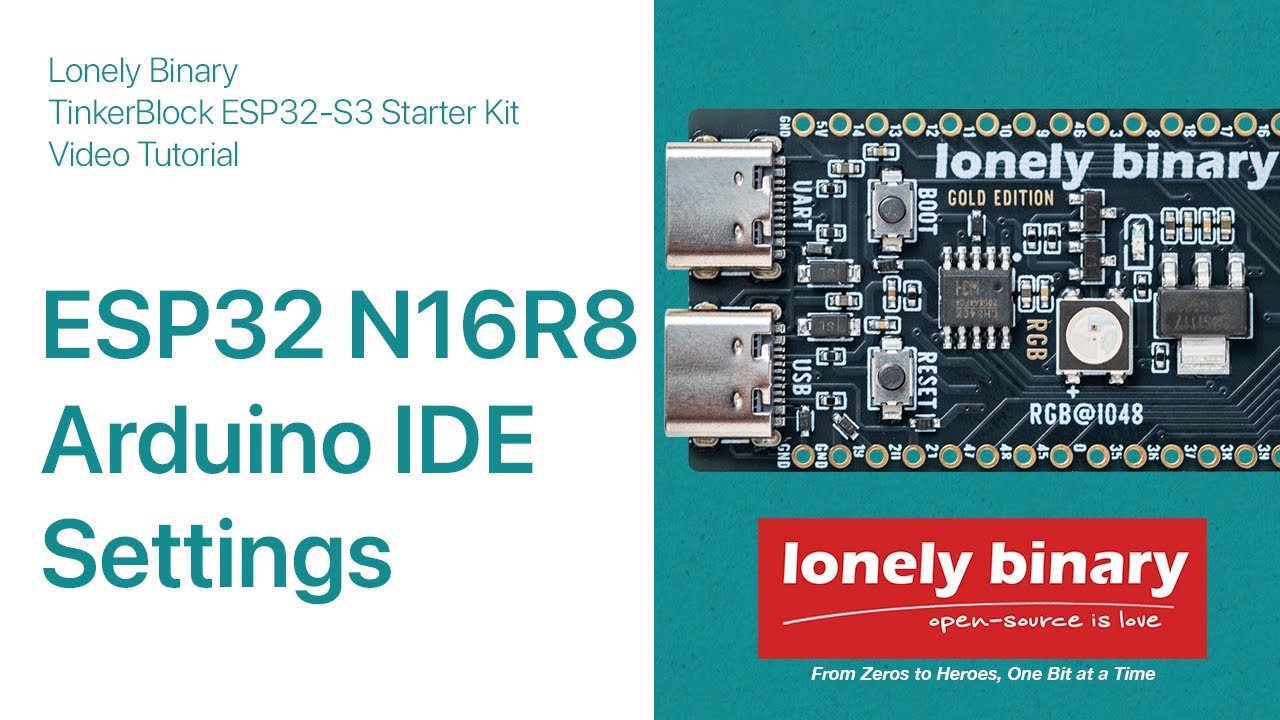
Get your Lonely Binary ESP32-S3 ready for programming with this quick Arduino IDE 2.x installation guide. We'll cover downloading the IDE, adding ESP32 support via GitHub, and configuring optimal settings for the ESP32-S3 N16R8 board.
In this video:
- Download and install Arduino IDE from arduino.cc
- Add ESP32 board manager URL from GitHub
- Install ESP32 package in Boards Manager
- Select ESP32S3 Dev Module and apply custom settings (16MB Flash, OPI PSRAM, etc.)
- Tips for uploading your first program
Perfect for beginners in ESP32 development and IoT! 🚀
Lonely Binary ESP32-S3 N16R8 Arduino IDE Settings:
- Board: ESP32S3 Dev Module
- USB CDC On Boot: "Enabled"
- PSRAM: OPI PSRAM
- Flash Size: 16MB (128Mb)
- Flash Mode: QIO 80MHz
- Partition Scheme: 16M Flash (3MB APP/9.9MB FATFS)
- Upload Mode: UART0 / Hardware CDC
- USB Mode: Hardware CDC and JTAG
Arduino ESP32 Github URL:
https://github.com/espressif/arduino-esp32
ESP32 Board Manager URL: https://raw.githubusercontent.com/espressif/arduino-esp32/gh-pages/package_esp32_index.json
For support: https://lonelybinary.com or office@lonelybinary.com
Like, subscribe, and notifications on for more tech tutorials!
#ESP32S3 #ArduinoIDE #LonelyBinary #ESP32Setup #IoT #ArduinoTutorial #GitHubESP32
In this video:
- Download and install Arduino IDE from arduino.cc
- Add ESP32 board manager URL from GitHub
- Install ESP32 package in Boards Manager
- Select ESP32S3 Dev Module and apply custom settings (16MB Flash, OPI PSRAM, etc.)
- Tips for uploading your first program
Perfect for beginners in ESP32 development and IoT! 🚀
Lonely Binary ESP32-S3 N16R8 Arduino IDE Settings:
- Board: ESP32S3 Dev Module
- USB CDC On Boot: "Enabled"
- PSRAM: OPI PSRAM
- Flash Size: 16MB (128Mb)
- Flash Mode: QIO 80MHz
- Partition Scheme: 16M Flash (3MB APP/9.9MB FATFS)
- Upload Mode: UART0 / Hardware CDC
- USB Mode: Hardware CDC and JTAG
Arduino ESP32 Github URL:
https://github.com/espressif/arduino-esp32
ESP32 Board Manager URL: https://raw.githubusercontent.com/espressif/arduino-esp32/gh-pages/package_esp32_index.json
For support: https://lonelybinary.com or office@lonelybinary.com
Like, subscribe, and notifications on for more tech tutorials!
#ESP32S3 #ArduinoIDE #LonelyBinary #ESP32Setup #IoT #ArduinoTutorial #GitHubESP32
Video Information
Views
11.1K
Likes
94
Duration
2:03
Published
Aug 4, 2025
User Reviews
4.2
(2) Related Trending Topics
LIVE TRENDSRelated trending topics. Click any trend to explore more videos.
No specific trending topics match this video yet.
Explore All Trends