I Fixed Premiere’s Most Annoying Keyframe Problem
🟣 Get Keyrails → https://keyrails.app/ Keyframing in Adobe Premiere just got a whole lot easier. Now you can simply hold a hotkey, snap to your keyframe ha...

Gavin Herman
8.6K views • Mar 29, 2026
About this video
🟣 Get Keyrails → https://keyrails.app/
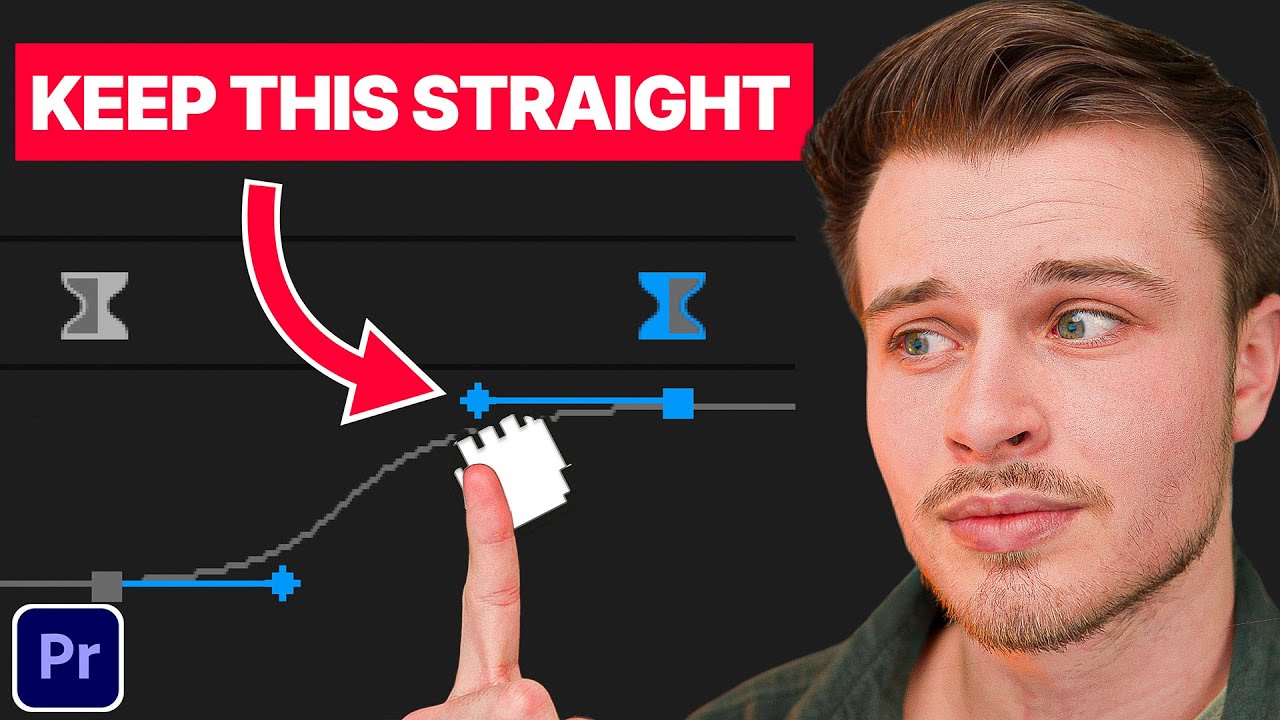
Keyframing in Adobe Premiere just got a whole lot easier. Now you can simply hold a hotkey, snap to your keyframe handle, and get the perfect drag every single time. No more eyeballing handles into alignment or jumping between apps just to get smooth motion curves. Get precise keyframe easing, finally, inside Adobe Premiere.
🎧 Music In This Video
→ https://share.epidemicsound.com/w1z0a2
💻 Learn How to Edit Better Videos, Faster, and Make Money Doing it.
→ https://editorkickstart.com/
____________________________________________________
▶ SUBSCRIBE: @GavinHerman
Thank you for all your support :)
GAVIN
____________________________________________________
DISCLAIMER: This video and description contains affiliate links. So when you click on one of the product links, I’ll receive a small commission.
____________________________________________________
Keyrails helps fix keyframe handle drift in Premiere Pro and get perfectly smooth animations. If your bezier handles keep moving up and down when you try to adjust easing, this tool fixes it by locking movement horizontally for precise control. Keyrails is a simple tool that solves one of the most frustrating problems in Premiere Pro animation. It also allows you to snap your cursor to the keyframe handle so you don't have to click directly on it.
00:00 Drag Keyframe Handles Perfectly Straight
00:26 Why this is a game changer
00:43 The annoying problem with keyframe handles
01:14 How bad handles ruin your animation
01:50 The Solution: Keyrails
02:05 How Keyrails works on Mac and Windows
02:16 Setting your custom hotkey
02:24 Snapping and dragging for perfect curves
02:38 Real example: smooth zoom to top right
03:03 Matching scale and position easing
03:18 Adjusting detection radius for snapping
03:29 Snapping to lines and handles
03:35 Final thoughts and pricing
03:52 More tools to speed up your editing
Keyframing in Adobe Premiere just got a whole lot easier. Now you can simply hold a hotkey, snap to your keyframe handle, and get the perfect drag every single time. No more eyeballing handles into alignment or jumping between apps just to get smooth motion curves. Get precise keyframe easing, finally, inside Adobe Premiere.
🎧 Music In This Video
→ https://share.epidemicsound.com/w1z0a2
💻 Learn How to Edit Better Videos, Faster, and Make Money Doing it.
→ https://editorkickstart.com/
____________________________________________________
▶ SUBSCRIBE: @GavinHerman
Thank you for all your support :)
GAVIN
____________________________________________________
DISCLAIMER: This video and description contains affiliate links. So when you click on one of the product links, I’ll receive a small commission.
____________________________________________________
Keyrails helps fix keyframe handle drift in Premiere Pro and get perfectly smooth animations. If your bezier handles keep moving up and down when you try to adjust easing, this tool fixes it by locking movement horizontally for precise control. Keyrails is a simple tool that solves one of the most frustrating problems in Premiere Pro animation. It also allows you to snap your cursor to the keyframe handle so you don't have to click directly on it.
00:00 Drag Keyframe Handles Perfectly Straight
00:26 Why this is a game changer
00:43 The annoying problem with keyframe handles
01:14 How bad handles ruin your animation
01:50 The Solution: Keyrails
02:05 How Keyrails works on Mac and Windows
02:16 Setting your custom hotkey
02:24 Snapping and dragging for perfect curves
02:38 Real example: smooth zoom to top right
03:03 Matching scale and position easing
03:18 Adjusting detection radius for snapping
03:29 Snapping to lines and handles
03:35 Final thoughts and pricing
03:52 More tools to speed up your editing
Tags and Topics
Browse our collection to discover more content in these categories.
Video Information
Views
8.6K
Likes
210
Duration
4:04
Published
Mar 29, 2026
User Reviews
4.6
(1) Related Trending Topics
LIVE TRENDSRelated trending topics. Click any trend to explore more videos.
No specific trending topics match this video yet.
Explore All Trends