Open Emoji Menu on Windows 11/10 with Shortcut 😊
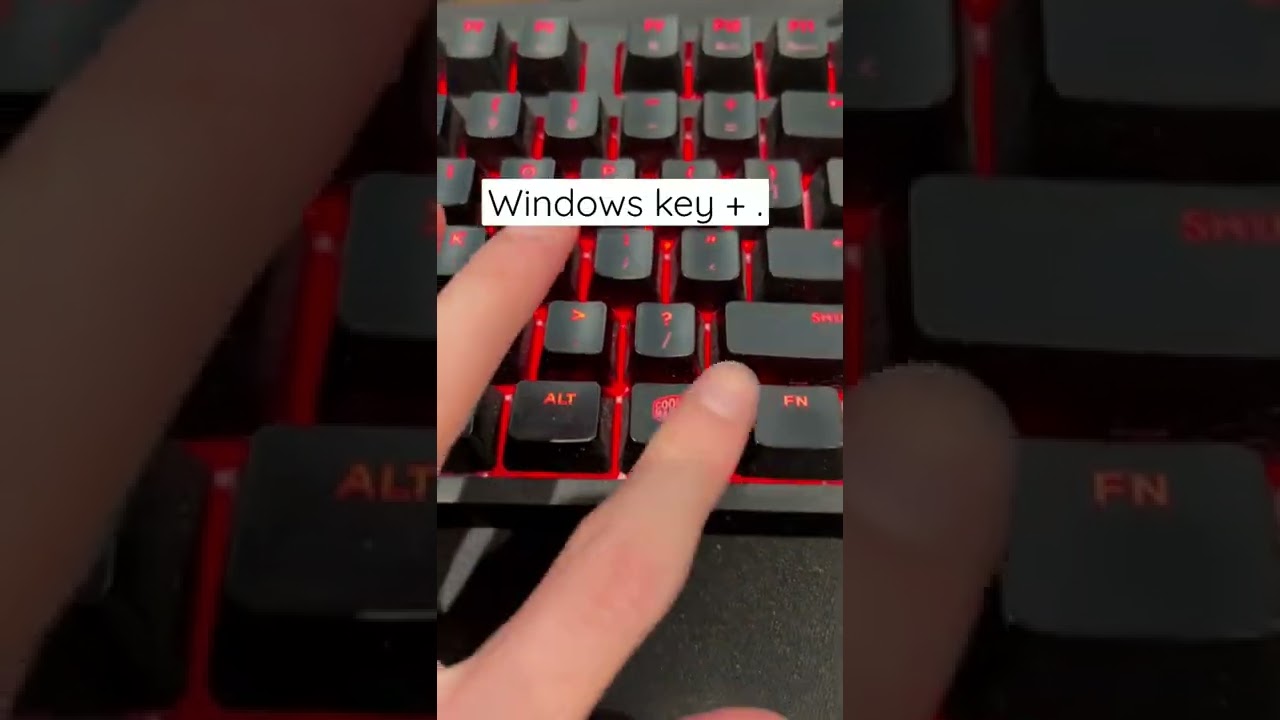
Learn the secret keyboard shortcut to quickly access the emoji menu on Windows 11/10 by pressing Windows + period (.)

The Modern Lifestyle
1.3M views • Jul 19, 2022
About this video
There's a hidden keyboard shortcut that opens the emoji keyboard on a Windows 11/Windows 10 PC. Simply hold the Windows key and press the period key (.) (Win + .) and click any emoji you want in the menu that pops up. Of course, there's also a search function, so you can quickly find the perfect emoji.
Subscribe for more keyboard shortcuts and PC tips and tricks!
TikTok: @themodernlifestyle (https://www.tiktok.com/@themodernlifestyle?is_copy_url=1&is_from_webapp=v1&lang=en)
windows 11 keyboard shortcuts
type emoji on pc
computer
type emoji keyboard
emoji menu windows 11
windows 10 emoji shortcut
windows 11 emoji keyboard shortcut
windows 11 emoji shortcut
windows 10 emoji keyboard shortcut
Subscribe for more keyboard shortcuts and PC tips and tricks!
TikTok: @themodernlifestyle (https://www.tiktok.com/@themodernlifestyle?is_copy_url=1&is_from_webapp=v1&lang=en)
windows 11 keyboard shortcuts
type emoji on pc
computer
type emoji keyboard
emoji menu windows 11
windows 10 emoji shortcut
windows 11 emoji keyboard shortcut
windows 11 emoji shortcut
windows 10 emoji keyboard shortcut
Tags and Topics
Browse our collection to discover more content in these categories.
Video Information
Views
1.3M
Likes
18.8K
Duration
0:12
Published
Jul 19, 2022
User Reviews
4.7
(258) Related Trending Topics
LIVE TRENDSRelated trending topics. Click any trend to explore more videos.
No specific trending topics match this video yet.
Explore All Trends