Using App OnStart in PowerApps 🚀
Learn how to use the App OnStart property in PowerApps to run formulas when your app launches. Tips for PowerFX & PowerPlatform.
Collab365
9.9K views • Jun 22, 2022
About this video
🟢 Join the Collab365 Academy at: https://academy.collab365.com/
🔴 What is App OnStart
The App OnStart property allows you to run the formula for your App when it is loaded. So whether you are running your Power App on a mobile, embedded in Microsoft Teams, or one of the other many ways to launch an app, this property will run before anything else in your App. This makes it a good starting point for initializing information such as variables, collections, data and app settings.
🟢 How to use App OnStart
The "OnStart" property can be found by selecting your App from the Tree View, then navigating to the drop-down properties in the top left – then finding OnStart.
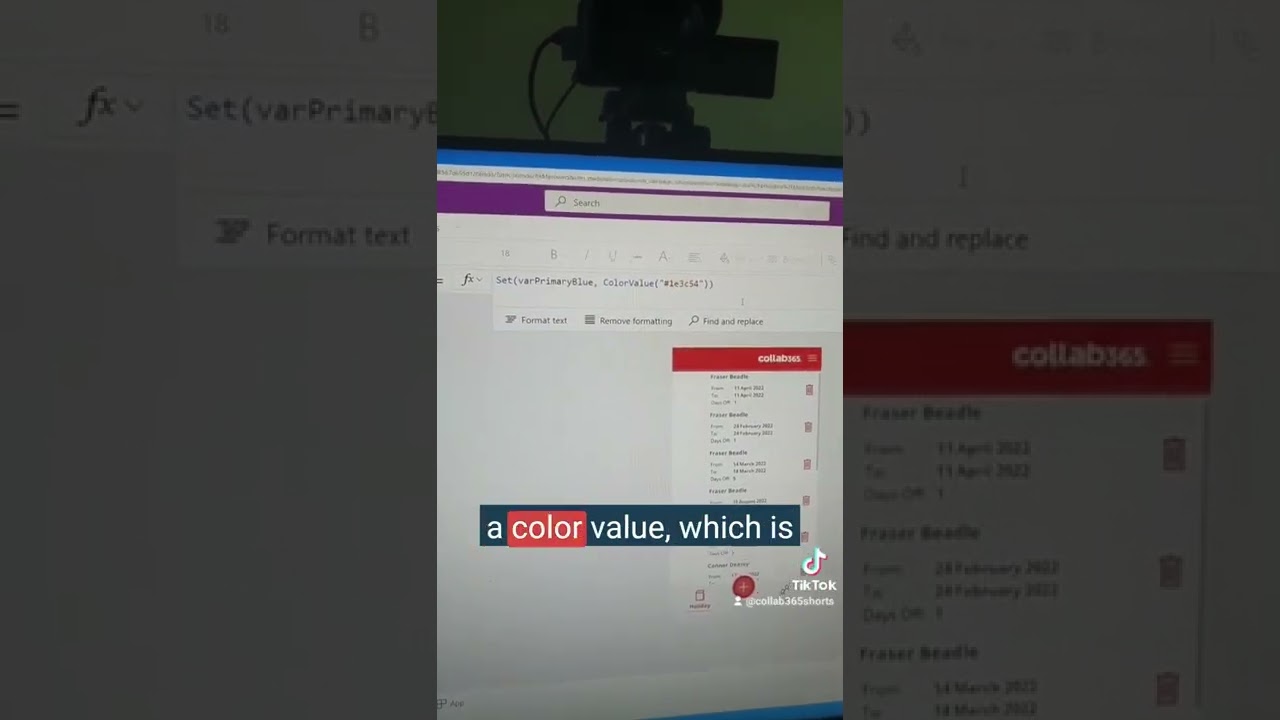
In this example, I use it to set the colour values for my application which are stored in a variable and used throughout multiple elements on my screen. Setting the value here allows me to ensure my App will always load the correct colour scheme every time the app loads.
🔵 Using App OnStart in the Power Apps Studio
It's worth mentioning that the OnStart property will not run in the Power Apps Studio as the App would have already loaded before you make or amend changes to the property. If you want to see the effects of your formula in the Power Apps Studio, select the ellipsis next to the App in the Tree View and select Run OnStart.
🟣 Learn more about Power Apps here:
https://academy.collab365.com/offer/an-ws1/powerapps-beginners-2-2-2/
🔴 What is App OnStart
The App OnStart property allows you to run the formula for your App when it is loaded. So whether you are running your Power App on a mobile, embedded in Microsoft Teams, or one of the other many ways to launch an app, this property will run before anything else in your App. This makes it a good starting point for initializing information such as variables, collections, data and app settings.
🟢 How to use App OnStart
The "OnStart" property can be found by selecting your App from the Tree View, then navigating to the drop-down properties in the top left – then finding OnStart.
In this example, I use it to set the colour values for my application which are stored in a variable and used throughout multiple elements on my screen. Setting the value here allows me to ensure my App will always load the correct colour scheme every time the app loads.
🔵 Using App OnStart in the Power Apps Studio
It's worth mentioning that the OnStart property will not run in the Power Apps Studio as the App would have already loaded before you make or amend changes to the property. If you want to see the effects of your formula in the Power Apps Studio, select the ellipsis next to the App in the Tree View and select Run OnStart.
🟣 Learn more about Power Apps here:
https://academy.collab365.com/offer/an-ws1/powerapps-beginners-2-2-2/
Video Information
Views
9.9K
Likes
42
Duration
1:00
Published
Jun 22, 2022
User Reviews
4.0
(1) Related Trending Topics
LIVE TRENDSRelated trending topics. Click any trend to explore more videos.
No specific trending topics match this video yet.
Explore All Trends