How to use scientific notation & significant figures on Casio scientific calculator fx-100AU
© The Maths Studio (themathsstudio.net) Using scientific notation on the calculator is discussed, including how to enter scientific notation using three dif...

The Maths Studio
2.4K views • Jun 26, 2020
About this video
© The Maths Studio (themathsstudio.net)
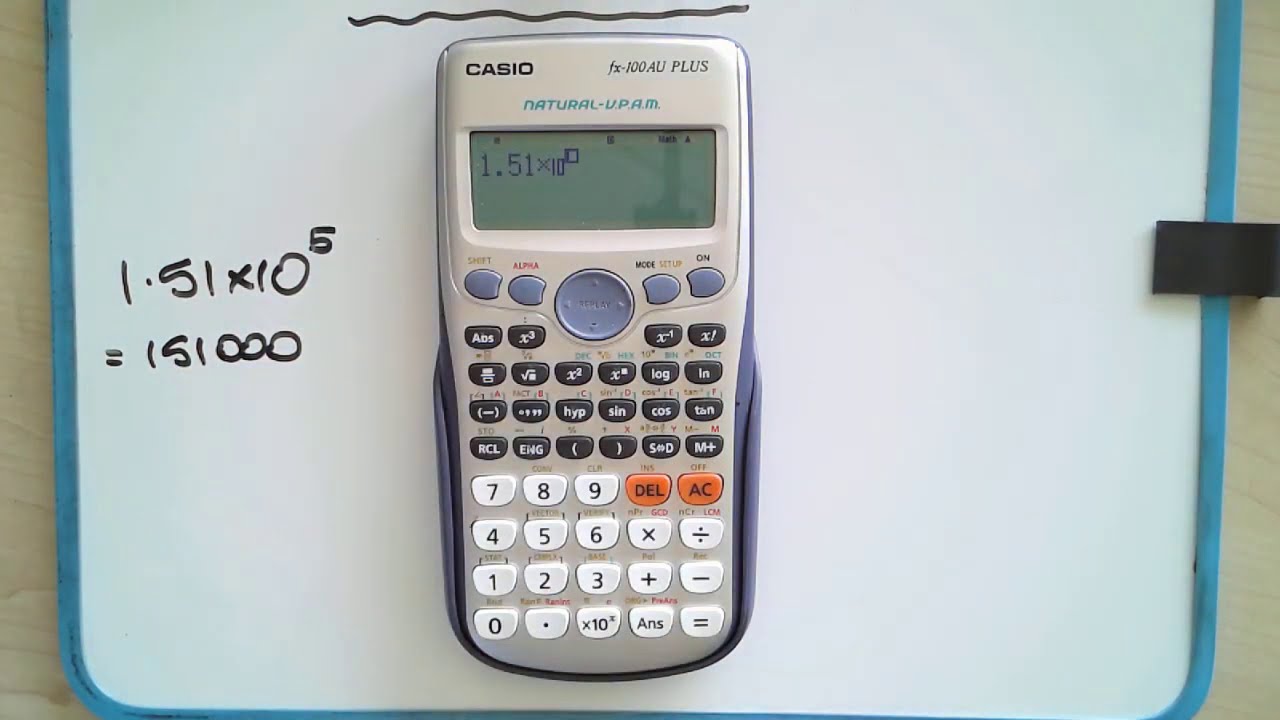
Using scientific notation on the calculator is discussed, including how to enter scientific notation using three different ways, as well as SCI mode, which is the scientific notation mode on the Casio FX82AU and FX100AU series scientific calculators. This mode also rounds the number to the specified number of significant figures.
Don't forget to take the calculator out of SCI mode and back to normal once you have finished using that mode to work using scientific notation.
Using scientific notation on the calculator is discussed, including how to enter scientific notation using three different ways, as well as SCI mode, which is the scientific notation mode on the Casio FX82AU and FX100AU series scientific calculators. This mode also rounds the number to the specified number of significant figures.
Don't forget to take the calculator out of SCI mode and back to normal once you have finished using that mode to work using scientific notation.
Tags and Topics
Browse our collection to discover more content in these categories.
Video Information
Views
2.4K
Likes
19
Duration
5:41
Published
Jun 26, 2020
User Reviews
4.1
(2) Related Trending Topics
LIVE TRENDSRelated trending topics. Click any trend to explore more videos.
No specific trending topics match this video yet.
Explore All Trends