Proton VPN 2025 Guide: Setup & Features ✅
Learn to install, set up, and explore advanced features of Proton VPN Free with this step-by-step tutorial. 🔥

Free VPN | VPN Gratis ORG
6.0K views • Oct 19, 2025
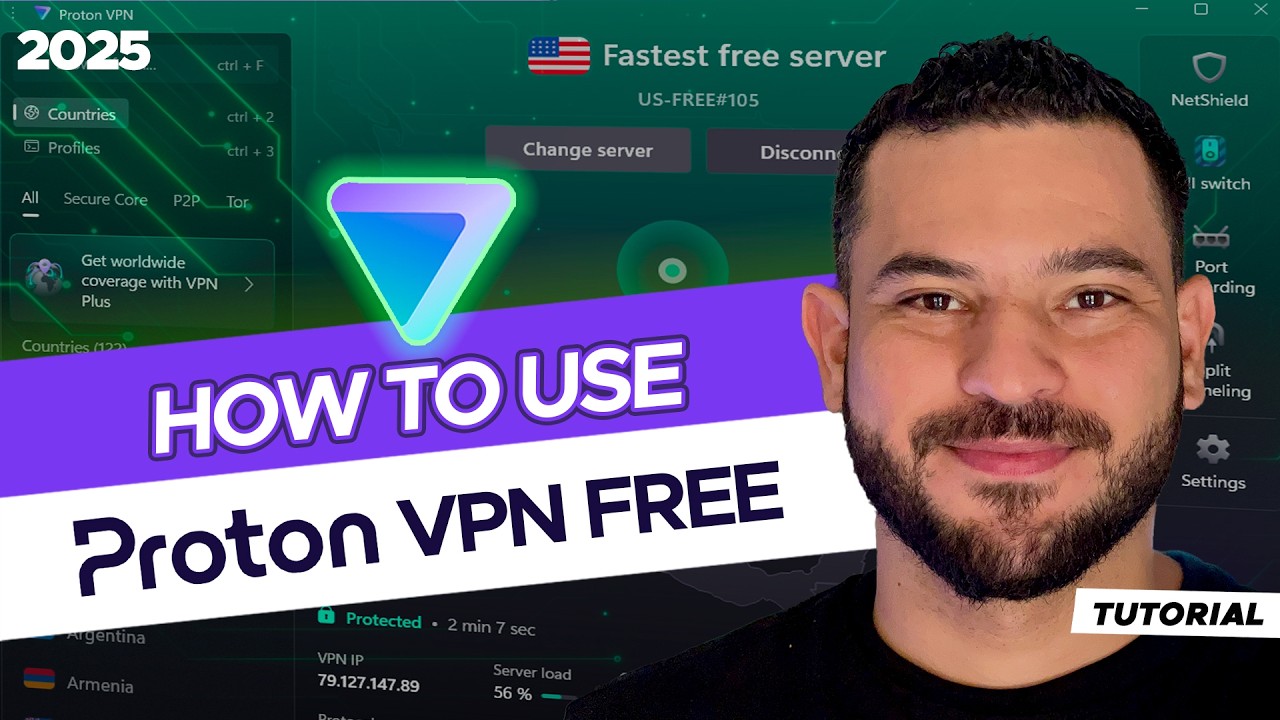
About this video
Learn how to install, set up, and use Proton VPN Free step by step ⏬
👉 Get Proton VPN Free: https://vpngratis.org/ProtonVPN
¿Wondering how Proton VPN works? ¿How to use Proton VPN?
In this tutorial, I show you how to use Proton VPN Free on PC, Mac, Android, or iPhone, from creating a free account to making a secure connection to a fast server.
Proton VPN is one of the few free VPNs with unlimited data, no ads, and no data harvesting:
✔️ Strong encryption
✔️ No logs (audited)
✔️ Open source
✔️ Based in Switzerland
✨ How to use Proton VPN on PC step by step:
Create a free account:
To start using Proton VPN, first create an account. You can begin with the free plan, which is the one I show in this video.
Download and install the app:
Then download the app and install it on your device, whether Windows, Mac, Android, iOS, or the browser extension. Proton VPN has apps for all major devices and systems.
Connect to a server:
Once the app is installed, sign in and click the “Quick Connect” button to connect to the nearest and fastest VPN server. Then you will see the “Change Server” button, which lets you switch randomly between servers, IP addresses, and countries.
Disconnect:
To disconnect, do it the same way you connected, using the same button which will show “Disconnect.” You will then recover your real IP address.
✔️ How many servers and countries does Proton VPN Free offer?
The free version does not let you choose a specific server or country. It connects you automatically to the fastest free server in one of its 8 available countries.
Right now, Proton VPN Free offers 2,000 servers across these 8 countries: United States, Japan, Canada, Singapore, Poland, Romania, Netherlands, and Norway. If you need a specific one of these countries, use “Change Server” and reconnect several times until you get the country you want.
✔️ What is “Quick Connect”?
“Quick Connect” is a Proton VPN feature that instantly connects you to the fastest free server, usually the one closest to your location. Ideal for a simple, hassle-free connection.
✔️ What happens after you connect?
Once connected, your IP address will appear as if you are located where the VPN server is. This is useful for accessing geo-restricted content or protecting your privacy online.
👉 Get Proton VPN Free: https://vpngratis.org/ProtonVPN
¿Wondering how Proton VPN works? ¿How to use Proton VPN?
In this tutorial, I show you how to use Proton VPN Free on PC, Mac, Android, or iPhone, from creating a free account to making a secure connection to a fast server.
Proton VPN is one of the few free VPNs with unlimited data, no ads, and no data harvesting:
✔️ Strong encryption
✔️ No logs (audited)
✔️ Open source
✔️ Based in Switzerland
✨ How to use Proton VPN on PC step by step:
Create a free account:
To start using Proton VPN, first create an account. You can begin with the free plan, which is the one I show in this video.
Download and install the app:
Then download the app and install it on your device, whether Windows, Mac, Android, iOS, or the browser extension. Proton VPN has apps for all major devices and systems.
Connect to a server:
Once the app is installed, sign in and click the “Quick Connect” button to connect to the nearest and fastest VPN server. Then you will see the “Change Server” button, which lets you switch randomly between servers, IP addresses, and countries.
Disconnect:
To disconnect, do it the same way you connected, using the same button which will show “Disconnect.” You will then recover your real IP address.
✔️ How many servers and countries does Proton VPN Free offer?
The free version does not let you choose a specific server or country. It connects you automatically to the fastest free server in one of its 8 available countries.
Right now, Proton VPN Free offers 2,000 servers across these 8 countries: United States, Japan, Canada, Singapore, Poland, Romania, Netherlands, and Norway. If you need a specific one of these countries, use “Change Server” and reconnect several times until you get the country you want.
✔️ What is “Quick Connect”?
“Quick Connect” is a Proton VPN feature that instantly connects you to the fastest free server, usually the one closest to your location. Ideal for a simple, hassle-free connection.
✔️ What happens after you connect?
Once connected, your IP address will appear as if you are located where the VPN server is. This is useful for accessing geo-restricted content or protecting your privacy online.
Tags and Topics
Browse our collection to discover more content in these categories.
Video Information
Views
6.0K
Likes
63
Duration
4:37
Published
Oct 19, 2025
User Reviews
4.3
(1) Related Trending Topics
LIVE TRENDSRelated trending topics. Click any trend to explore more videos.
No specific trending topics match this video yet.
Explore All Trends