Quick Guide: Using Meta AI in WhatsApp 🤖
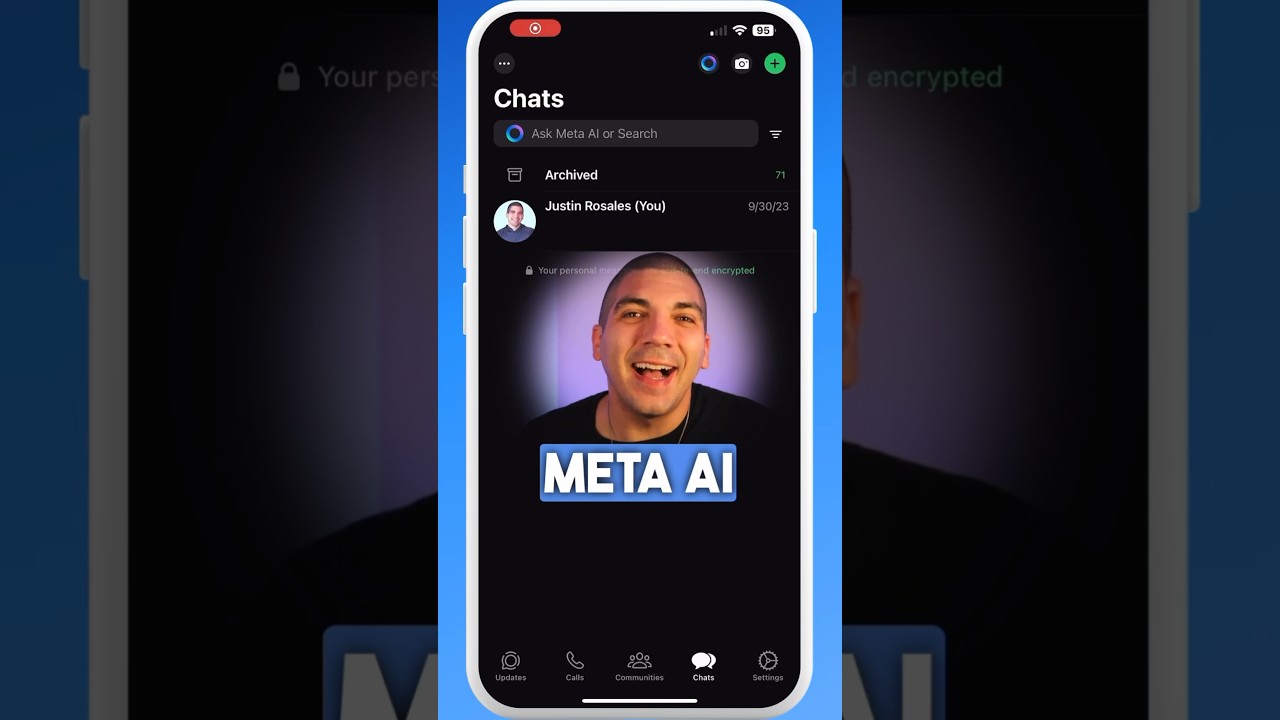
Learn how to easily access and use Meta AI in WhatsApp with this quick 43-second tutorial. Follow simple steps now!

Rosales Recommendations
14.0K views • Jul 30, 2024
About this video
Learn how to use Meta AI and WhatsApp with this easy guide. Follow these steps for a step-by-step tutorial:
1. The blue circle is the Meta AI shortcut at the top, but to see all options, tap the plus to start a new chat.
2. Tap "New AI Chat".
3. Here you can talk to Meta AI, learn how to dance, talk about sports, write songs with AI, play games, have a friendly chat, laugh, get creative, get advice, or talk about food and travel.
4. If it's your first time, read through the prompt and tap continue.
5. It gives tons of suggestions. As a test, let's have it generate an image.
6. Type /imagine followed by your prompt, like "cat jumping over the moon".
7. Send it to a friend using the forward arrow button.
8. You can even ask questions like "Can you teach me how to draw a cat?" and get a response.
This guide covers everything you need for using Meta AI and WhatsApp. Whether you're new to Meta AI or need detailed instructions, this tutorial will help you through the process. Learn how to chat with Meta AI and explore its features easily and efficiently.
🌟 If this was helpful, hit the Subscribe button now to let us know.
---
Want to learn more about us? Go to https://www.PracticeYourPassion.Today
📲 Social Media
https://www.instagram.com/rosalesrecommendations
https://www.facebook.com/rosalesrecommendations
https://www.tiktok.com/@rosalesrecommendations
1. The blue circle is the Meta AI shortcut at the top, but to see all options, tap the plus to start a new chat.
2. Tap "New AI Chat".
3. Here you can talk to Meta AI, learn how to dance, talk about sports, write songs with AI, play games, have a friendly chat, laugh, get creative, get advice, or talk about food and travel.
4. If it's your first time, read through the prompt and tap continue.
5. It gives tons of suggestions. As a test, let's have it generate an image.
6. Type /imagine followed by your prompt, like "cat jumping over the moon".
7. Send it to a friend using the forward arrow button.
8. You can even ask questions like "Can you teach me how to draw a cat?" and get a response.
This guide covers everything you need for using Meta AI and WhatsApp. Whether you're new to Meta AI or need detailed instructions, this tutorial will help you through the process. Learn how to chat with Meta AI and explore its features easily and efficiently.
🌟 If this was helpful, hit the Subscribe button now to let us know.
---
Want to learn more about us? Go to https://www.PracticeYourPassion.Today
📲 Social Media
https://www.instagram.com/rosalesrecommendations
https://www.facebook.com/rosalesrecommendations
https://www.tiktok.com/@rosalesrecommendations
Tags and Topics
Browse our collection to discover more content in these categories.
Video Information
Views
14.0K
Likes
122
Duration
0:43
Published
Jul 30, 2024
User Reviews
4.2
(2) Related Trending Topics
LIVE TRENDSRelated trending topics. Click any trend to explore more videos.
No specific trending topics match this video yet.
Explore All Trends