Guide to Using Dynamic Island on iPhone 17 & Air
Learn how to use Dynamic Island on iPhone 17, Pro, Pro Max & Air with this complete tutorial. Discover its features and functions. 📱

DHTV
276.3K views • Sep 27, 2025
About this video
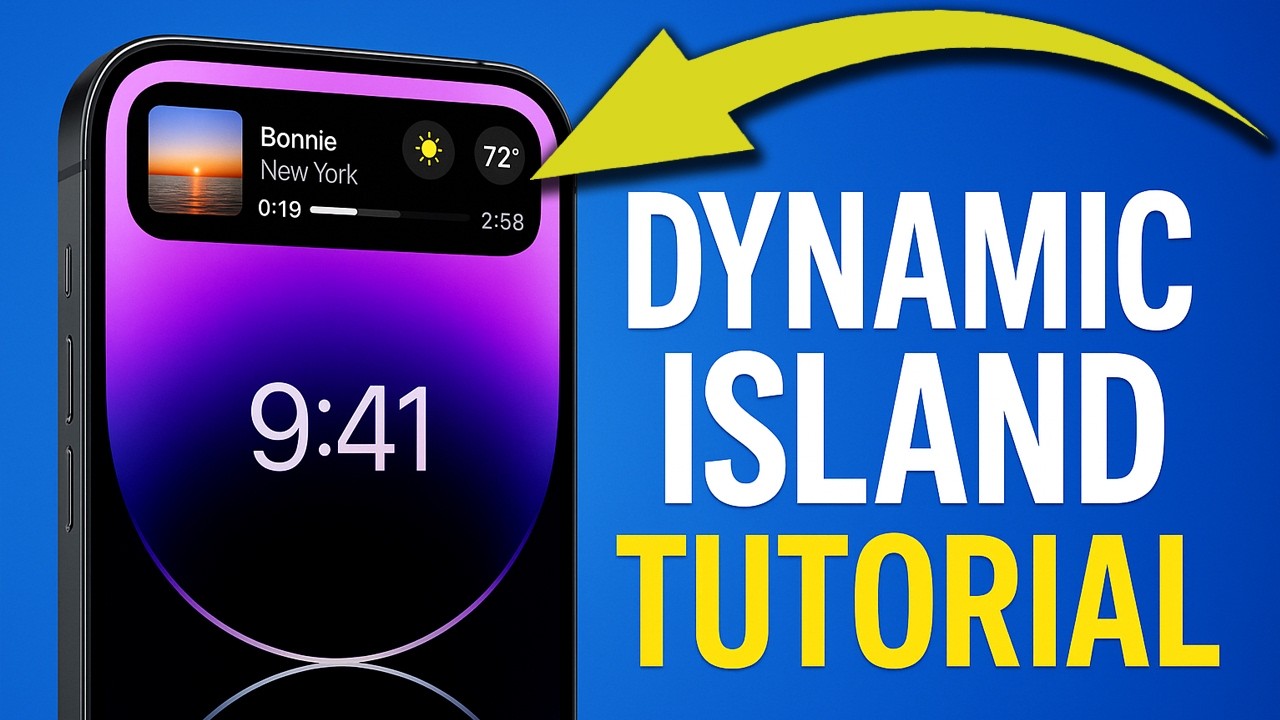
Learn how to use Dynamic Island on iPhone 17 Pro Max, iPhone 17 Pro, iPhone 17, and iPhone Air in this complete tutorial. I’ll explain what Dynamic Island is, how it works, gestures, Live Activities, calls, tips, tricks, and hidden features. This is the ultimate iPhone Air Dynamic Island guide to get the most out of your device.
Watch the full iPhone 17 Pro Max and iPhone Air Tips and Tutorial Guide
https://www.youtube.com/playlist?list=PLdfg0DBC-JT-xDSs4DCp5Arzp38C3RAB_
Chapters:
00:00 Intro - How To Use Dynamic Island on iPhone 17, Pro, Pro Max & Air
00:22 What is Dynamic Island on iPhone 17? (Dynamic Island Explained)
00:36 How Does Dynamic Island Work? Gestures: Tap, Hold, Swipe on iPhone 17
01:00 How To Expand or Collapse Dynamic Island on iPhone 17 Series
01:18 Can Dynamic Island Show Multiple Activities on iPhone 17?
02:32 How To Hide, Clear, or Remove Apps from Dynamic Island on iPhone 17
03:06 How To Answer, Decline & Manage Calls in Dynamic Island on iPhone 17 Pro & Air
04:03 Live Activities in Dynamic Island - How To Add Sports Scores & More on iPhone 17
05:01 Dynamic Island With Action Button - Animations & Features on iPhone 17 Pro
06:55 Dynamic Island Tips & Tricks - Hidden Features & Unique Wallpapers on iPhone 17
Q: How do I use Dynamic Island on iPhone 17 Pro Max or Air?
A: Tap, hold, or swipe Dynamic Island to expand, collapse, or interact with apps like calls, timers, music, and live activities.
Q: Can Dynamic Island show multiple activities on iPhone 17 Pro Max?
A: Yes, Dynamic Island can stack live activities like music playback, timers, sports scores, and deliveries.
Q: How do I hide or remove apps from Dynamic Island on iPhone 17?
A: Swipe away or clear the activity to remove it from Dynamic Island.
Q: What are Dynamic Island tips and hidden features on iPhone 17?
A: Action Button animations, unique wallpapers, AirPods battery status, Siri, and live sports scores are hidden features.
Q: What’s new with Dynamic Island in iOS 26?
A: iOS 26 adds Liquid Glass UI, in-place alerts, and improved Live Activity support in Dynamic Island.
Follow Me On Other Social Media Sites
http://www.facebook.com/DHTVTech
Twitter - http://twitter.com/dandepenta
Instagram - http://instagram.com/DHTVTech
Subscribe - http://youtube.com/user/dhtv
#iPhone17 #iPhone17Air #DynamicIsland #iPhoneTips #DHTV
Watch the full iPhone 17 Pro Max and iPhone Air Tips and Tutorial Guide
https://www.youtube.com/playlist?list=PLdfg0DBC-JT-xDSs4DCp5Arzp38C3RAB_
Chapters:
00:00 Intro - How To Use Dynamic Island on iPhone 17, Pro, Pro Max & Air
00:22 What is Dynamic Island on iPhone 17? (Dynamic Island Explained)
00:36 How Does Dynamic Island Work? Gestures: Tap, Hold, Swipe on iPhone 17
01:00 How To Expand or Collapse Dynamic Island on iPhone 17 Series
01:18 Can Dynamic Island Show Multiple Activities on iPhone 17?
02:32 How To Hide, Clear, or Remove Apps from Dynamic Island on iPhone 17
03:06 How To Answer, Decline & Manage Calls in Dynamic Island on iPhone 17 Pro & Air
04:03 Live Activities in Dynamic Island - How To Add Sports Scores & More on iPhone 17
05:01 Dynamic Island With Action Button - Animations & Features on iPhone 17 Pro
06:55 Dynamic Island Tips & Tricks - Hidden Features & Unique Wallpapers on iPhone 17
Q: How do I use Dynamic Island on iPhone 17 Pro Max or Air?
A: Tap, hold, or swipe Dynamic Island to expand, collapse, or interact with apps like calls, timers, music, and live activities.
Q: Can Dynamic Island show multiple activities on iPhone 17 Pro Max?
A: Yes, Dynamic Island can stack live activities like music playback, timers, sports scores, and deliveries.
Q: How do I hide or remove apps from Dynamic Island on iPhone 17?
A: Swipe away or clear the activity to remove it from Dynamic Island.
Q: What are Dynamic Island tips and hidden features on iPhone 17?
A: Action Button animations, unique wallpapers, AirPods battery status, Siri, and live sports scores are hidden features.
Q: What’s new with Dynamic Island in iOS 26?
A: iOS 26 adds Liquid Glass UI, in-place alerts, and improved Live Activity support in Dynamic Island.
Follow Me On Other Social Media Sites
http://www.facebook.com/DHTVTech
Twitter - http://twitter.com/dandepenta
Instagram - http://instagram.com/DHTVTech
Subscribe - http://youtube.com/user/dhtv
#iPhone17 #iPhone17Air #DynamicIsland #iPhoneTips #DHTV
Tags and Topics
Browse our collection to discover more content in these categories.
Video Information
Views
276.3K
Likes
3.0K
Duration
8:36
Published
Sep 27, 2025
User Reviews
4.5
(55) Related Trending Topics
LIVE TRENDSRelated trending topics. Click any trend to explore more videos.
No specific trending topics match this video yet.
Explore All Trends