Auto Update Date & Time in Excel 🕒
Learn how to automatically update date and time in Excel using simple formulas for real-time data tracking.
eTrainer Box
93.6K views • Aug 24, 2022
About this video
#excel #excelshortcuts #excelformula #exceldate #exceltime #excelduplicatevalues
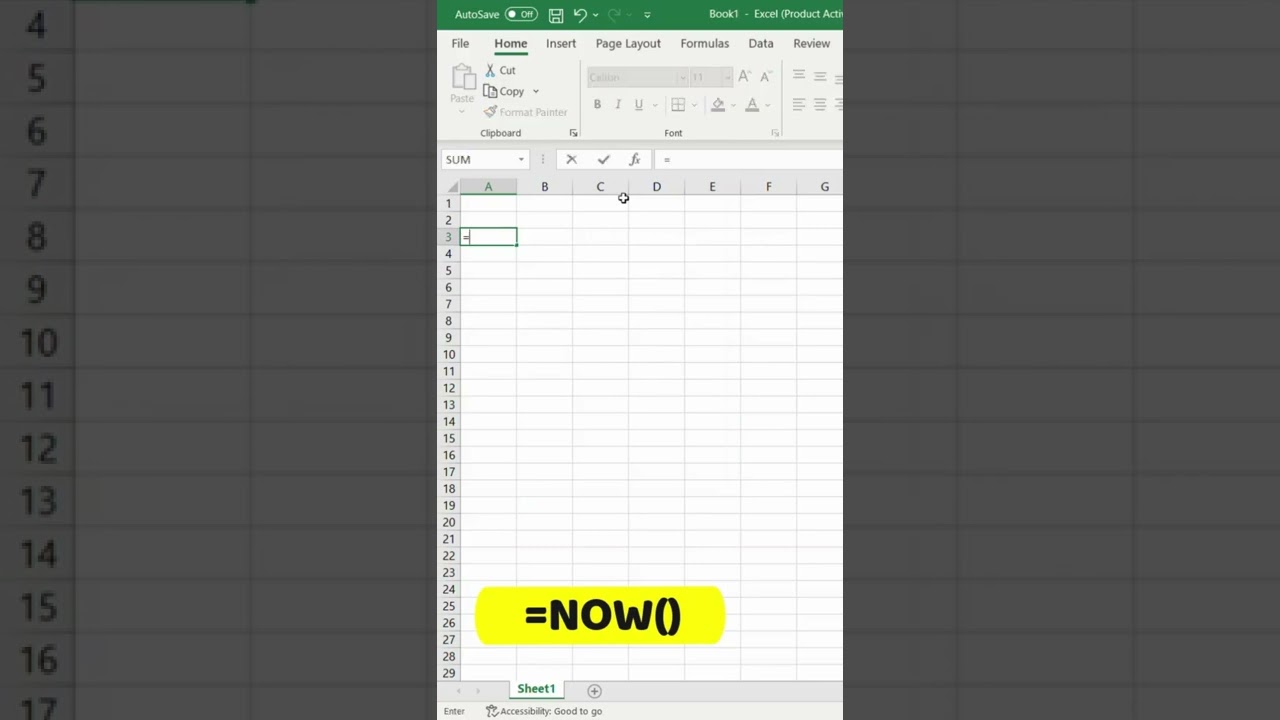
If you want to auto-update Date & Time in Excel then you can use the formula =NOW(), it will automatically update the current date and time at the same time.
Learn Microsoft Excel Course from Basic to Advance
https://youtube.com/playlist?list=PLdR6W3i1TUD1GlXCBb-0-PYx4GQkJlyyL
If you want to auto-update Date & Time in Excel then you can use the formula =NOW(), it will automatically update the current date and time at the same time.
Learn Microsoft Excel Course from Basic to Advance
https://youtube.com/playlist?list=PLdR6W3i1TUD1GlXCBb-0-PYx4GQkJlyyL
Tags and Topics
Browse our collection to discover more content in these categories.
Video Information
Views
93.6K
Likes
414
Duration
0:14
Published
Aug 24, 2022
User Reviews
4.1
(18)