Audacity Guide: Record & Edit Audio for Beginners 🎙️
Learn how to record, edit, and mix audio with Audacity. A simple, step-by-step tutorial for beginners on Windows and Mac.

Sound Design & Tools
4.0K views • Feb 6, 2022
About this video
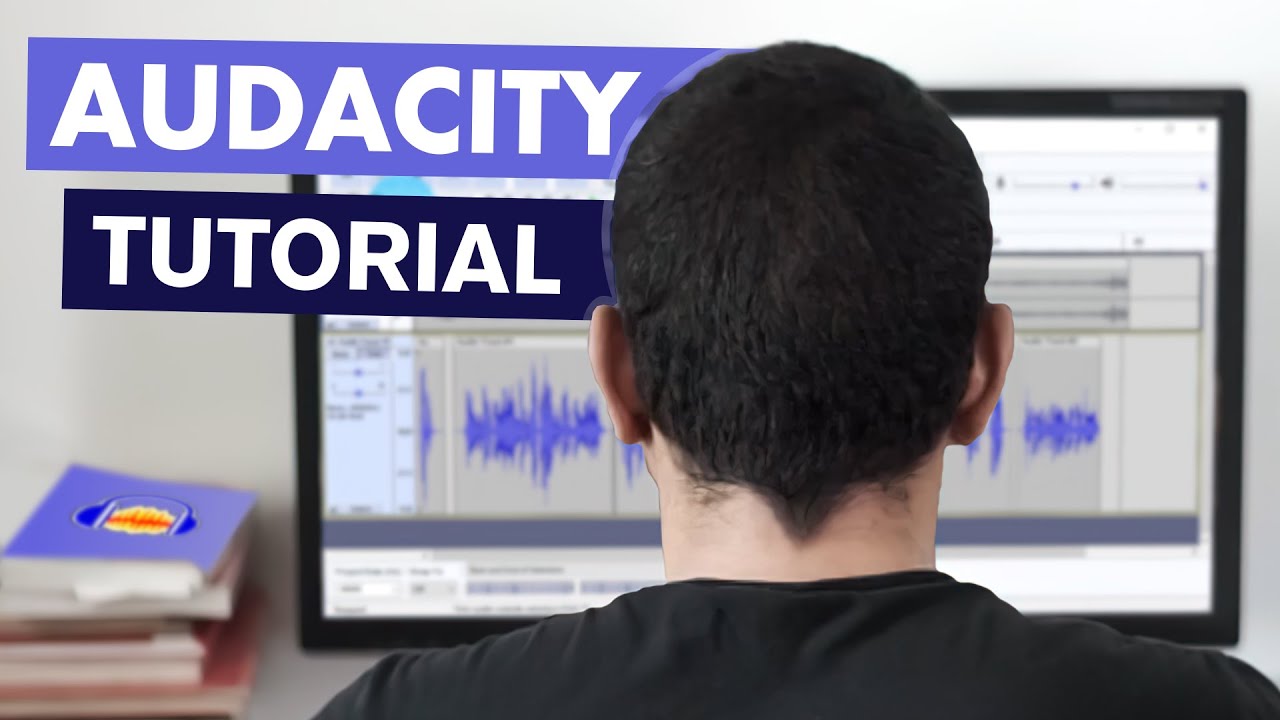
A step-by-step guide for basic Audacity use to record your voice, master it and mix it with music. Audacity is free and open source and works on Windows, Mac and Linux.
- If you don't have admin rights, get Audacity like this: https://youtu.be/TvA0bsNjzIw
- Audacity Download: https://www.audacityteam.org
0:00 Introduction
0:28 Download Audacity
1:00 First Look
1:14 Set Sampling rate
1:50 MME, Windows DirectSound, WASAPI differences in Audio Hosts
2:38 Mono or Stereo, set & see recording levels
3:36 Record voice audio
3:53 Playback & fixing bad recording
4:33 Select, cut & paste tools/shortcuts
5:22 Trim & silence
5:34 Rearranging & restoring UI
5:58 "transport" tools
7:04 Fixing clipping audio
8:00 Deleting audio from a clip
8:23 Envelope tool
9:04 Import audio file
9:37 Track volume & length
10:19 Split & move audio clips
10:36 Save project
11:11 Speed up (change tempo)
12:14 Auto-quiet music 🚗🦆
13:50 Fade out
14:14 Noise removal/reduction
15:26 Make clip louder
16:06 Compressor & bugs
17:17 Preview finished ad
18:05 Export as WAV and MP3
19:01 Color themes
19:33 Keyboard Shortcut
20:34 Wrapping up
- If you don't have admin rights, get Audacity like this: https://youtu.be/TvA0bsNjzIw
- Audacity Download: https://www.audacityteam.org
0:00 Introduction
0:28 Download Audacity
1:00 First Look
1:14 Set Sampling rate
1:50 MME, Windows DirectSound, WASAPI differences in Audio Hosts
2:38 Mono or Stereo, set & see recording levels
3:36 Record voice audio
3:53 Playback & fixing bad recording
4:33 Select, cut & paste tools/shortcuts
5:22 Trim & silence
5:34 Rearranging & restoring UI
5:58 "transport" tools
7:04 Fixing clipping audio
8:00 Deleting audio from a clip
8:23 Envelope tool
9:04 Import audio file
9:37 Track volume & length
10:19 Split & move audio clips
10:36 Save project
11:11 Speed up (change tempo)
12:14 Auto-quiet music 🚗🦆
13:50 Fade out
14:14 Noise removal/reduction
15:26 Make clip louder
16:06 Compressor & bugs
17:17 Preview finished ad
18:05 Export as WAV and MP3
19:01 Color themes
19:33 Keyboard Shortcut
20:34 Wrapping up
Video Information
Views
4.0K
Likes
78
Duration
20:57
Published
Feb 6, 2022
User Reviews
4.6
(4) Related Trending Topics
LIVE TRENDSRelated trending topics. Click any trend to explore more videos.
No specific trending topics match this video yet.
Explore All Trends