Guide to Setting Up and Using Apple AirTag
Learn how to set up and use Apple AirTag to track keys, luggage, electronics, and more with this simple guide. 🔑
Howfinity
25.3K views • May 1, 2021
About this video
How to Set Up Apple AirTag
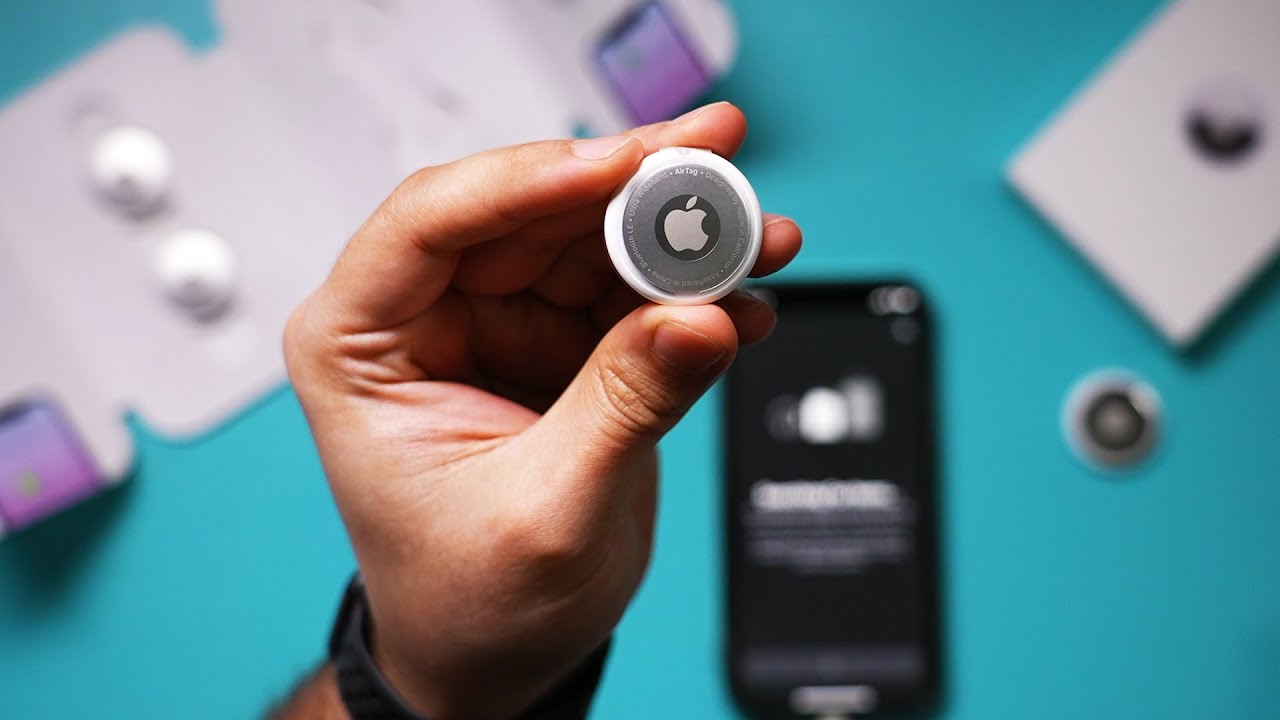
Apple Airtag is a new product from Apple that lets you track anything you want such as keys, luggage, electronics, etc.
Apple sells Airtag in single or four-packs. You can easily set up AirTag and track misplaced, lost, or stolen items.
Apple AirTag four-pack: (affiliate link)
https://amzn.to/3aWUBoH
Apple AirTag key ring: (affiliate link)
https://amzn.to/3tdviVE
To set up an Airtag, you need to update your iPhone to iOS 14. You also need to find my activated, Bluetooth, and wifi/cellular data activated.
Take the Airtag out of the package and pull the plastic tab. You should hear a sound.
Bring your iPhone next to the AirTag.
To locate an item you misplaced, open find my, select items in the menu, and select the missing item.
If it’s nearby, choose play sound. You can also press find if you didn’t hear the sound or if it’s not nearby.
You can also activate lost mode if you can’t find it.
Thank you for watching this video! Please share and subscribe for more, easy to follow social media and tech videos.
======================================
Share this video: https://youtu.be/iVu2ryXYVo4
======================================
See more simple and easy to follow how-to videos.
Subscribe https://www.youtube.com/c/howfinity?sub_confirmation=1
Watch easy to follow how-to videos on social media and tech on our website.
https://howfinity.com
Apple Airtag is a new product from Apple that lets you track anything you want such as keys, luggage, electronics, etc.
Apple sells Airtag in single or four-packs. You can easily set up AirTag and track misplaced, lost, or stolen items.
Apple AirTag four-pack: (affiliate link)
https://amzn.to/3aWUBoH
Apple AirTag key ring: (affiliate link)
https://amzn.to/3tdviVE
To set up an Airtag, you need to update your iPhone to iOS 14. You also need to find my activated, Bluetooth, and wifi/cellular data activated.
Take the Airtag out of the package and pull the plastic tab. You should hear a sound.
Bring your iPhone next to the AirTag.
To locate an item you misplaced, open find my, select items in the menu, and select the missing item.
If it’s nearby, choose play sound. You can also press find if you didn’t hear the sound or if it’s not nearby.
You can also activate lost mode if you can’t find it.
Thank you for watching this video! Please share and subscribe for more, easy to follow social media and tech videos.
======================================
Share this video: https://youtu.be/iVu2ryXYVo4
======================================
See more simple and easy to follow how-to videos.
Subscribe https://www.youtube.com/c/howfinity?sub_confirmation=1
Watch easy to follow how-to videos on social media and tech on our website.
https://howfinity.com
Tags and Topics
Browse our collection to discover more content in these categories.
Video Information
Views
25.3K
Likes
221
Duration
5:57
Published
May 1, 2021
User Reviews
4.3
(5) Related Trending Topics
LIVE TRENDSRelated trending topics. Click any trend to explore more videos.
No specific trending topics match this video yet.
Explore All Trends