Ultimate Guide: Backup & Restore with AOMEI Backupper Technician Plus 🖥️
Learn step-by-step how to efficiently back up and restore your system using AOMEI Backupper Technician Plus. Protect your data and fix OS errors easily with this comprehensive tutorial!
Mix Pro
88 views • Oct 21, 2021
About this video
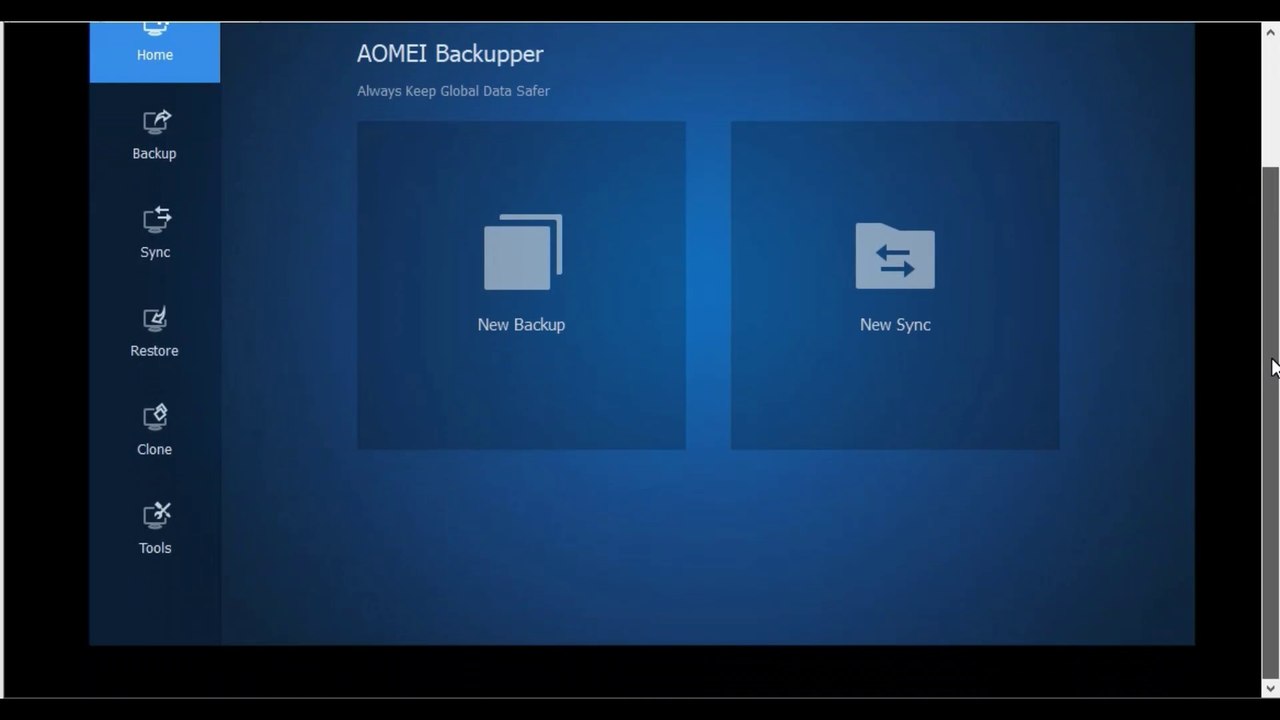
How to use AOMEI Backupper Technician Plus and take Backup and restore it if there any error in your operating system<br />Features of AOMEI Backupper Technician Plus. Take a backup copy of the files, the operating system, a specific partition, and the entire hard drive. Restore the backup at any time. Backup scheduling: The ability to set the program to make a periodic backup automatically. <br />in this video we use AOMEI.Backupper.Technician.Plus.6.5.0.UEFI iso and take backup and restore Windows 10<br />Backup one or more partitions to ensure data safe on the partition, including dynamic disk volumes.<br />The easy way to clone a hard drive or SSD | AOMEI Backupper
Video Information
Views
88
Duration
6:48
Published
Oct 21, 2021