Toggle Do Not Disturb on iPhone Easily
Learn quick steps to turn on/off Do Not Disturb mode on your iPhone with this simple guide. 📱

iPhone / Mac / Android / Windows / Tutorials
104.7K views • Aug 12, 2023
About this video
Here is an easy guide on
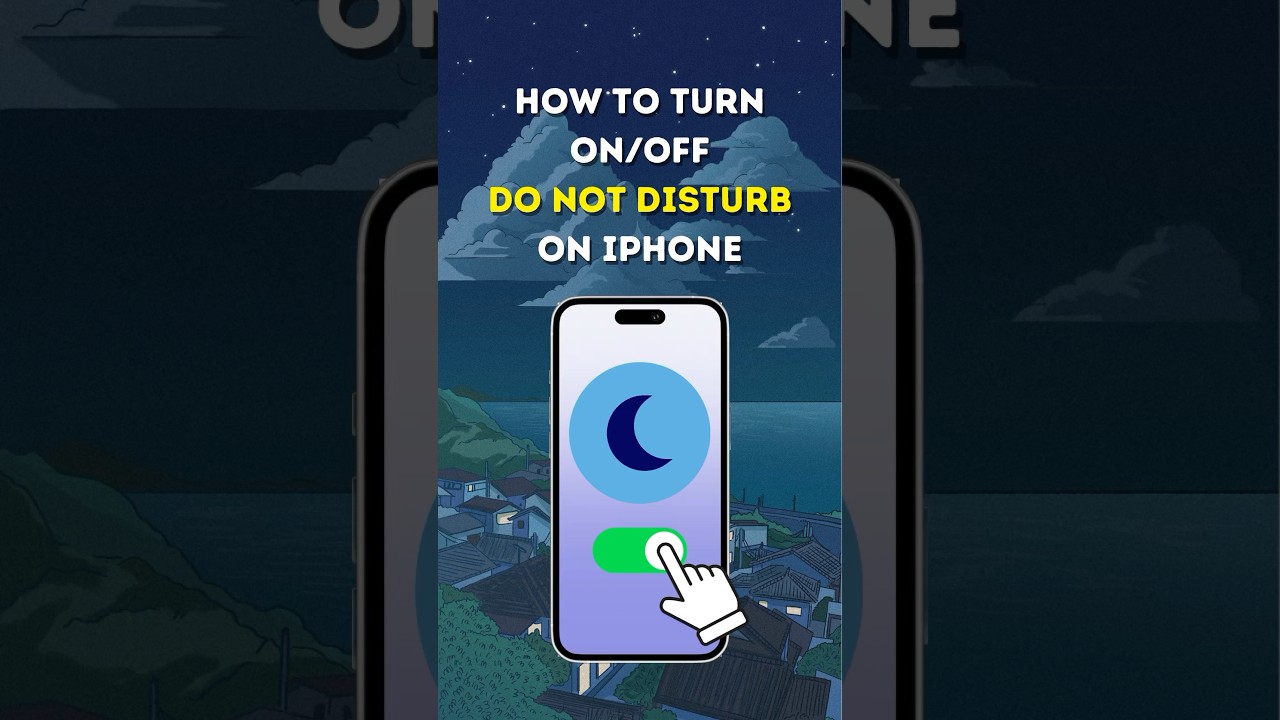
How To Turn On and Off "Do Not Disturb" Mode on iPhone! Follow my lead:
- Drag down from the top-right corner of the screen to open your control center.
- Tap and Hold "Focus"
- Press the "Do not disturb" to toggle it on and press again to toggle it off.
- Additionally, you can verify if Do not disturb is turned on or off is by going to "Settings" then Focus
- You'll see that these options are turned off
- You can also delete schedules to make sure that it won't turn on without you realizing it.
I hope this video helps. Don't forget to Like and subscribe for more helpful contents like this!
#iphonetipsandtricks #tutorial #donotdisturb #howto
How To Turn On and Off "Do Not Disturb" Mode on iPhone! Follow my lead:
- Drag down from the top-right corner of the screen to open your control center.
- Tap and Hold "Focus"
- Press the "Do not disturb" to toggle it on and press again to toggle it off.
- Additionally, you can verify if Do not disturb is turned on or off is by going to "Settings" then Focus
- You'll see that these options are turned off
- You can also delete schedules to make sure that it won't turn on without you realizing it.
I hope this video helps. Don't forget to Like and subscribe for more helpful contents like this!
#iphonetipsandtricks #tutorial #donotdisturb #howto
Video Information
Views
104.7K
Likes
1.0K
Duration
0:35
Published
Aug 12, 2023
User Reviews
4.4
(20) Related Trending Topics
LIVE TRENDSRelated trending topics. Click any trend to explore more videos.
No specific trending topics match this video yet.
Explore All Trends