Enable Auto Captions on Instagram Reels & Videos 🎥
Learn how to turn on auto-generated captions on Instagram reels and videos to make your content more accessible with simple steps.

Smart Fixer
22 views • Jul 22, 2023
About this video
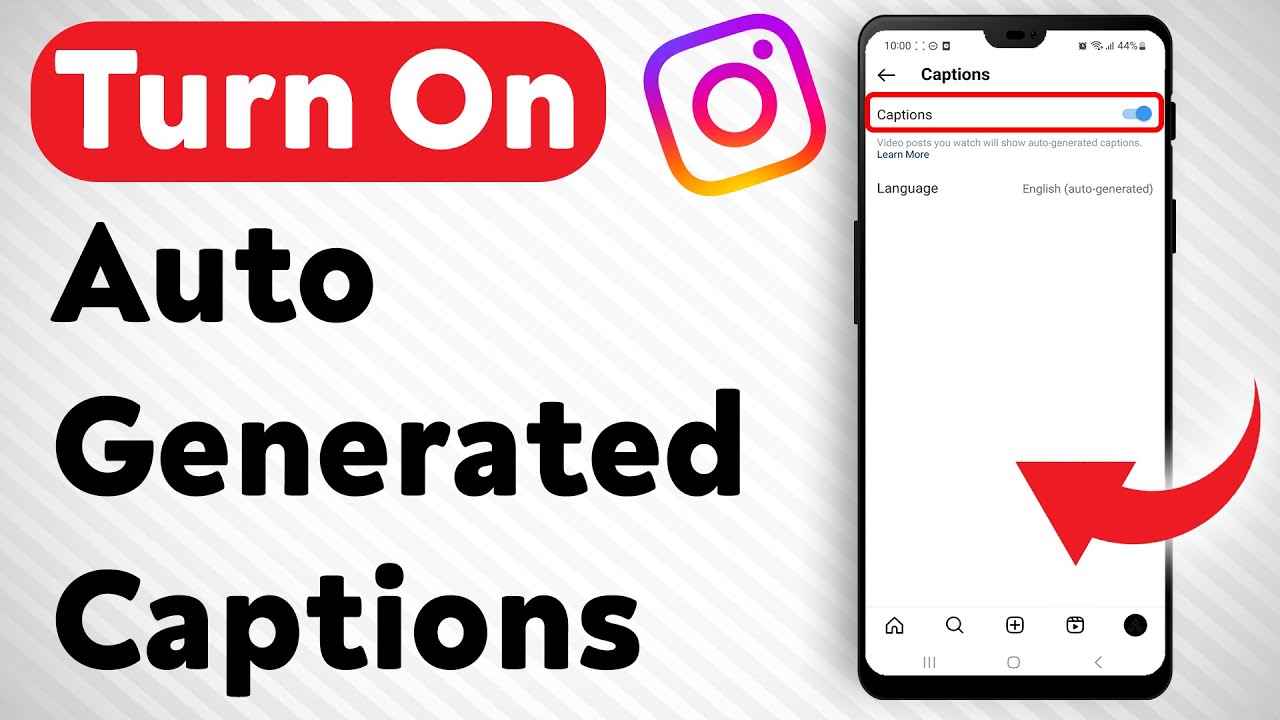
Want to make your content more accessible by turning on auto-generated captions on reels and videos in Instagram? Follow these simple steps:
1. Open Instagram.
2. Tap on your profile picture icon from the options below.
3. Tap on the three stacked lines to open a menu.
4. Tap on "Settings and Privacy". It is usually the first option.
5. Scroll down to "Your Account and Media" and tap on it.
6. Tap on "Accessibility".
7. Tap on "Captions".
8. If "Captions" was turned off, tap on it to turn it on.
By following these steps, you can easily turn on auto-generated captions on reels and videos in Instagram and make your content more accessible to a wider audience. Don't forget to like and subscribe for more helpful tips and tricks!
For advertiser contact us via email : smart_fixer@protonmail.com
1. Open Instagram.
2. Tap on your profile picture icon from the options below.
3. Tap on the three stacked lines to open a menu.
4. Tap on "Settings and Privacy". It is usually the first option.
5. Scroll down to "Your Account and Media" and tap on it.
6. Tap on "Accessibility".
7. Tap on "Captions".
8. If "Captions" was turned off, tap on it to turn it on.
By following these steps, you can easily turn on auto-generated captions on reels and videos in Instagram and make your content more accessible to a wider audience. Don't forget to like and subscribe for more helpful tips and tricks!
For advertiser contact us via email : smart_fixer@protonmail.com
Tags and Topics
Browse our collection to discover more content in these categories.
Video Information
Views
22
Duration
1:41
Published
Jul 22, 2023
Related Trending Topics
LIVE TRENDSRelated trending topics. Click any trend to explore more videos.
No specific trending topics match this video yet.
Explore All Trends