How to Hide Gridlines in Google Sheets 📝
Learn quick steps to turn off gridlines in Google Sheets and give your spreadsheet a cleaner look in 2026.

Tech Info
1 views • Jan 4, 2026
About this video
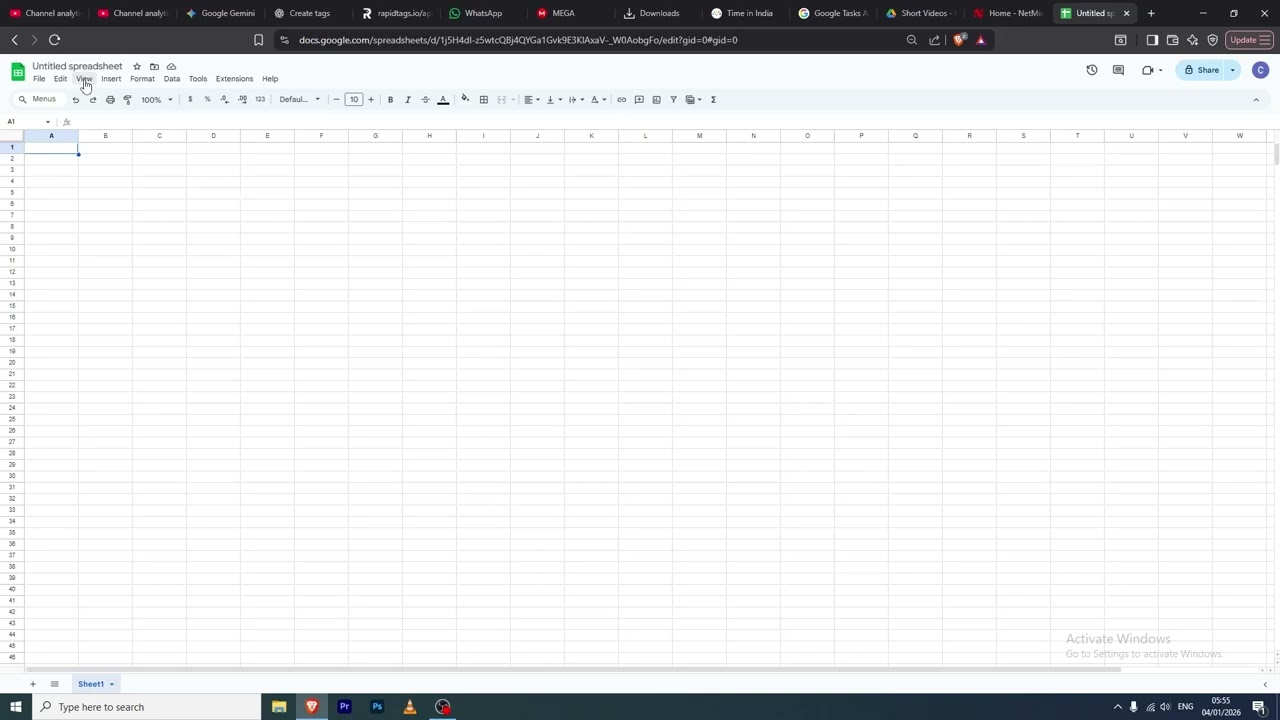
To turn off gridlines in Google Sheets in early 2026, you can quickly hide the faint gray cell boundaries through the View menu to give your spreadsheet a cleaner, more professional look. Simply open your document, click on the View tab in the top menu, hover over "Show," and click on "Gridlines" to remove the checkmark next to it. If you are using the mobile app on an iPhone or Android device, tap the sheet tab name at the bottom of the screen to open the sheet settings and toggle the "Gridlines" switch to the "Off" position. Hiding gridlines is particularly effective when you have applied custom borders or are preparing a dashboard for presentation, as it removes visual clutter and makes your specific formatting stand out.
Tags and Topics
Browse our collection to discover more content in these categories.
Video Information
Views
1
Duration
0:53
Published
Jan 4, 2026
Related Trending Topics
LIVE TRENDSRelated trending topics. Click any trend to explore more videos.
Trending Now