How to Disable Dark Mode in Excel 🌓
Learn quick steps to switch Microsoft Excel from dark to light mode and customize your workspace easily.

MagnetsAndMotors (Dr. B's Other Channel)
2.0K views • Mar 29, 2025
About this video
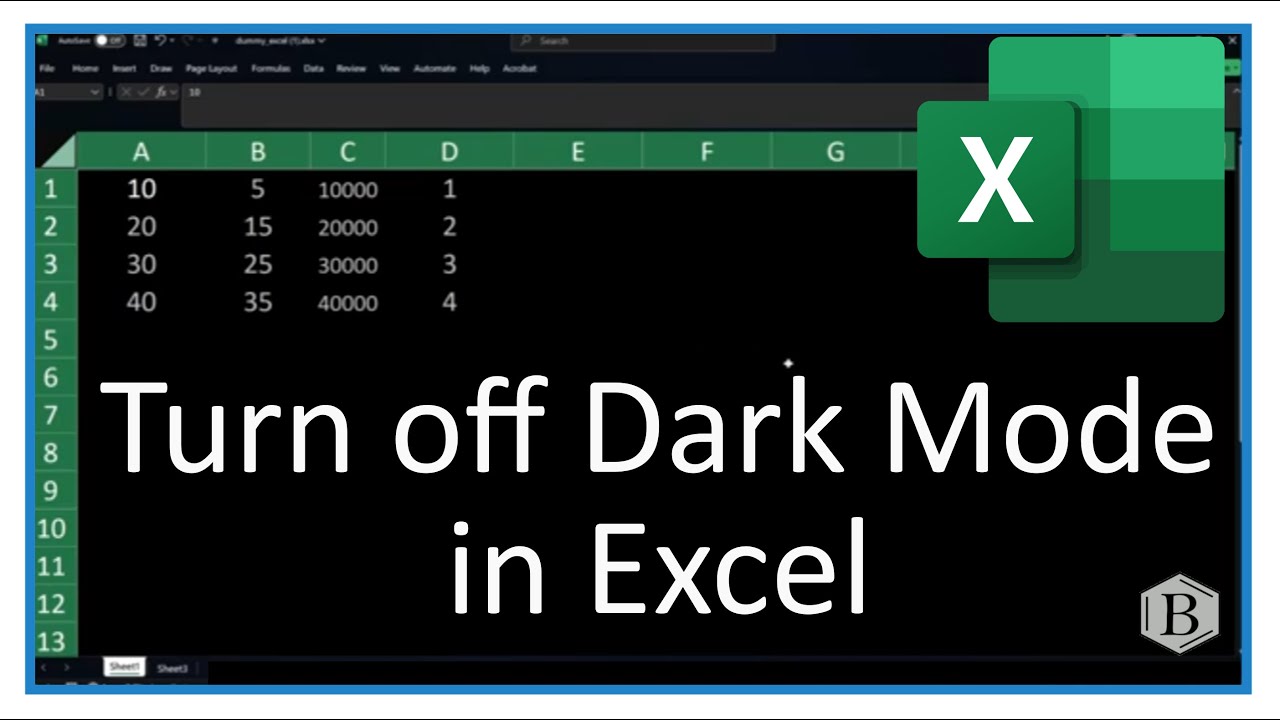
Stuck in dark mode in Microsoft Excel? In this quick tutorial, I’ll show you how to switch Excel from dark mode to light mode in just a few steps. Go to File | Account | Office Theme | White, and dark mode will be removed! This also resets the theme for all your Microsoft Office apps, including Word and PowerPoint.
If your Excel cells are still dark after turning off dark mode, it's likely because their background was manually set to black. To fix this, select all cells, go to the Home tab, change the background to White, and set the text color to Black.
Important Note: If you're using Excel Online, it follows your system settings, so you’ll need to change your Windows theme instead.
If your Excel cells are still dark after turning off dark mode, it's likely because their background was manually set to black. To fix this, select all cells, go to the Home tab, change the background to White, and set the text color to Black.
Important Note: If you're using Excel Online, it follows your system settings, so you’ll need to change your Windows theme instead.
Tags and Topics
Browse our collection to discover more content in these categories.
Video Information
Views
2.0K
Likes
4
Duration
1:07
Published
Mar 29, 2025
User Reviews
3.8
(1) Related Trending Topics
LIVE TRENDSRelated trending topics. Click any trend to explore more videos.
No specific trending topics match this video yet.
Explore All Trends