Convert Excel to Live Dashboard Website 📊
Learn how to turn Excel files into live dashboards using ChatGPT and Replit for quick, interactive sharing.

Moe Lueker
5.4K views • Dec 29, 2025
About this video
Try Replit (build and publish your dashboard fast): https://replit.com/refer/moelueker
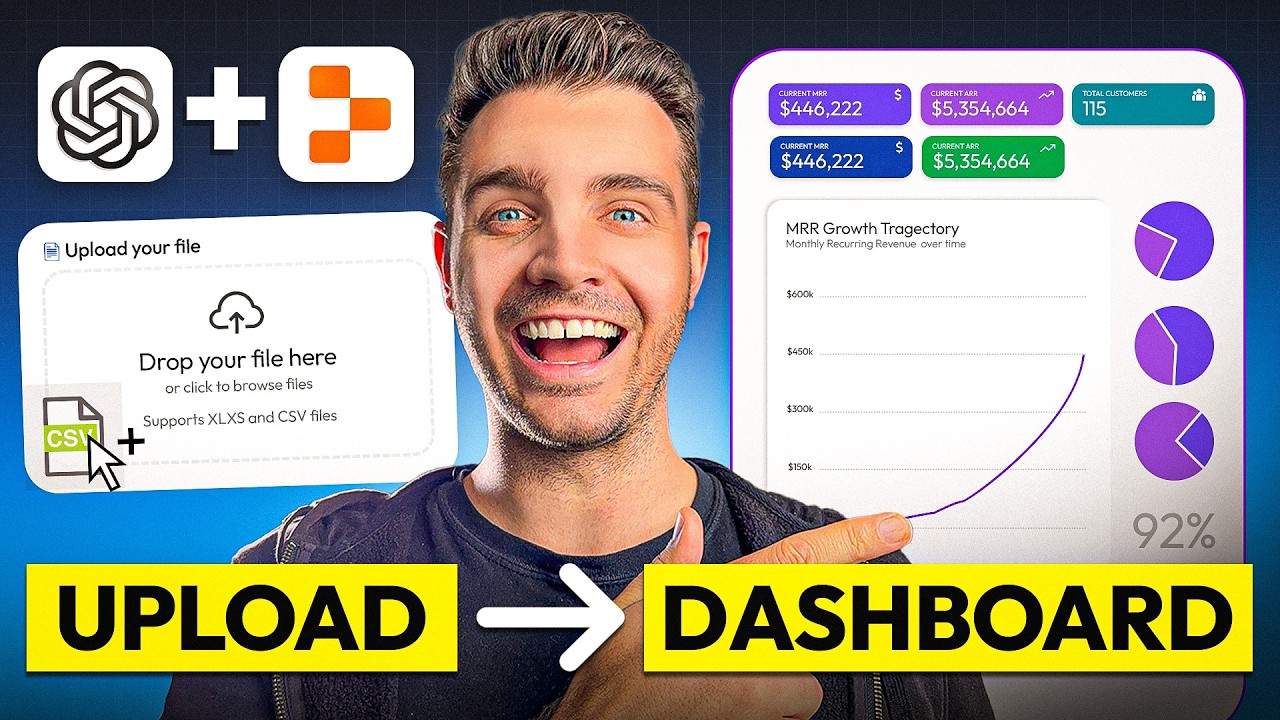
Stop sending static Excel files to investors, partners, clients, or your team. In this video, I show you how to turn an Excel spreadsheet into a live dashboard website inside ChatGPT using Replit, then publish it as a shareable link in a few clicks.
This is perfect if you want Excel data visualization that actually looks good on mobile, is easy to understand, and is simple to share as a website instead of emailing spreadsheets back and forth.
🔗 RESOURCES:
• Try Replit: https://replit.com/refer/moelueker
• Download my SaaS business model / financial template (Excel): https://moelueker.gumroad.com/l/free-SaaS-financial-model-template
• Prompts I used to generate the dashboards (copy and paste): https://moelueker.gumroad.com/l/chatgpt-replit-data-dashboard-prompts
• Live dashboard demo link (Dashboard #1): https://moelueker-saas-dashboard-example.replit.app
• Live dashboard demo link (Forecast builder + dashboard): https://Saas-financial-model.replit.app
Turn Excel Into a Live Dashboard Website (ChatGPT + Replit):
In the walkthrough, I upload a SaaS financial model, generate two dashboard versions, add features like time range filters and dark mode, then publish everything as a live dashboard website. I also show why clean headers matter when using AI for spreadsheet dashboards, so your charts and metrics do not come out wrong.
This video covers:
ChatGPT Replit, Replit in ChatGPT, Replit ChatGPT app, Excel data visualization, spreadsheet dashboard, convert Excel to website, interactive dashboard, data dashboard website, and a simple forecast builder you can use from a browser.
🔍 KEY TAKEAWAYS:
• How to use Replit inside ChatGPT to generate a working dashboard from an Excel or CSV
• The simplest way to structure your spreadsheet so AI reads it correctly (clean headers)
• How to iterate on the dashboard features (filters, themes, time ranges, uploads)
• How to publish your dashboard as a live website link in Replit
• How to upgrade the dashboard into a lightweight business forecast builder
📈 TIPS FOR BETTER DASHBOARDS:
• Keep your data in one clean table with consistent column names and clean headers
• Start with the simplest version first, then iterate with follow-up prompts
• Ask for a time range selector, KPI cards, and a CSV upload button to make it reusable
• If something breaks, paste the error back into ChatGPT and ask for a fix
• Publish as a static site when possible if you do not need a database
🎥 SUBSCRIBE, LIKE & COMMENT:
If you want more videos on AI business systems that actually work, subscribe and comment what spreadsheet you want to turn into a dashboard website next.
❤️ LOVED THIS VIDEO?:
You’d make my day if you support this type of content by buying me a coffee 🤩
https://moelueker.com/support/
CHAPTERS:
00:00 Stop Sending Excel Files (Do This Instead)
01:19 SaaS Financial Model Template Overview (Data Source)
01:56 The Secret to Accurate AI Dashboards: Clean Headers
02:20 Connect Replit Inside ChatGPT (Replit in ChatGPT Setup)
03:23 Prompt @Replit to Build an Interactive Dashboard From Excel/CSV
05:39 ChatGPT Analysis: Key Metrics + J-Curve Story (MRR, EBITDA, Runway)
07:12 Dashboard #1 vs Dashboard #2 (Which One Is Better?)
09:47 Upload New Excel/CSV and Watch the Dashboard Update Live
11:37 Edit the Dashboard in Replit (Time Filters, UI Changes, Dark Mode)
16:37 Publish Your Replit Dashboard as a Live Website Link (Replit Deploy)
#replit #chatgpt #exceldashboard
Stop sending static Excel files to investors, partners, clients, or your team. In this video, I show you how to turn an Excel spreadsheet into a live dashboard website inside ChatGPT using Replit, then publish it as a shareable link in a few clicks.
This is perfect if you want Excel data visualization that actually looks good on mobile, is easy to understand, and is simple to share as a website instead of emailing spreadsheets back and forth.
🔗 RESOURCES:
• Try Replit: https://replit.com/refer/moelueker
• Download my SaaS business model / financial template (Excel): https://moelueker.gumroad.com/l/free-SaaS-financial-model-template
• Prompts I used to generate the dashboards (copy and paste): https://moelueker.gumroad.com/l/chatgpt-replit-data-dashboard-prompts
• Live dashboard demo link (Dashboard #1): https://moelueker-saas-dashboard-example.replit.app
• Live dashboard demo link (Forecast builder + dashboard): https://Saas-financial-model.replit.app
Turn Excel Into a Live Dashboard Website (ChatGPT + Replit):
In the walkthrough, I upload a SaaS financial model, generate two dashboard versions, add features like time range filters and dark mode, then publish everything as a live dashboard website. I also show why clean headers matter when using AI for spreadsheet dashboards, so your charts and metrics do not come out wrong.
This video covers:
ChatGPT Replit, Replit in ChatGPT, Replit ChatGPT app, Excel data visualization, spreadsheet dashboard, convert Excel to website, interactive dashboard, data dashboard website, and a simple forecast builder you can use from a browser.
🔍 KEY TAKEAWAYS:
• How to use Replit inside ChatGPT to generate a working dashboard from an Excel or CSV
• The simplest way to structure your spreadsheet so AI reads it correctly (clean headers)
• How to iterate on the dashboard features (filters, themes, time ranges, uploads)
• How to publish your dashboard as a live website link in Replit
• How to upgrade the dashboard into a lightweight business forecast builder
📈 TIPS FOR BETTER DASHBOARDS:
• Keep your data in one clean table with consistent column names and clean headers
• Start with the simplest version first, then iterate with follow-up prompts
• Ask for a time range selector, KPI cards, and a CSV upload button to make it reusable
• If something breaks, paste the error back into ChatGPT and ask for a fix
• Publish as a static site when possible if you do not need a database
🎥 SUBSCRIBE, LIKE & COMMENT:
If you want more videos on AI business systems that actually work, subscribe and comment what spreadsheet you want to turn into a dashboard website next.
❤️ LOVED THIS VIDEO?:
You’d make my day if you support this type of content by buying me a coffee 🤩
https://moelueker.com/support/
CHAPTERS:
00:00 Stop Sending Excel Files (Do This Instead)
01:19 SaaS Financial Model Template Overview (Data Source)
01:56 The Secret to Accurate AI Dashboards: Clean Headers
02:20 Connect Replit Inside ChatGPT (Replit in ChatGPT Setup)
03:23 Prompt @Replit to Build an Interactive Dashboard From Excel/CSV
05:39 ChatGPT Analysis: Key Metrics + J-Curve Story (MRR, EBITDA, Runway)
07:12 Dashboard #1 vs Dashboard #2 (Which One Is Better?)
09:47 Upload New Excel/CSV and Watch the Dashboard Update Live
11:37 Edit the Dashboard in Replit (Time Filters, UI Changes, Dark Mode)
16:37 Publish Your Replit Dashboard as a Live Website Link (Replit Deploy)
#replit #chatgpt #exceldashboard
Tags and Topics
Browse our collection to discover more content in these categories.
Video Information
Views
5.4K
Likes
42
Duration
20:46
Published
Dec 29, 2025
User Reviews
4.2
(1) Related Trending Topics
LIVE TRENDSRelated trending topics. Click any trend to explore more videos.
No specific trending topics match this video yet.
Explore All Trends