Transfer Data & Set Up Your New iPhone 📱
Learn 3 ways to transfer data to your new iPhone using iCloud, your old device, or direct transfer. Easy setup tips!

Apple UK
147.3K views • Dec 5, 2024
About this video
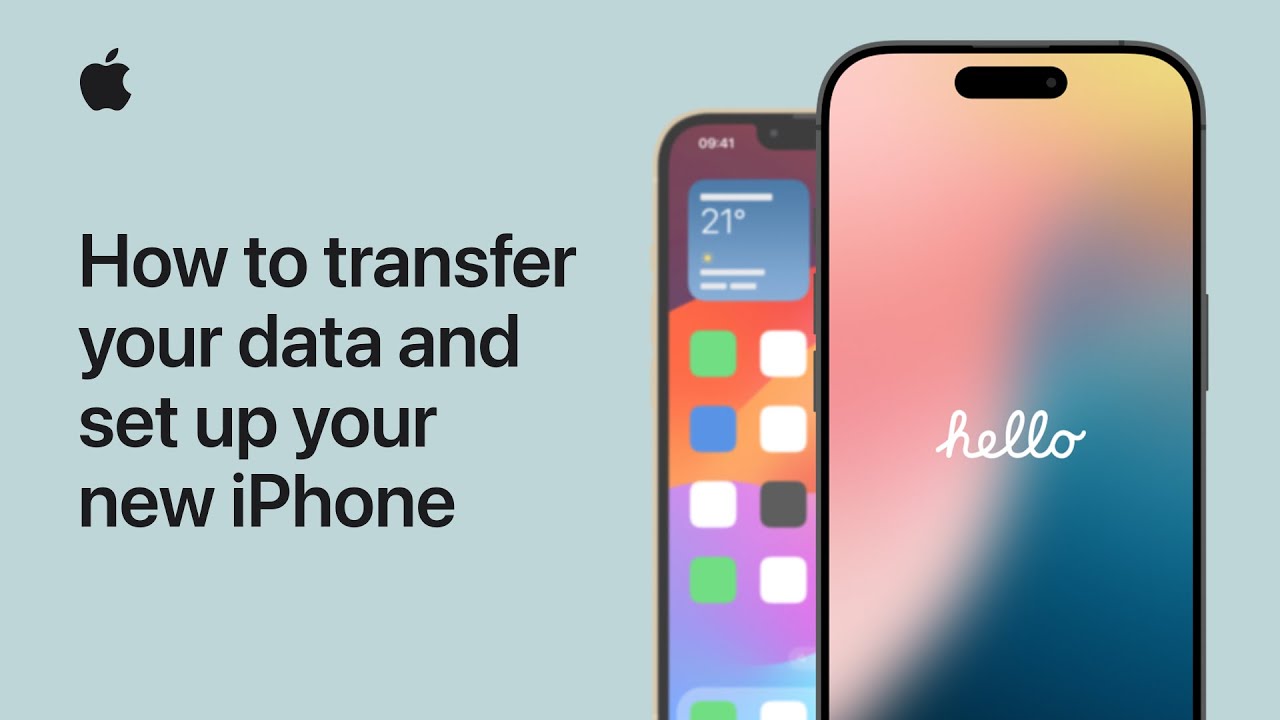
Find out three ways you can transfer your data to a new iPhone. We’ll show you how to use iCloud and your previous device, how to transfer directly from your previous device, and how to restore from an iCloud backup if you don’t have your previous iPhone.
To find out more about this topic, visit the following articles:
Transfer data from your previous iOS or iPadOS device to your new iPhone or iPad: https://support.apple.com/119967
Use Quick Start to transfer data to a new iPhone or iPad: https://support.apple.com/102659
Use iCloud to transfer data from your previous iOS or iPadOS device to your new iPhone or iPad: https://support.apple.com/108344
How to back up your iPhone or iPad https://support.apple.com/118426
Get temporary iCloud storage when you buy a new iPhone or iPad: https://support.apple.com/104980
To find out more about this topic, visit the following articles:
Transfer data from your previous iOS or iPadOS device to your new iPhone or iPad: https://support.apple.com/119967
Use Quick Start to transfer data to a new iPhone or iPad: https://support.apple.com/102659
Use iCloud to transfer data from your previous iOS or iPadOS device to your new iPhone or iPad: https://support.apple.com/108344
How to back up your iPhone or iPad https://support.apple.com/118426
Get temporary iCloud storage when you buy a new iPhone or iPad: https://support.apple.com/104980
Tags and Topics
Browse our collection to discover more content in these categories.
Video Information
Views
147.3K
Likes
359
Duration
7:14
Published
Dec 5, 2024
User Reviews
4.0
(29) Related Trending Topics
LIVE TRENDSRelated trending topics. Click any trend to explore more videos.
No specific trending topics match this video yet.
Explore All Trends