Transfer WhatsApp to iPhone in 2026 📱
Learn official methods to transfer WhatsApp chats from iPhone to iPhone with iCareFone Transfer. Quick and easy guide!

TenorshareOfficial
166.9K views • Nov 22, 2024
About this video
✨Transfer WhatsApp with *iCareFone Transfer* here! 👉: https://bit.ly/41W3Q3d
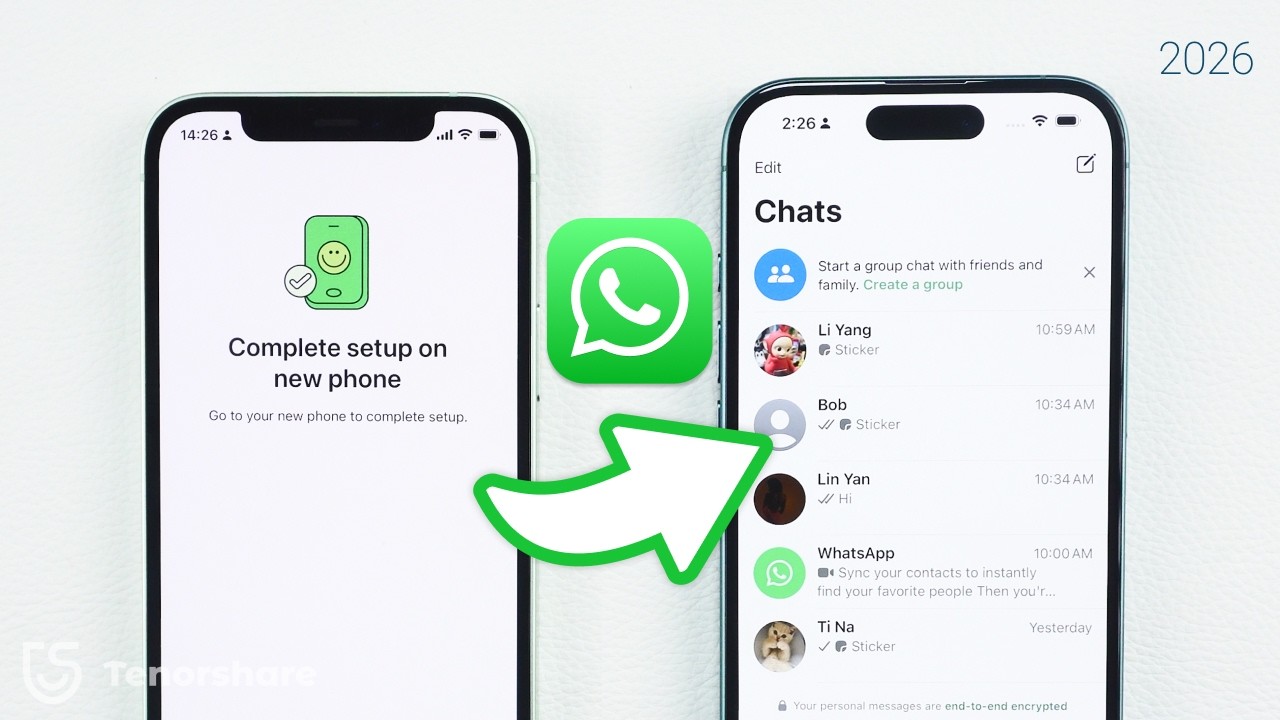
[ Transfer chat to new iPhone ] Want to transfer WhatsApp from your old iPhone to your new one without using iCloud? We’ve got you covered! In this video, you’ll learn the official method to transfer WhatsApp chats directly, as well as a professional alternative for a seamless experience. Let’s get started!
*⏱TIMESTAMP:*
00:00 Introduction
00:25 Official Whatsapp Transfer without Backup
01:45 Alternative Method: iCareFone Transfer
*💡Text guide here:*
How to Transfer WhatsApp from Old iPhone to New iPhone (Without Backup) - 2024
**Method 1: Official Transfer Method without Backup**
1. On your old iPhone, open WhatsApp, go to **Settings - Chats - Transfer Chats to iPhone**.
2. Install WhatsApp on your new iPhone and register with the same phone number.
3. Use your old iPhone to scan the QR code displayed on your new phone.
4. Keep both devices near each other and connected to stable Wi-Fi.
5. Once the transfer completes, set up your WhatsApp account on your new phone.
**Method 2: Alternative Method Using iCareFone Transfer**
1. Download and install iCareFone Transfer on your PC or Mac.
2. Connect both iPhones to the computer.
3. Follow the on-screen steps to transfer WhatsApp chats and back up data to your computer.
4. This method is ideal for large data transfers and ensures reliability.
We need your help!
Which method worked best for you? Share your experience or any questions in the comments below. Your feedback helps us improve!
*🤨Understanding Key Terms and Resources*
- **WhatsApp Transfer Chats to iPhone:** A new feature allowing users to move chat history between devices without using iCloud.
- **iCareFone Transfer:** A professional tool for transferring, backing up, and managing WhatsApp data between iOS and Android devices.
*👇You might also want to know:*
🍎Restore WhatsApp Backup from Google Drive to iPhone: https://youtu.be/iWqxsVwWdRg
✅Free up iPhone Storage:https://youtu.be/PqEcROr2W24
Transfer whatsapp messages from android to iphone: https://youtu.be/qerY8vt2l7A
Transfer WhatsApp with *iCareFone Transfer* here! 👉:https://bit.ly/493NTds
*📑Official Article Links*
About changing phones:https://faq.whatsapp.com/1197347060992858/?cms_platform=android
#whatsapp #iphone #transfer #icarefone #tenorshare
🔔 Subscribe Here (it's FREE!): https://bit.ly/30eZwvG
----------Social Media-------------
Facebook: https://www.facebook.com/TenorshareOfficial/
Twitter: https://twitter.com/Tenorshare_Inc
Pinterest: https://www.pinterest.com/Tenorshare
Instagram: https://www.instagram.com/tenorsharesoftware
TikTok: https://www.tiktok.com/@tenorshare_tech_tips
Tenorshare Official Website: https://www.tenorshare.com
Tenorshare AI Youtube: https://www.youtube.com/@TenorshareAI
Tenorshare AI PDF: https://ai.tenorshare.com/
Get more freebies on Discord: https://discord.com/invite/qDFjcjsDXe
[ Transfer chat to new iPhone ] Want to transfer WhatsApp from your old iPhone to your new one without using iCloud? We’ve got you covered! In this video, you’ll learn the official method to transfer WhatsApp chats directly, as well as a professional alternative for a seamless experience. Let’s get started!
*⏱TIMESTAMP:*
00:00 Introduction
00:25 Official Whatsapp Transfer without Backup
01:45 Alternative Method: iCareFone Transfer
*💡Text guide here:*
How to Transfer WhatsApp from Old iPhone to New iPhone (Without Backup) - 2024
**Method 1: Official Transfer Method without Backup**
1. On your old iPhone, open WhatsApp, go to **Settings - Chats - Transfer Chats to iPhone**.
2. Install WhatsApp on your new iPhone and register with the same phone number.
3. Use your old iPhone to scan the QR code displayed on your new phone.
4. Keep both devices near each other and connected to stable Wi-Fi.
5. Once the transfer completes, set up your WhatsApp account on your new phone.
**Method 2: Alternative Method Using iCareFone Transfer**
1. Download and install iCareFone Transfer on your PC or Mac.
2. Connect both iPhones to the computer.
3. Follow the on-screen steps to transfer WhatsApp chats and back up data to your computer.
4. This method is ideal for large data transfers and ensures reliability.
We need your help!
Which method worked best for you? Share your experience or any questions in the comments below. Your feedback helps us improve!
*🤨Understanding Key Terms and Resources*
- **WhatsApp Transfer Chats to iPhone:** A new feature allowing users to move chat history between devices without using iCloud.
- **iCareFone Transfer:** A professional tool for transferring, backing up, and managing WhatsApp data between iOS and Android devices.
*👇You might also want to know:*
🍎Restore WhatsApp Backup from Google Drive to iPhone: https://youtu.be/iWqxsVwWdRg
✅Free up iPhone Storage:https://youtu.be/PqEcROr2W24
Transfer whatsapp messages from android to iphone: https://youtu.be/qerY8vt2l7A
Transfer WhatsApp with *iCareFone Transfer* here! 👉:https://bit.ly/493NTds
*📑Official Article Links*
About changing phones:https://faq.whatsapp.com/1197347060992858/?cms_platform=android
#whatsapp #iphone #transfer #icarefone #tenorshare
🔔 Subscribe Here (it's FREE!): https://bit.ly/30eZwvG
----------Social Media-------------
Facebook: https://www.facebook.com/TenorshareOfficial/
Twitter: https://twitter.com/Tenorshare_Inc
Pinterest: https://www.pinterest.com/Tenorshare
Instagram: https://www.instagram.com/tenorsharesoftware
TikTok: https://www.tiktok.com/@tenorshare_tech_tips
Tenorshare Official Website: https://www.tenorshare.com
Tenorshare AI Youtube: https://www.youtube.com/@TenorshareAI
Tenorshare AI PDF: https://ai.tenorshare.com/
Get more freebies on Discord: https://discord.com/invite/qDFjcjsDXe
Video Information
Views
166.9K
Likes
1.0K
Duration
2:32
Published
Nov 22, 2024
User Reviews
4.2
(33) Related Trending Topics
LIVE TRENDSRelated trending topics. Click any trend to explore more videos.
Trending Now