Transfer Files from Android to PC via USB 📱💻
Easily move photos and files from Android phones or tablets to Windows PCs using a simple USB connection.
My Andy Buck
187.8K views • Jan 3, 2024
About this video
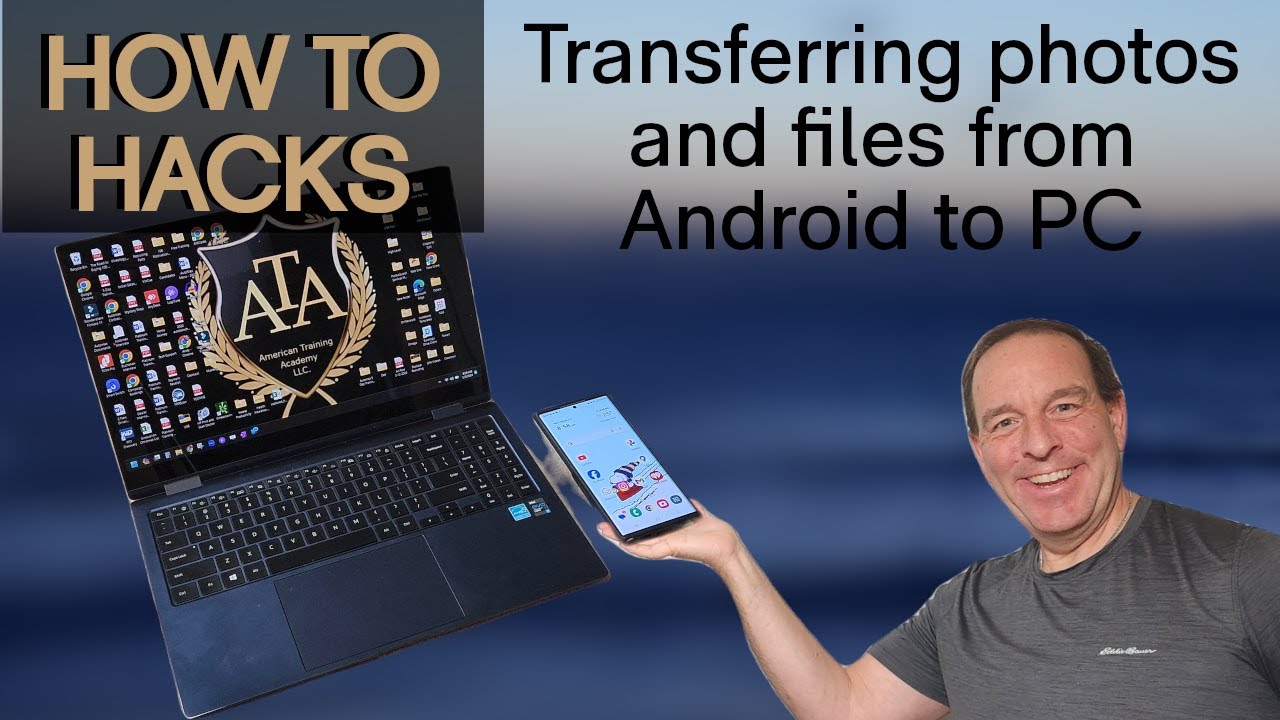
It should be easy to transfer your files and pictures from an Android phone such as a Samsung or Google Pixel to a Windows PC. After all, your phone is just a big storage device anyway, right?!
WRONG!
In order to transfer the files, there are some buttons you need to click on the phone when you plug the device in, but this can be confusing.
Follow my step by step instructions so you can get your valuable photos and files off of your phone to free up some space.
BONUS!
If you wait until the end, you will see a secret setting that allows you to connect your phone much easier so you don't have to remember what to select the next time you connect!
WRONG!
In order to transfer the files, there are some buttons you need to click on the phone when you plug the device in, but this can be confusing.
Follow my step by step instructions so you can get your valuable photos and files off of your phone to free up some space.
BONUS!
If you wait until the end, you will see a secret setting that allows you to connect your phone much easier so you don't have to remember what to select the next time you connect!
Tags and Topics
Browse our collection to discover more content in these categories.
Video Information
Views
187.8K
Likes
1.7K
Duration
2:43
Published
Jan 3, 2024
User Reviews
4.4
(37) Related Trending Topics
LIVE TRENDSRelated trending topics. Click any trend to explore more videos.
No specific trending topics match this video yet.
Explore All Trends