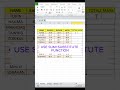
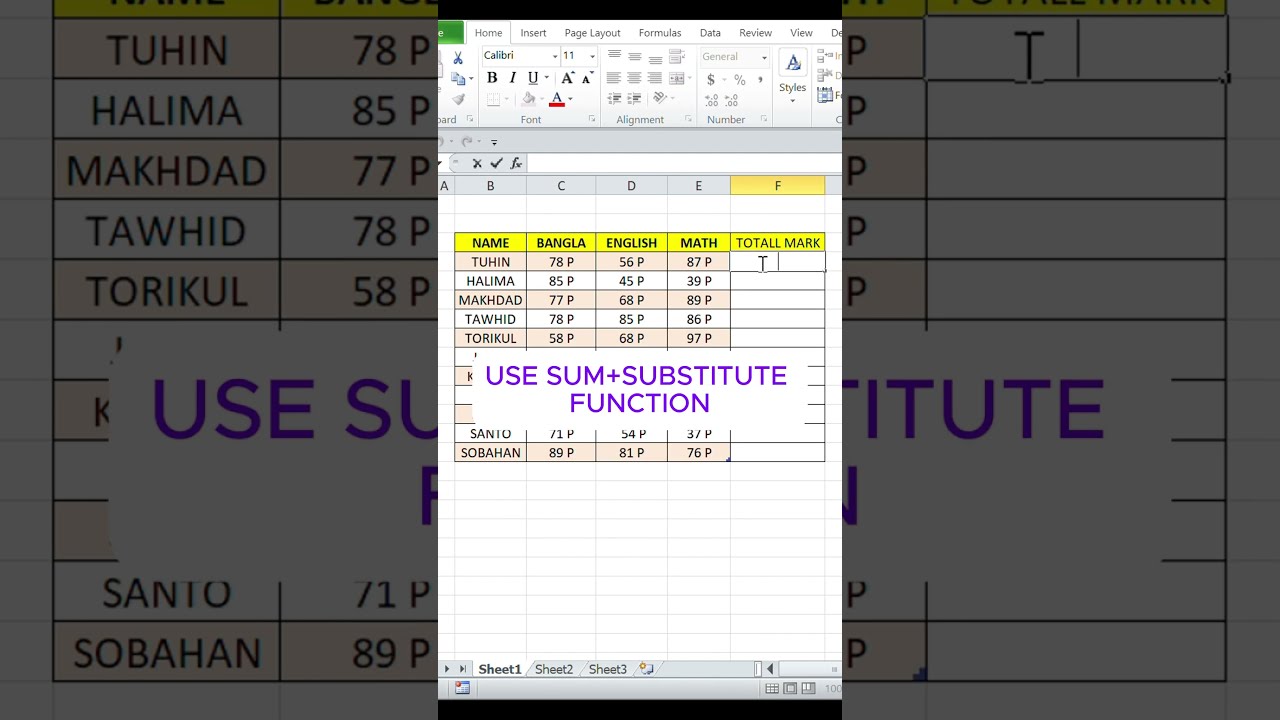
How to sum text with number | substitute function in excel #excel #exceltips
Hi,This is excel magic channel. In this channel we share different type of excel tips.In this video how to sum text with number #exceldataanalytics #excel #d...
EXCEL MAGIC
9.4K views • Nov 29, 2024
About this video
Hi,This is excel magic channel. In this channel we share different type of excel tips.In this video how to sum text with number #exceldataanalytics #excel #dataanalysis #exceltips #exceltricks #sum#substitute #how to use substitute function in Excel
The SUBSTITUTE function in Excel replaces specific text in a text string with new text:
Syntax =SUBSTITUTE(text, old_text, new_text, [instance_num])
Arguments:
Text: The text to search for
Old_text: The text to replace
New_text: The text to replace the old text with
Instance_num: Optional argument that specifies which occurrence of the old text to replace
Case sensitivity: The SUBSTITUTE function is case-sensitive
Usefulness: The SUBSTITUTE function is useful for cleaning and modifying data imported from external sources
Here are some examples of the SUBSTITUTE function:
=SUBSTITUTE(A2, "Sales", "Cost") Substitutes "Cost" for "Sales"
=SUBSTITUTE(A3, "1", "2", 1) Substitutes the first occurrence of "1" with "2"
=SUBSTITUTE(A2, "1", "2", 2) Substitutes the second occurrence of "1" with "2"
=SUBSTITUTE(A2, "1", "2") Substitutes all occurrences of "1" with "2"
Next video link
https://youtube.com/shorts/SPmn3PagKmk?feature=share
The SUBSTITUTE function in Excel replaces specific text in a text string with new text:
Syntax =SUBSTITUTE(text, old_text, new_text, [instance_num])
Arguments:
Text: The text to search for
Old_text: The text to replace
New_text: The text to replace the old text with
Instance_num: Optional argument that specifies which occurrence of the old text to replace
Case sensitivity: The SUBSTITUTE function is case-sensitive
Usefulness: The SUBSTITUTE function is useful for cleaning and modifying data imported from external sources
Here are some examples of the SUBSTITUTE function:
=SUBSTITUTE(A2, "Sales", "Cost") Substitutes "Cost" for "Sales"
=SUBSTITUTE(A3, "1", "2", 1) Substitutes the first occurrence of "1" with "2"
=SUBSTITUTE(A2, "1", "2", 2) Substitutes the second occurrence of "1" with "2"
=SUBSTITUTE(A2, "1", "2") Substitutes all occurrences of "1" with "2"
Next video link
https://youtube.com/shorts/SPmn3PagKmk?feature=share
Tags and Topics
Browse our collection to discover more content in these categories.
Video Information
Views
9.4K
Likes
78
Duration
0:30
Published
Nov 29, 2024
User Reviews
4.2
(1) Related Trending Topics
LIVE TRENDSRelated trending topics. Click any trend to explore more videos.
Trending Now