Stop Auto Backup & Delete Photos in Google Photos 📸
Learn how to disable automatic backups and delete photos and videos from Google Photos to free up storage space.
Tiny Tips
296 views • Jul 6, 2025
About this video
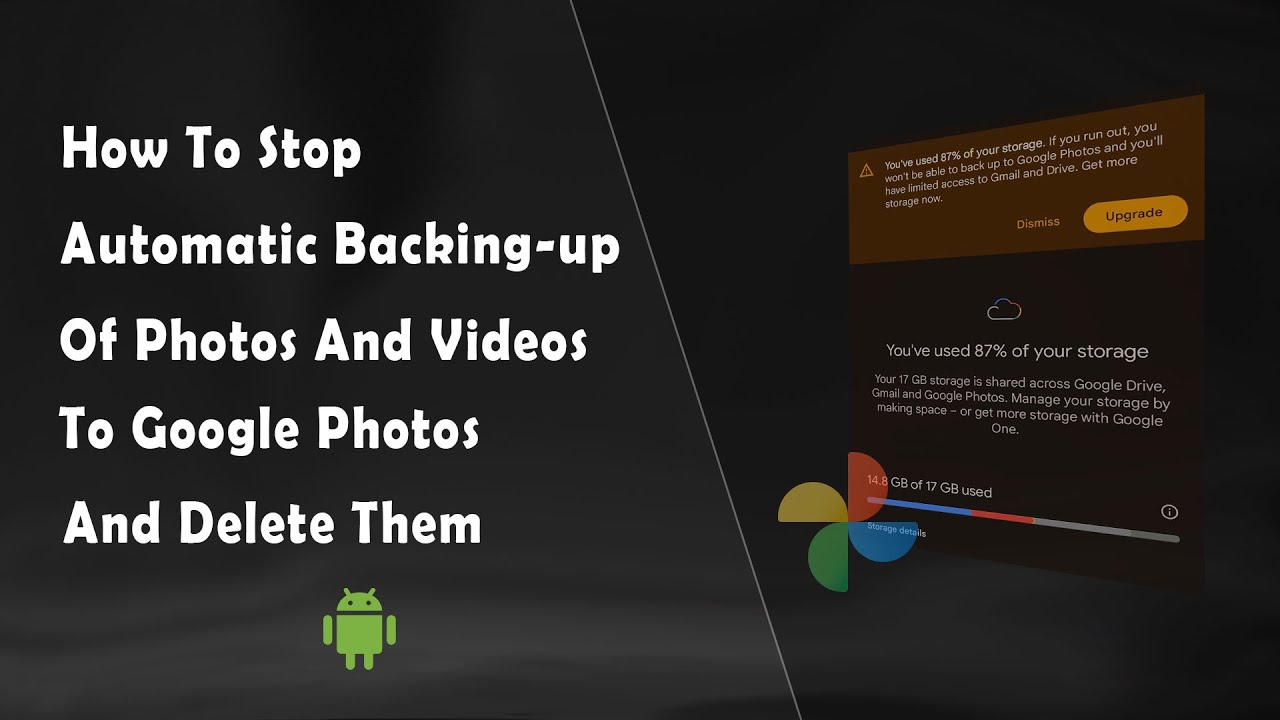
Sometimes, we get messages on our Android device that the Google storage is nearly full. This generally happens because Google Photos automatically backs up photos and videos from our device's camera folder to Google storage. Since Google provides just 15GB of Google storage for free, the space gets filled fast due to Google Photos' automatic backup. We can Disable this auto backup feature of Google Photos. In this video, we have covered this process.
We have also covered the process of deleting backed-up photos and videos in Google photos, from a device.
I hope this video proves to be informative. Thank you.
We have also covered the process of deleting backed-up photos and videos in Google photos, from a device.
I hope this video proves to be informative. Thank you.
Video Information
Views
296
Likes
11
Duration
3:43
Published
Jul 6, 2025
Related Trending Topics
LIVE TRENDSRelated trending topics. Click any trend to explore more videos.
No specific trending topics match this video yet.
Explore All Trends